
Free SSH client
A free SSH client that works on every device
SSH, Mosh, SFTP, FTP, S3, and WebDAV — free forever on Windows, macOS, Linux, Android, and iOS. One app for your terminal and your files, with zero-knowledge end-to-end encryption protecting every credential.
Free forever on one synced device — no trial countdown, no credit card.
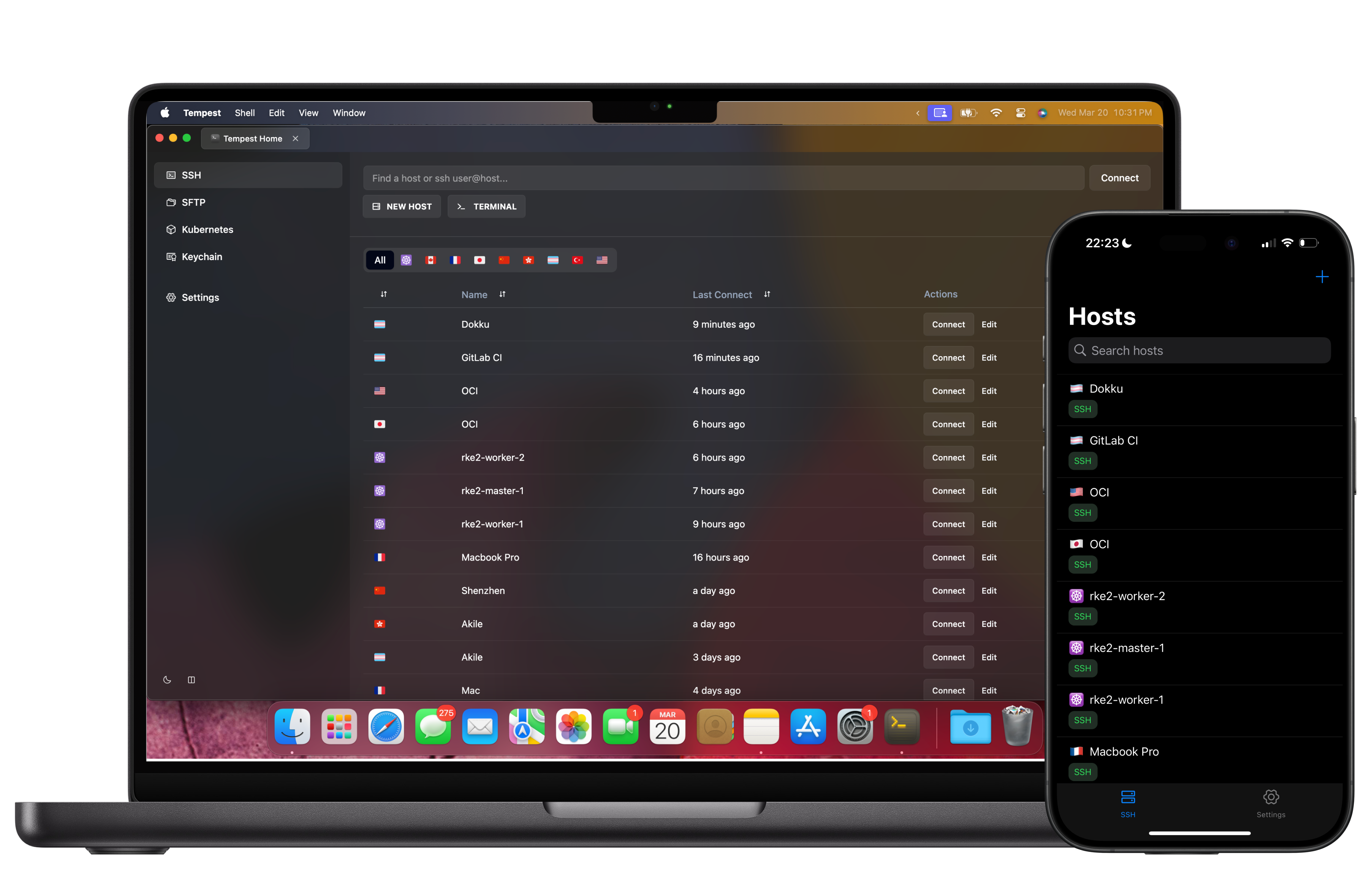
Everything included
More than a bare terminal
The free plan is a complete SSH workflow, not a teaser. Connect, transfer files, and manage keys in one keyboard-driven window.
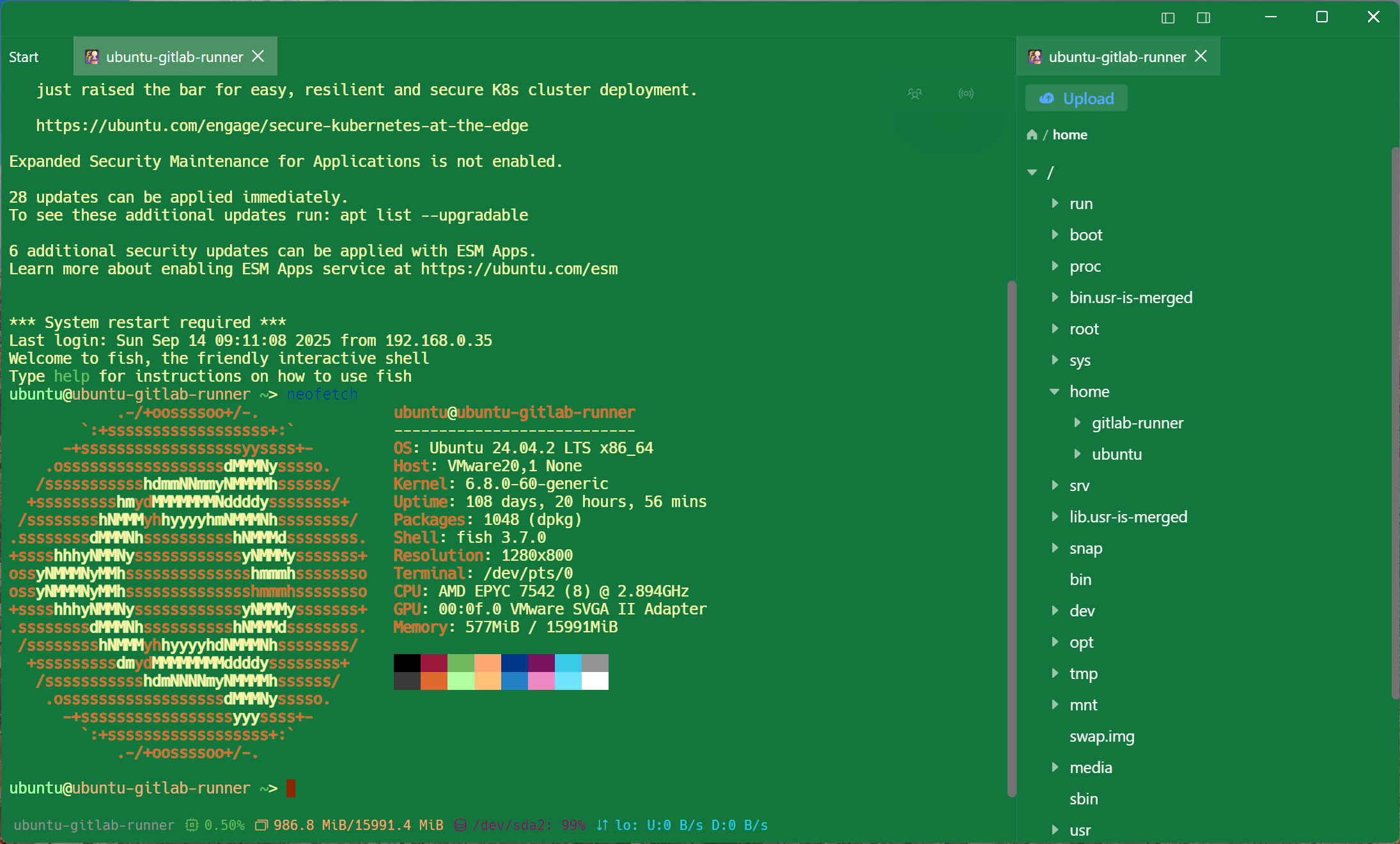
Free, and worth saying out loud
Hardware keys and post-quantum crypto, at no cost
The security side is not the upsell. Modern authentication is in the free plan, because a client that makes you pay to use a YubiKey is not a security product.
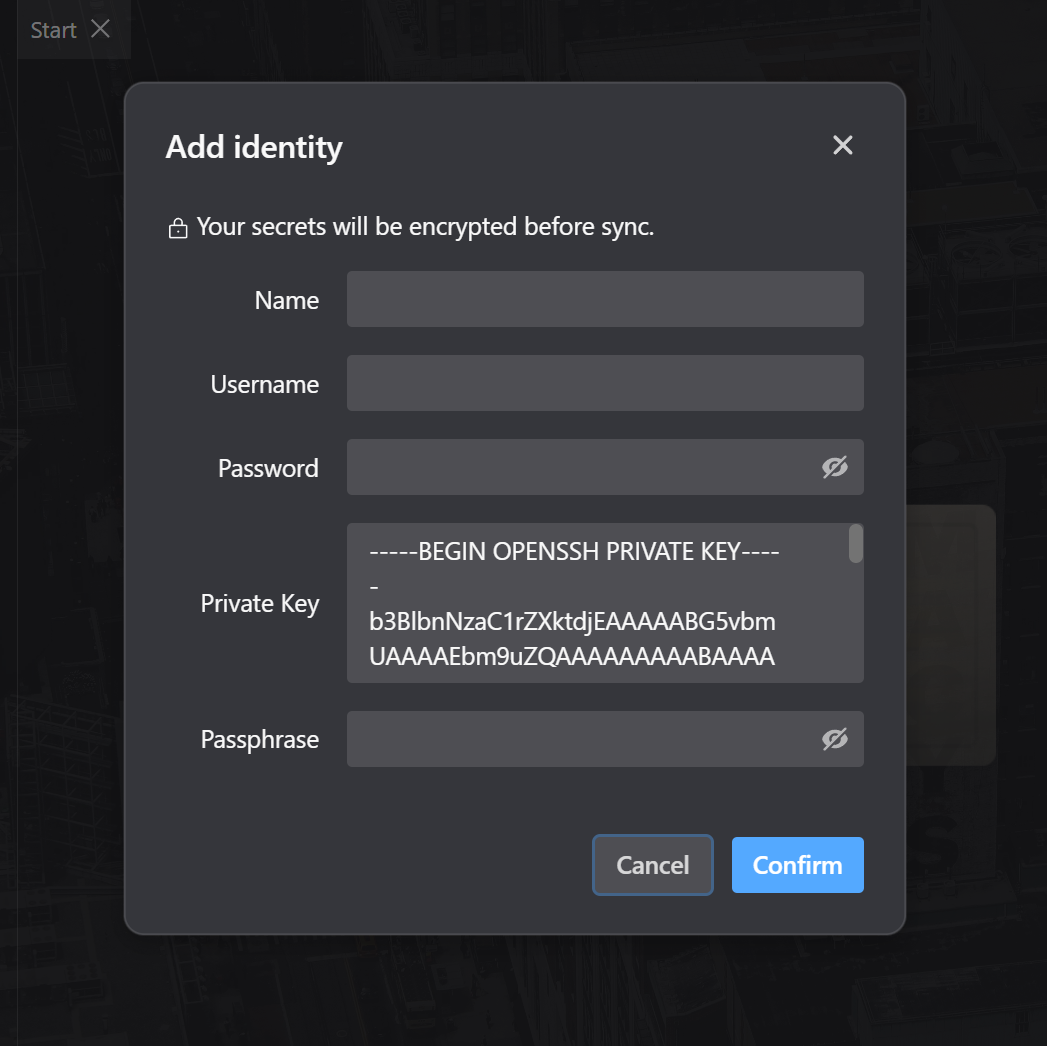
What Pro is for
The line, drawn plainly
Free is a complete single-device SSH workflow. Pro is what you buy when the workflow spans machines, or goes past SSH — and we would rather you knew that before installing than after.
Private by design
Zero-knowledge sync you can verify
Your hosts, keys, and passwords are end-to-end encrypted before they leave the device. Tempest servers store ciphertext only — nobody but you can read your credentials, including us.
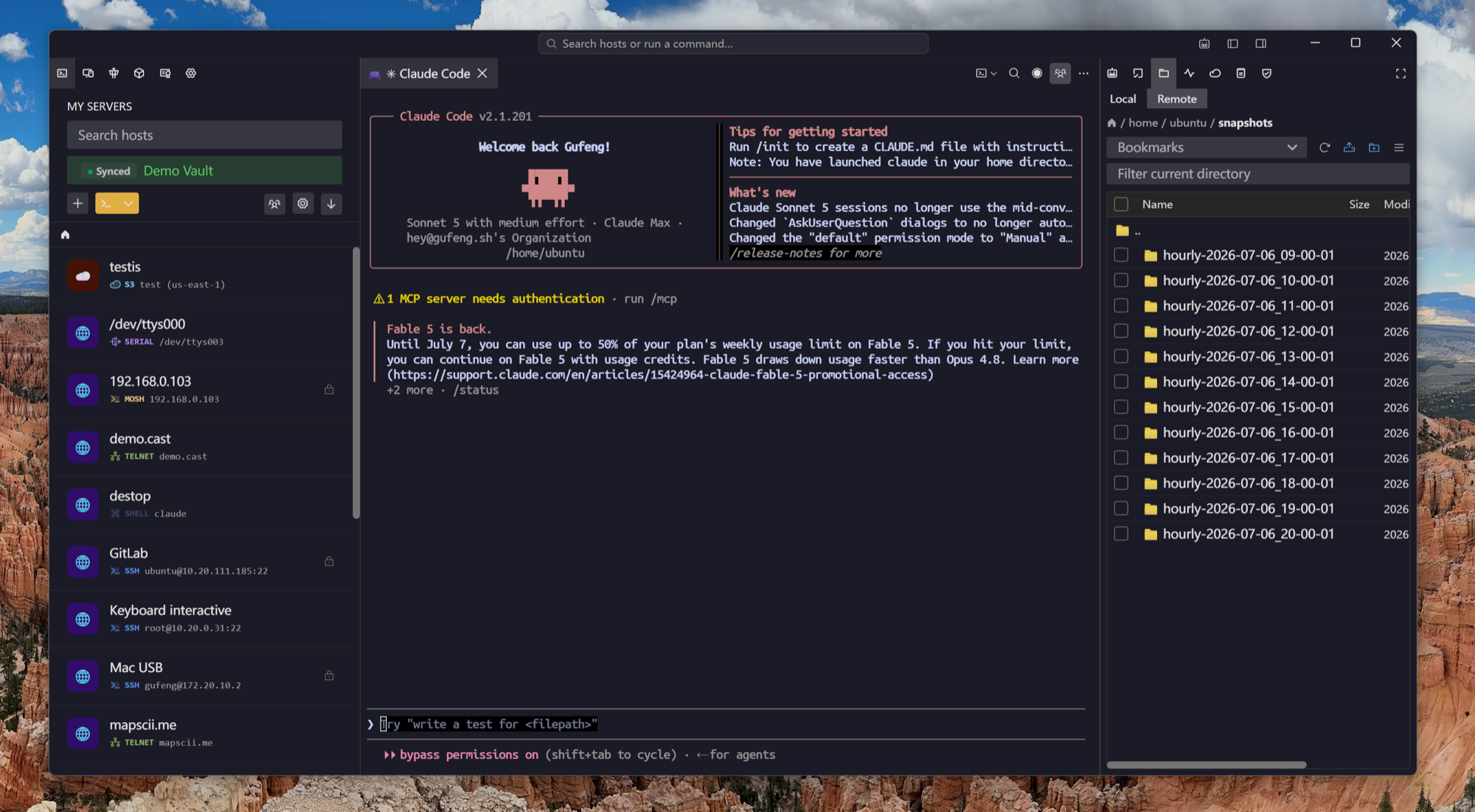
AI when you want it
An AI agent that fixes terminal errors
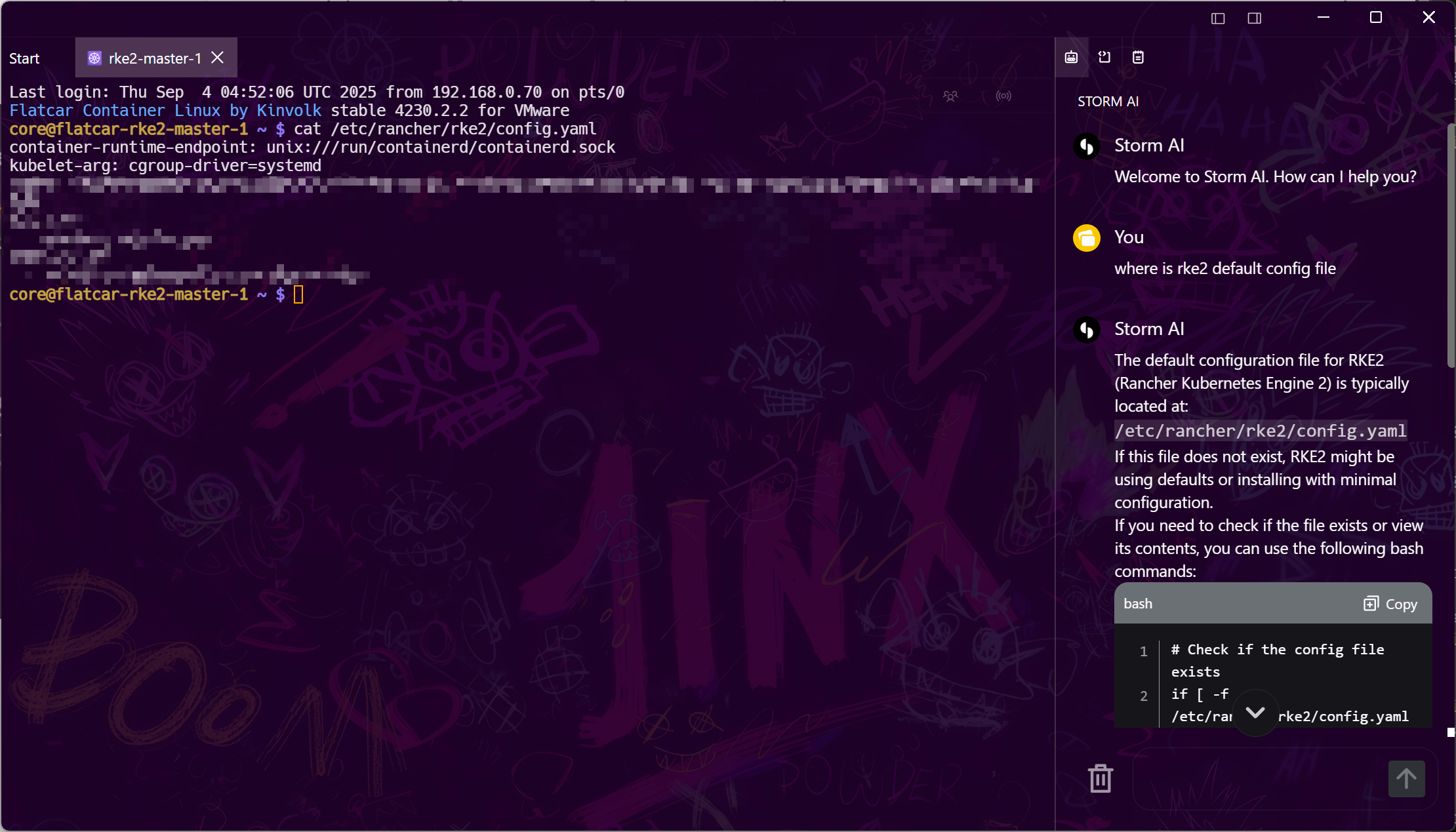
Upgrade to Pro and Tempest's built-in AI agent translates plain English into shell commands, diagnoses failed commands, and walks multi-step fixes with you — over SSH, Kubernetes, and more.
Frequently asked questions
- Is Tempest really free?
- Yes. The free plan includes SSH, Mosh, SFTP, FTP, S3, and WebDAV on all platforms with one synced device, and it never expires. Pro adds unlimited device sync, RDP, VNC, Kubernetes, Telnet, RCON, serial, and the AI agent.
- Which platforms does the free SSH client run on?
- Windows (x64 and ARM64), macOS (Apple Silicon and Intel), Linux (deb and AppImage, x64 and ARM64), Android, and iOS. A browser-based edition is available for self-hosted and Enterprise deployments.
- Does the free plan sync my connections between devices?
- The free plan keeps one device synced; Pro syncs unlimited devices. Either way, sync is zero-knowledge end-to-end encrypted — the server only ever sees ciphertext.
- Can I import my existing SSH keys?
- Yes — import existing private keys or generate new ones in the app, and use agent forwarding where you need it. Hardware keys (YubiKey/FIDO2) are supported too.
- How is Tempest different from PuTTY or OpenSSH in a terminal?
- You get the same SSH underneath, plus the things they do not do: a graphical SFTP file manager, a searchable host list, and mobile apps. The editor, jump-host chaining and tunnels are Pro; the terminal and the file browser are not. Compare Tempest vs PuTTY