
Minecraft RCON
A Minecraft console that is not a web form
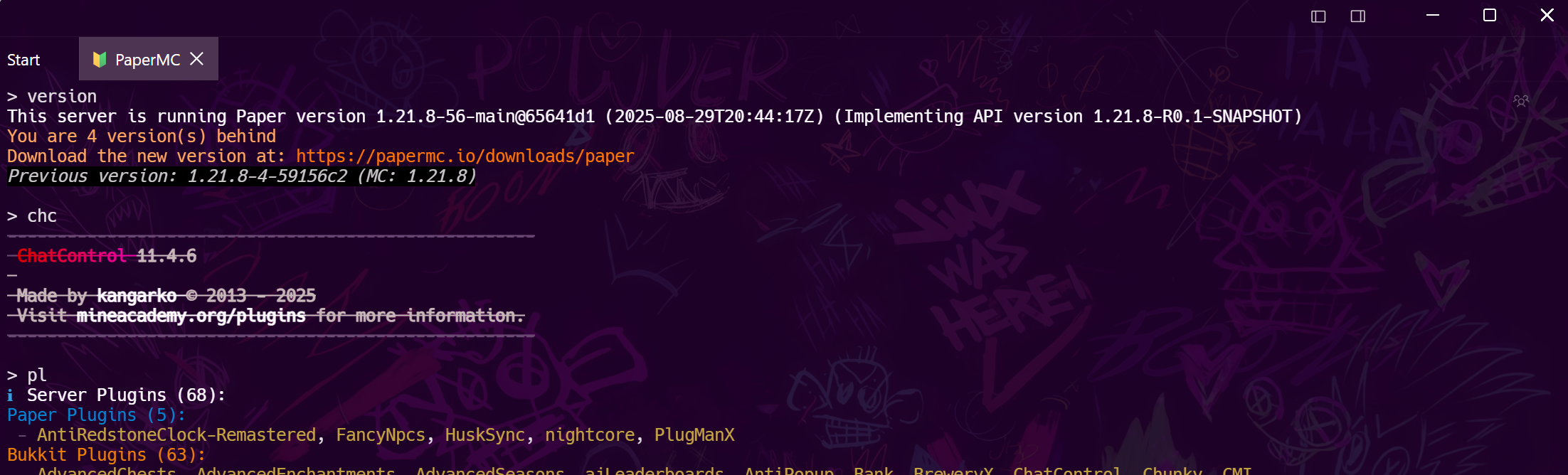
Whitelist someone from the bus stop, restart the map from the sofa, watch chat during an event. Tempest speaks Minecraft RCON with saved profiles and encrypted password sync — and renders the server's colour codes as real colours instead of leaving §a scattered through the output.
Windows, macOS, Linux, Android & iOS.
Setup
Three lines in server.properties
Minecraft Java Edition ships RCON; it is just switched off. Open server.properties, set these, and restart.
The detail nobody else does
Colour codes, rendered
A Minecraft server answers RCON with its own markup. Most tools print it raw, so a player list arrives as §aSteve §fjoined. Tempest translates it where the reply is read, so the desktop, the phone and the CLI all show the same coloured output.
The box under the game
RCON for the world, SSH for the machine
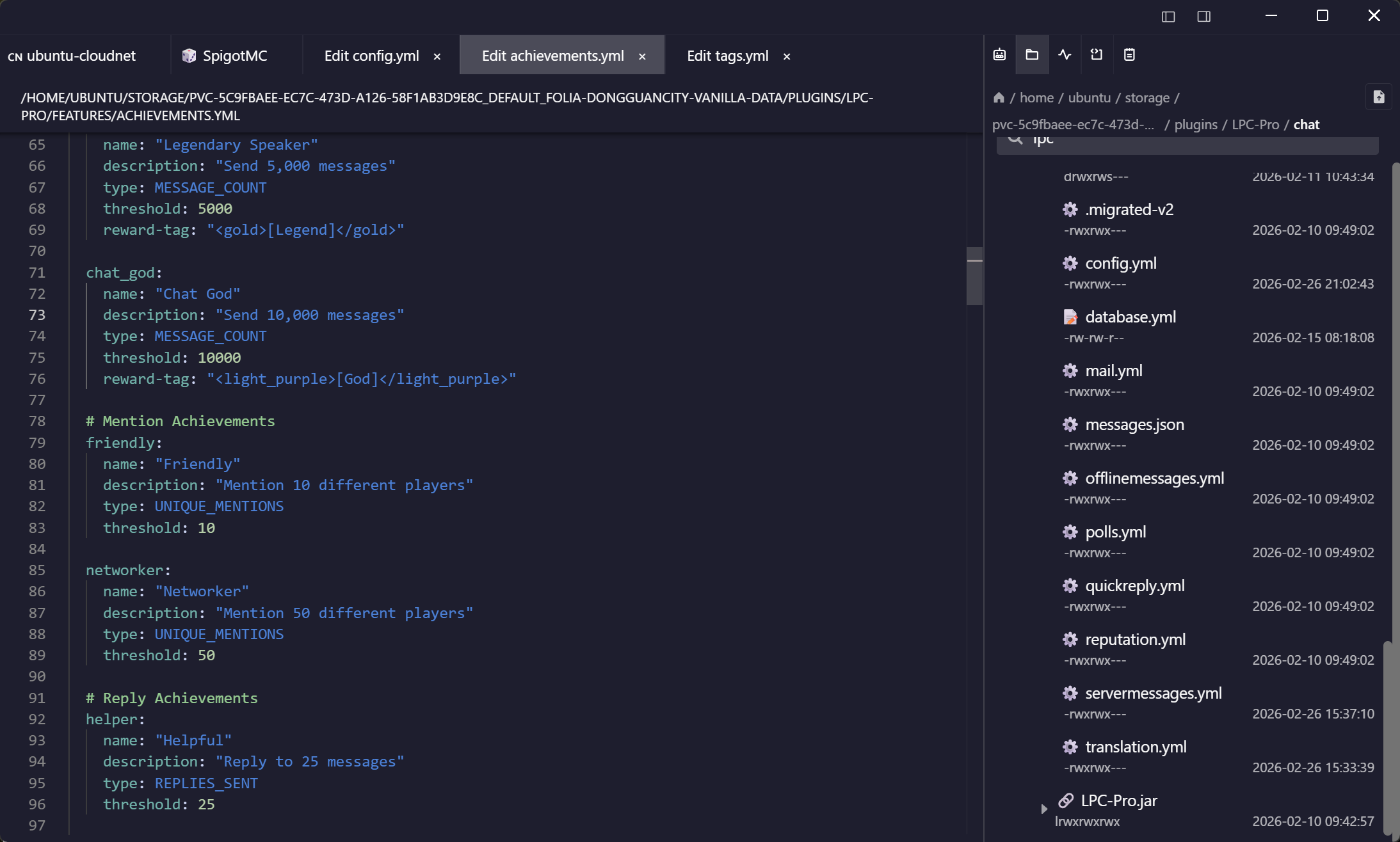
Plugin updates, backups, and reading the crash report are not RCON jobs. They are on the same machine, so keep them in the same window.
Frequently asked questions
- How do I enable RCON on a Minecraft server?
- Set enable-rcon=true, rcon.port=25575 and rcon.password in server.properties, then restart the server. If your host gives you a control panel instead of the file, the same three settings are usually under its configuration tab. Full RCON guide
- Does this work with Bedrock or Realms?
- No. RCON is a Java Edition feature; Bedrock dedicated servers and Realms do not expose it. For Bedrock you are limited to whatever your host's panel offers.
- Is it safe to open the RCON port?
- RCON is unencrypted and unauthenticated until the password packet, so do not expose it to the internet. Bind it to localhost and reach it through an SSH tunnel, or keep it on a private network — a saved port-forward rule makes that a one-click connection. Port forwarding guide
- Can I run commands from my phone?
- Yes — the full console is in the Android and iOS apps with the same saved profiles, which is the point for most server owners.
- Can co-admins share the server without sharing the password?
- Team vaults grant access cryptographically per member, so the RCON password stops living in a pinned Discord message and can be revoked from one place.