
RCON client
Run your game servers like you run real servers
Whitelist a friend from your phone, restart the map from the couch, watch the console during an event — Tempest speaks RCON as a first-class protocol, with saved server profiles, encrypted credential sync, and the host machine's SSH session one tab away.
Windows, macOS, Linux, Android & iOS.
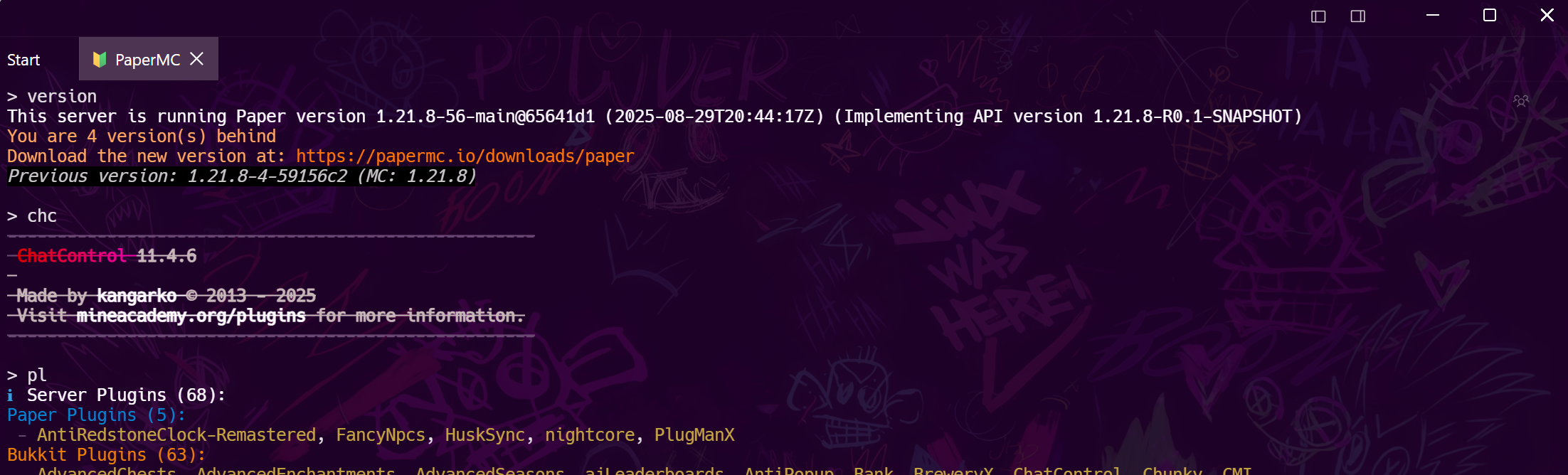
Console, upgraded
A proper console for Minecraft and Source servers
Works with anything that implements the Source RCON protocol — Minecraft (Java), CS2, ARK, Palworld, Project Zomboid, Factorio — and with BattlEye over UDP for DayZ and Arma, which most RCON tools do not speak at all.
Whole server, one app
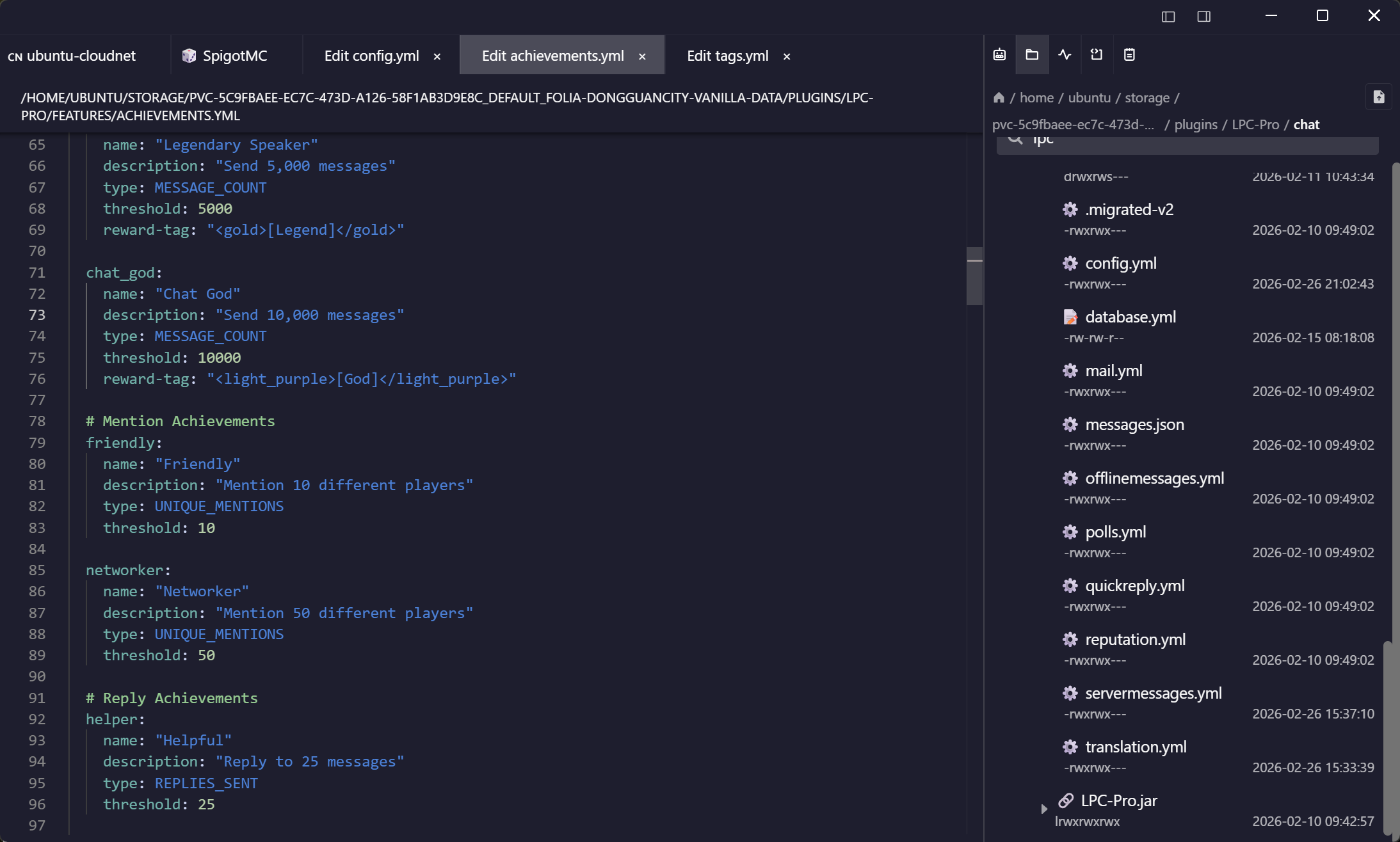
RCON for the game, SSH for the box
The server that runs the game needs updates, backups, and log greps. Keep its SSH and SFTP sessions next to the RCON console instead of in another app.
Admin from anywhere
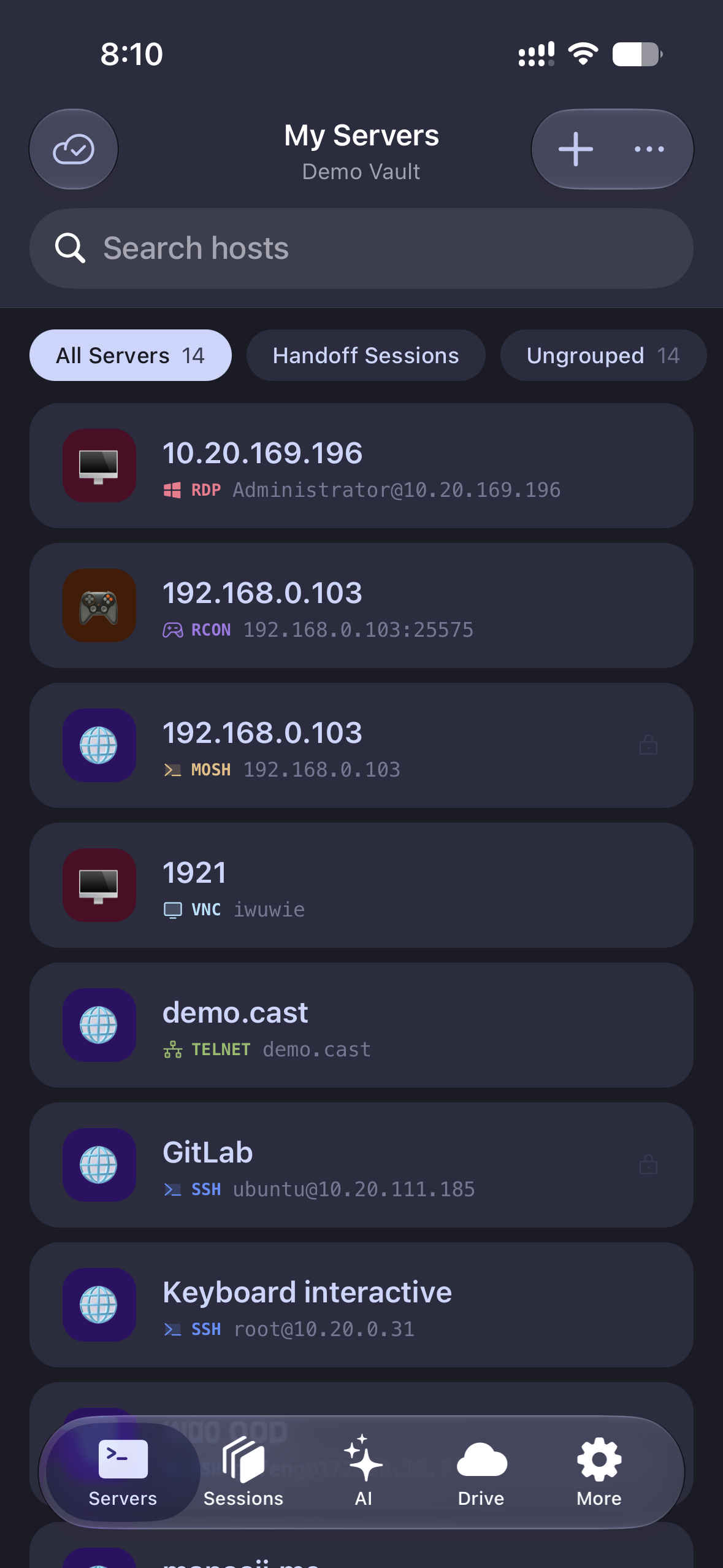
Moderate from your phone
Kick, ban, whitelist, broadcast — the full console on Android and iOS, with the same saved profiles.
Frequently asked questions
- Which games does Tempest's RCON client work with?
- Any server speaking the Source RCON protocol: Minecraft Java Edition, CS2 and other Source games, ARK, Palworld, Project Zomboid, Factorio, 7 Days to Die, and Rust when it is started with rcon.web 0. BattlEye servers — DayZ and the Arma series — are a different protocol, and that one is supported too.
- How do I enable RCON on my Minecraft server?
- Set enable-rcon=true, rcon.port, and rcon.password in server.properties and restart. The docs walk through it step by step. RCON setup guide
- Is RCON safe to expose to the internet?
- RCON is unencrypted, so don't expose it raw — bind it locally and tunnel over SSH, or keep it on a private network like Tailscale. Tempest's port forwarding makes the SSH tunnel a saved profile.
- Is RCON in the free plan?
- RCON is a Pro feature; the free plan covers SSH, Mosh, SFTP, FTP, S3, and WebDAV — enough to manage the host itself.
- Can multiple admins share one setup?
- Team vaults share server credentials with cryptographic member grants, so the mod team gets access without the password living in a pinned Discord message.