
Palworld admin
Palworld servers need a console and a shell
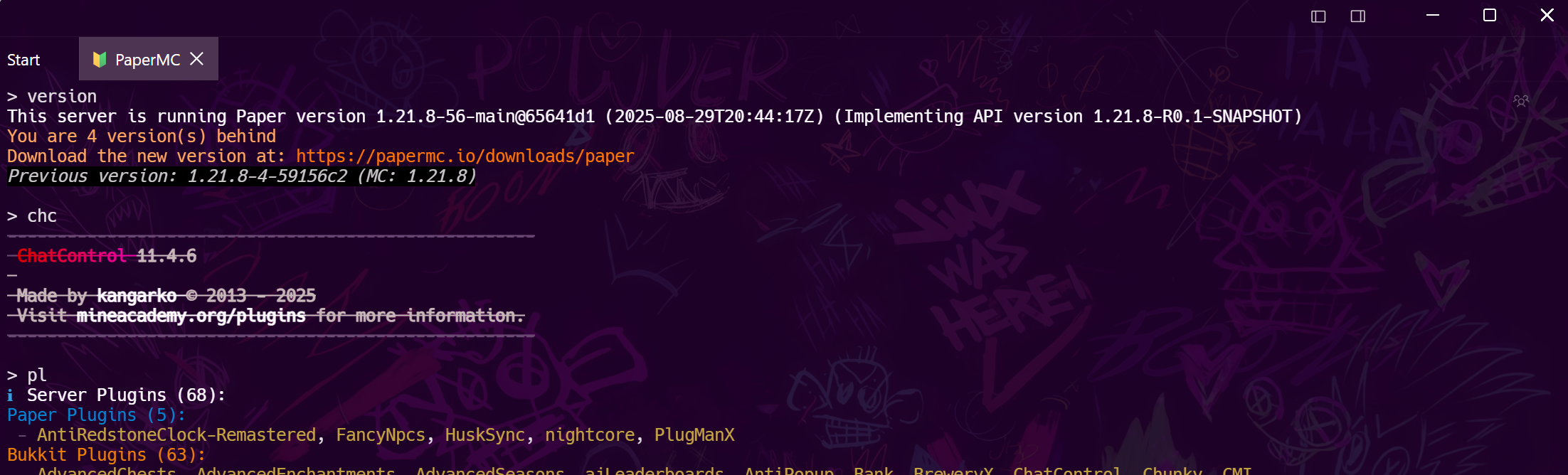
Palworld exposes a standard RCON console, which handles the players. The part nobody mentions is the machine underneath — a dedicated server that eats memory over a long session and wants restarting on a schedule. Tempest is both halves in one window.
Windows, macOS, Linux, Android & iOS.
Setup
Three settings in PalWorldSettings.ini
The file lives under Pal, Saved, Config, then LinuxServer or WindowsServer. Edit it with the server stopped.
The console
ShowPlayers, Broadcast, Kick, Shutdown
The command set is small and you will use all of it: Info for the version, ShowPlayers for who is on with their Steam IDs, Broadcast to warn the guild, KickPlayer and BanPlayer for the obvious, Save before anything risky, and Shutdown with a countdown and a message.
The part that is not RCON
Memory, saves, and the nightly restart
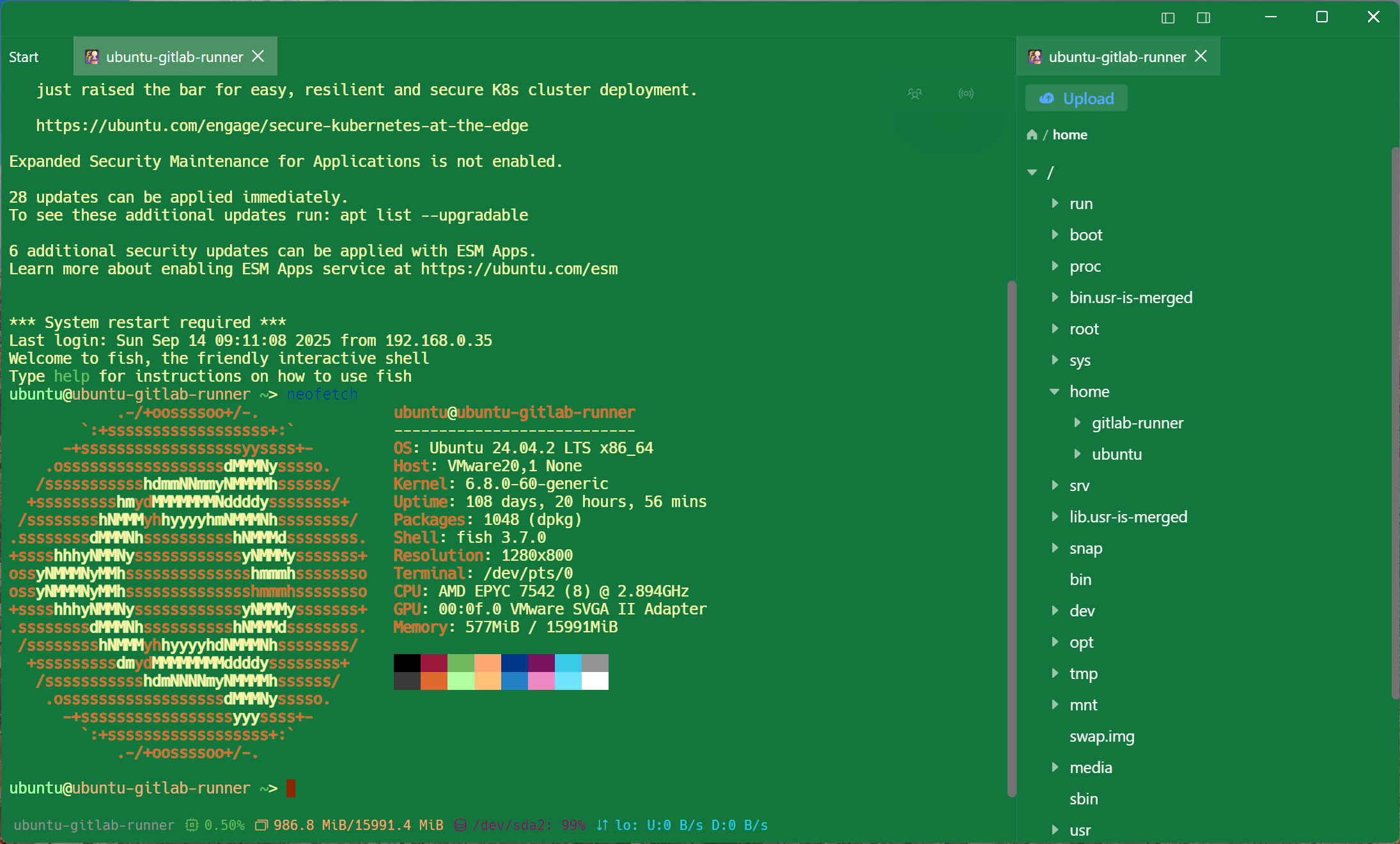
A Palworld server that has been up for two days is a different machine from the one you started. This is where a game panel stops being enough.
Frequently asked questions
- How do I enable RCON on a Palworld server?
- In PalWorldSettings.ini set RCONEnabled=True and RCONPort=25575, and give AdminPassword a value — that password is what RCON authenticates with. Restart the server for it to take effect.
- Where is PalWorldSettings.ini?
- Under the server directory: Pal, Saved, Config, then LinuxServer or WindowsServer depending on the platform. Editing the copy in DefaultPalWorldSettings.ini instead is the usual mistake — that one is a template.
- Why does the console connect but reject my password?
- AdminPassword is read at startup, so a change made while the server is running has not taken effect yet. Restart and try again.
- Can I manage the server from my phone?
- Yes — same console, same saved profile, on Android and iOS.
- Do I need a game hosting panel as well?
- If your host gives you one, keep it for the things it does. What it usually cannot give you is a real shell, a file editor and a scheduler on the same machine, which is the half this covers.