
SSH client for Android
A real SSH client in your pocket
The 2 a.m. page shouldn't require opening a laptop. Tempest for Android is the same client you run on your desktop: full terminal, SFTP file manager, jump hosts, Mosh for cellular networks — with your entire host list already there, end-to-end encrypted.
Free plan available. Android phones and tablets.
Not a toy terminal
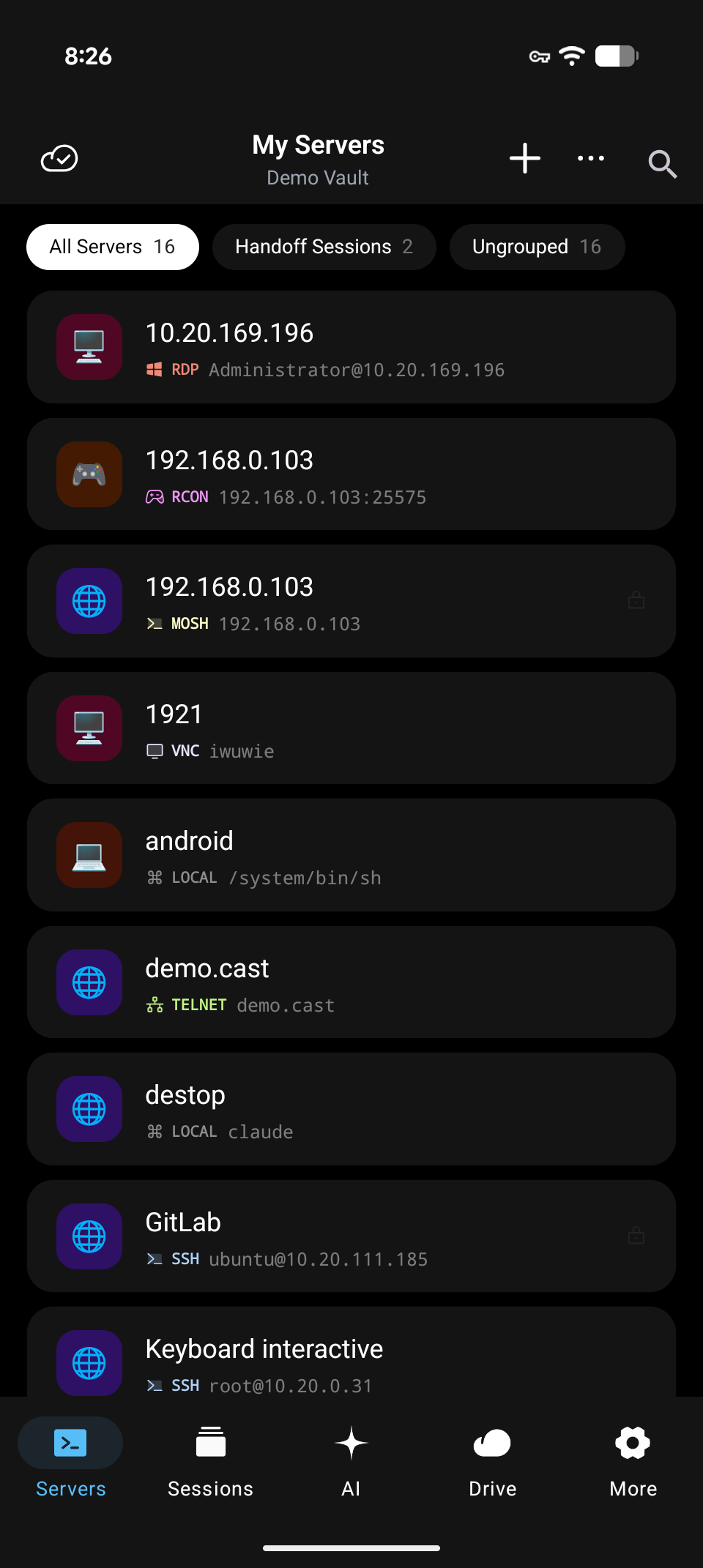
Desktop-grade SSH on a phone
Most mobile SSH apps are a terminal emulator with a connect dialog. Tempest carries the whole workflow over.
Built for cellular
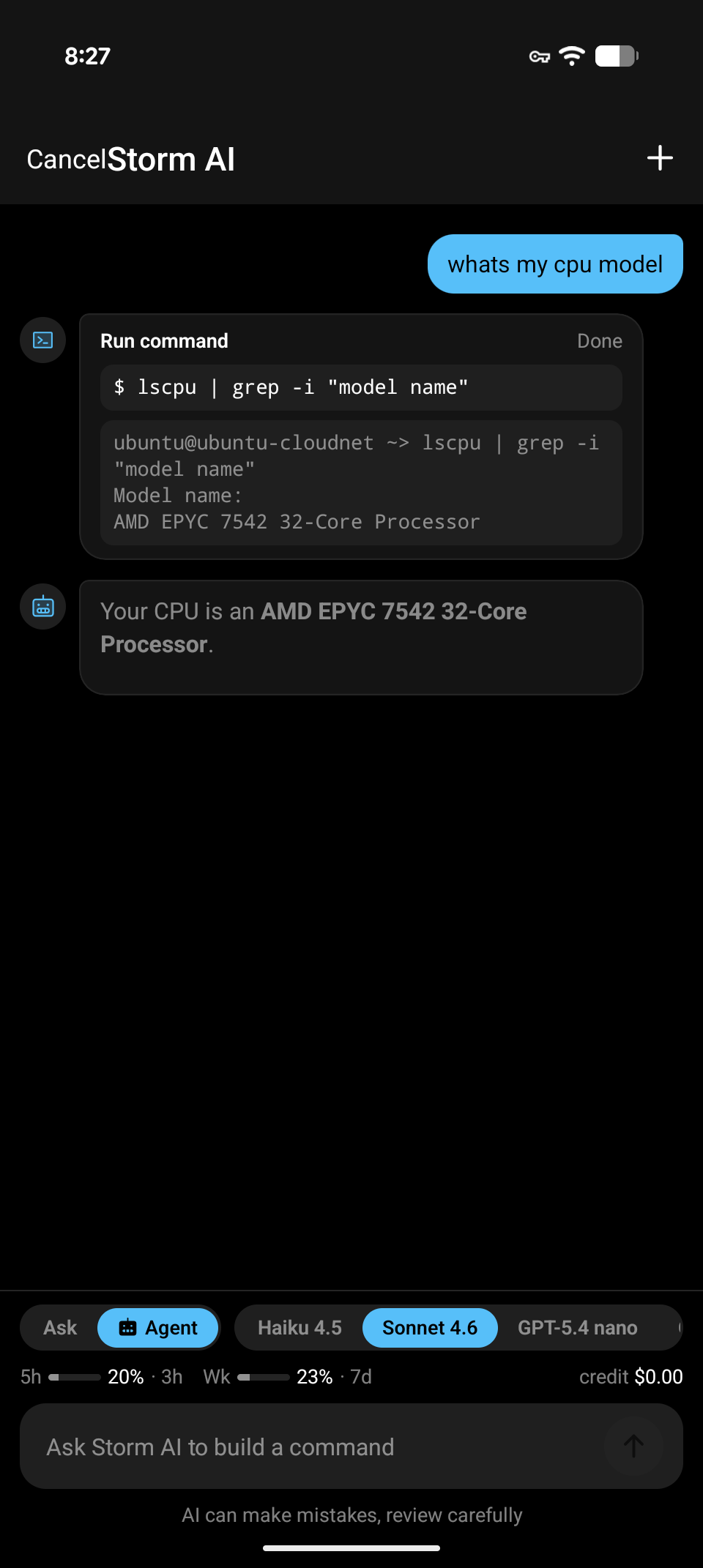
Mosh and continuous sessions survive bad networks
Subway tunnels, elevator dead zones, Wi-Fi-to-LTE handoffs — Mosh keeps the session alive, and continuous sessions let you resume work started on the desktop.
Zero setup on device two
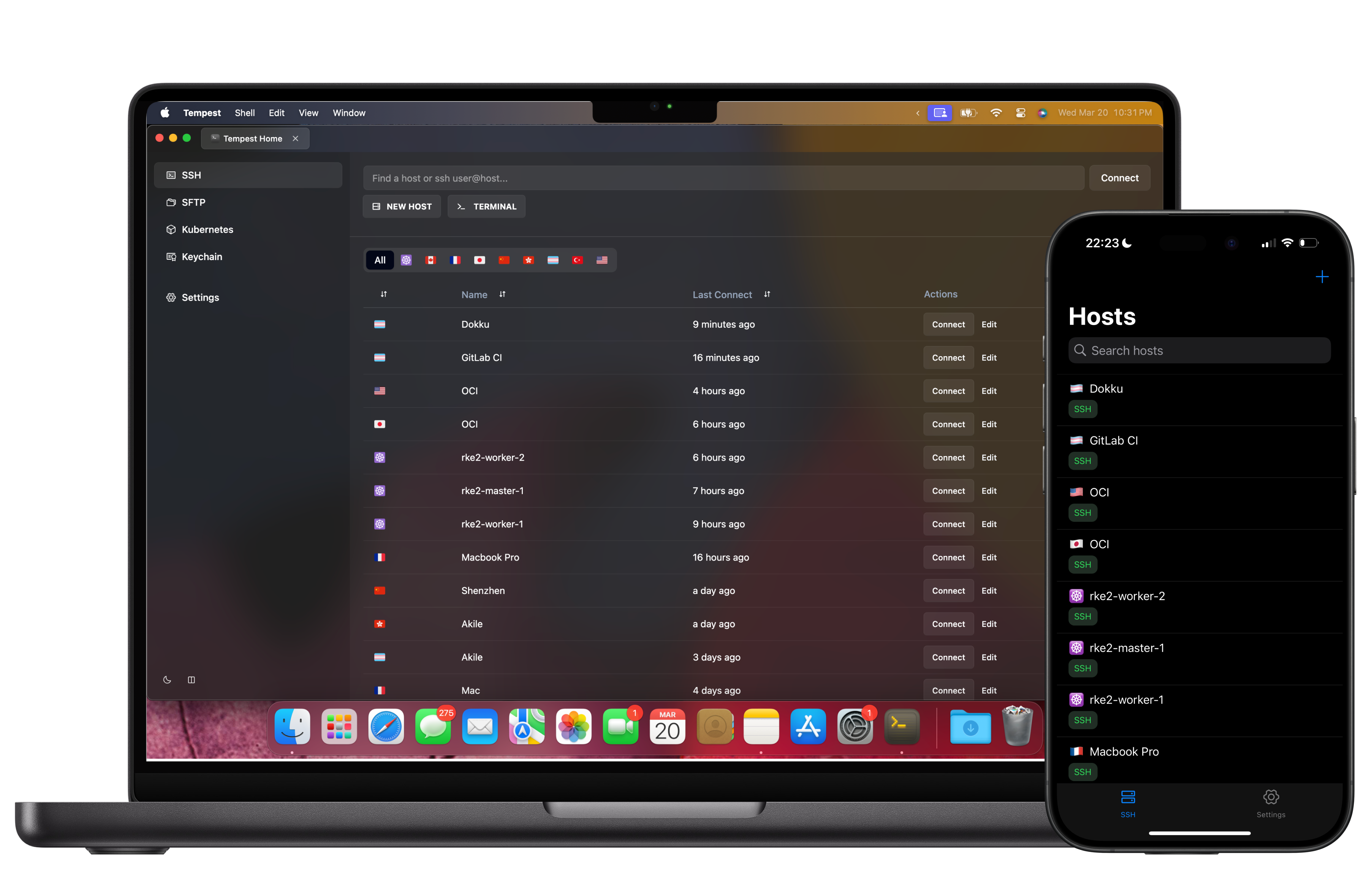
Your desktop's hosts, already on your phone
Sign in and the encrypted host list is there — keys, ports, jump chains, everything. Zero-knowledge encryption means the sync server can't read any of it.
Frequently asked questions
- Is Tempest for Android free?
- Yes — SSH, Mosh, SFTP, FTP, S3 and WebDAV, permanently, on one synced device. Note the shape of that: keeping the phone in step with your desktop is what Pro's unlimited synced devices buys, alongside port forwarding, jump hosts, the SFTP editor and the protocols past SSH.
- Where do I download it?
- Grab the APK from the download page — it installs directly, no store account needed. Download for Android
- Does it support SSH keys on Android?
- Yes — import existing OpenSSH keys or generate a pair on the device; keys sync end-to-end encrypted if you want them on other devices too.
- Can it stay connected in the background?
- Continuous sessions are designed for exactly this: the session survives app switches and network changes, and Mosh handles roaming between Wi-Fi and cellular.
- Does it work with tmux or screen on the server?
- Yes — the terminal is fully VT-compliant, so tmux, screen, vim, and htop render properly, with touch scrolling and a modifier-key toolbar.