
SFTP client
The SFTP client that keeps the terminal next door
Edit a config, restart the service, watch the log — that loop spans a file manager and a shell, so Tempest puts them in one window. Browse and edit remote files over SFTP, run the restart in the adjacent terminal pane, and keep S3 buckets and WebDAV shares in the same view. Free on every platform.
Free plan available. Windows, macOS, Linux, Android, iOS & Web.
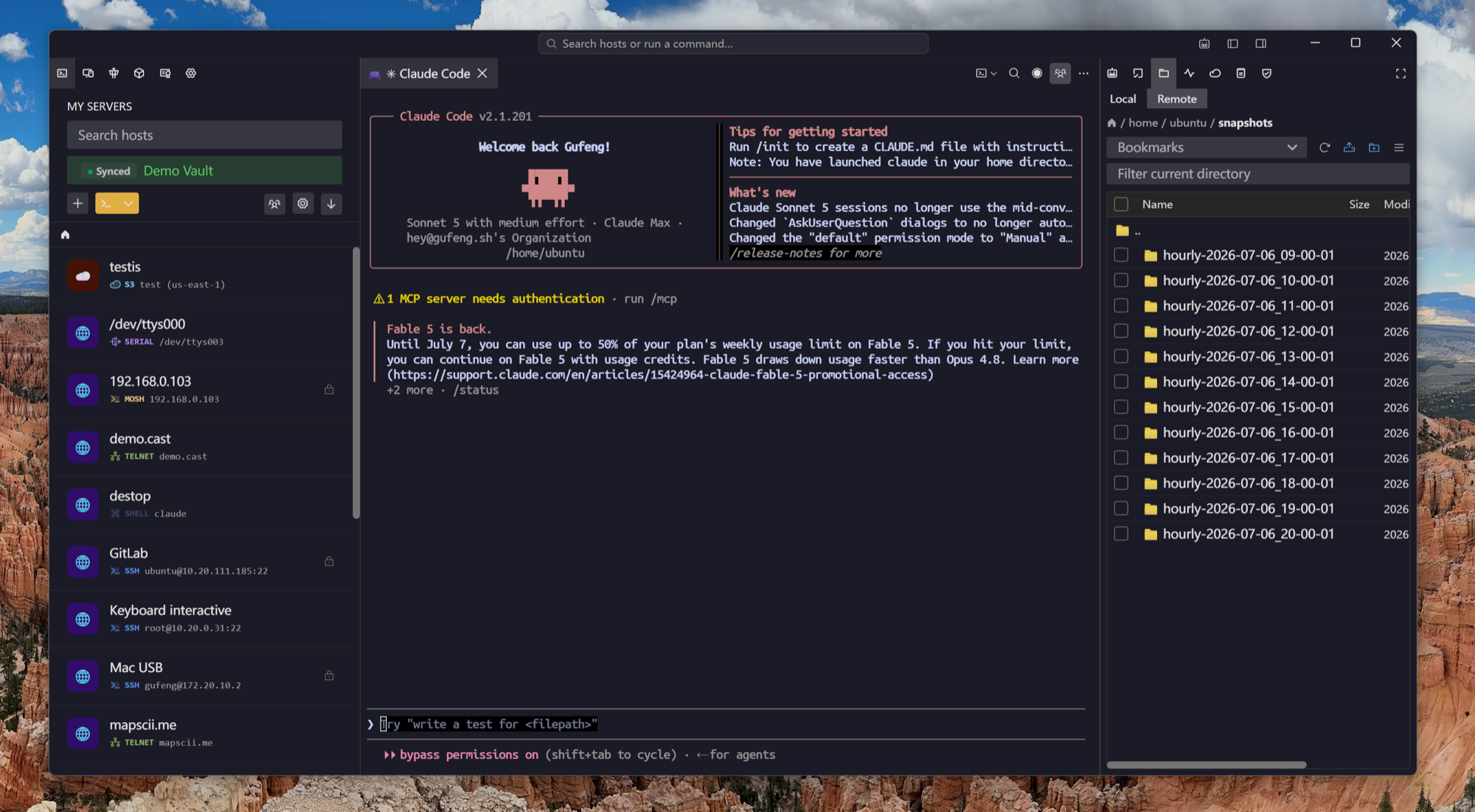
Edit in place
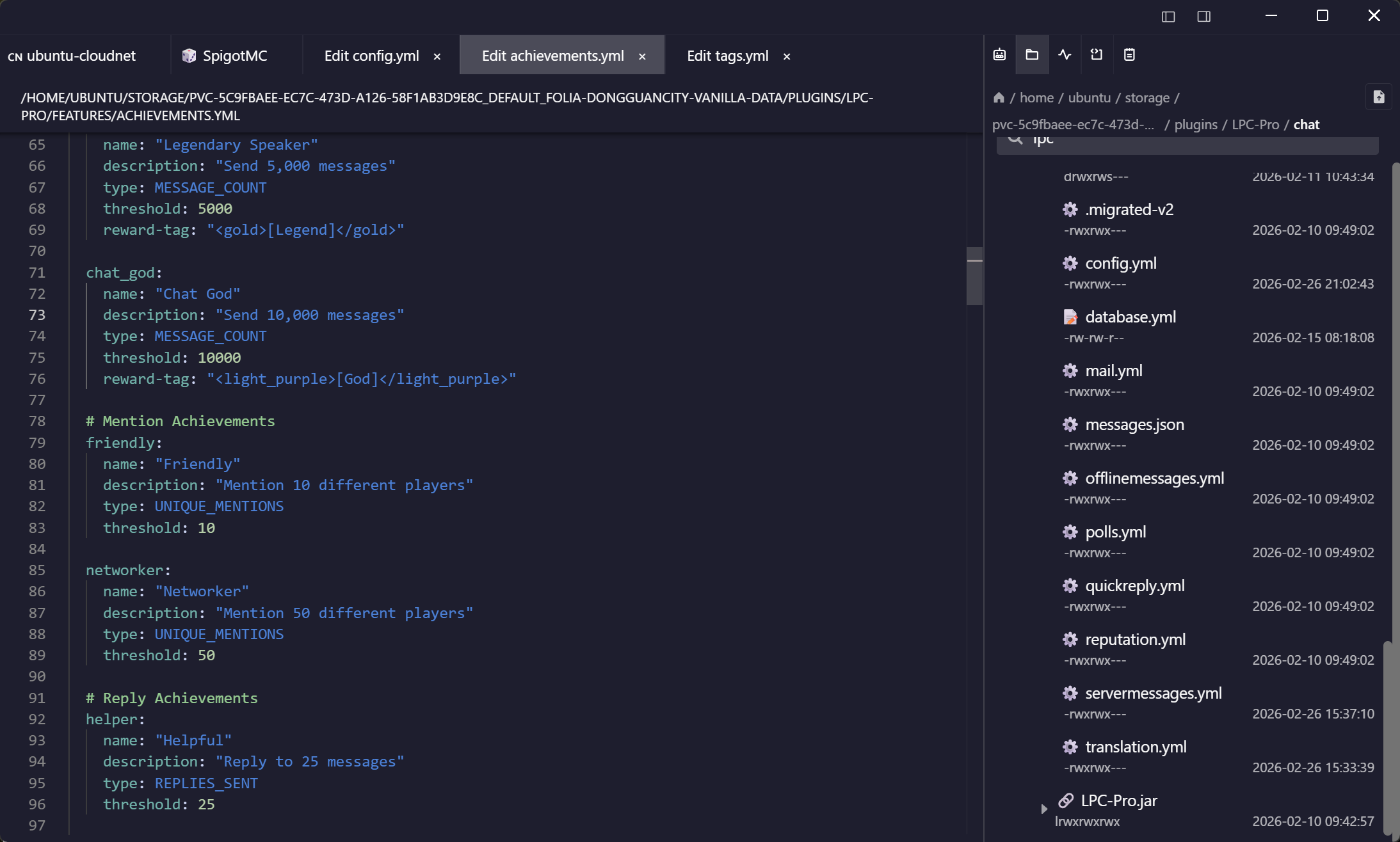
Open, change, save — straight on the server
The built-in editor saves directly back over SFTP. No download-edit-reupload dance, no stray copies of production configs on your desktop.
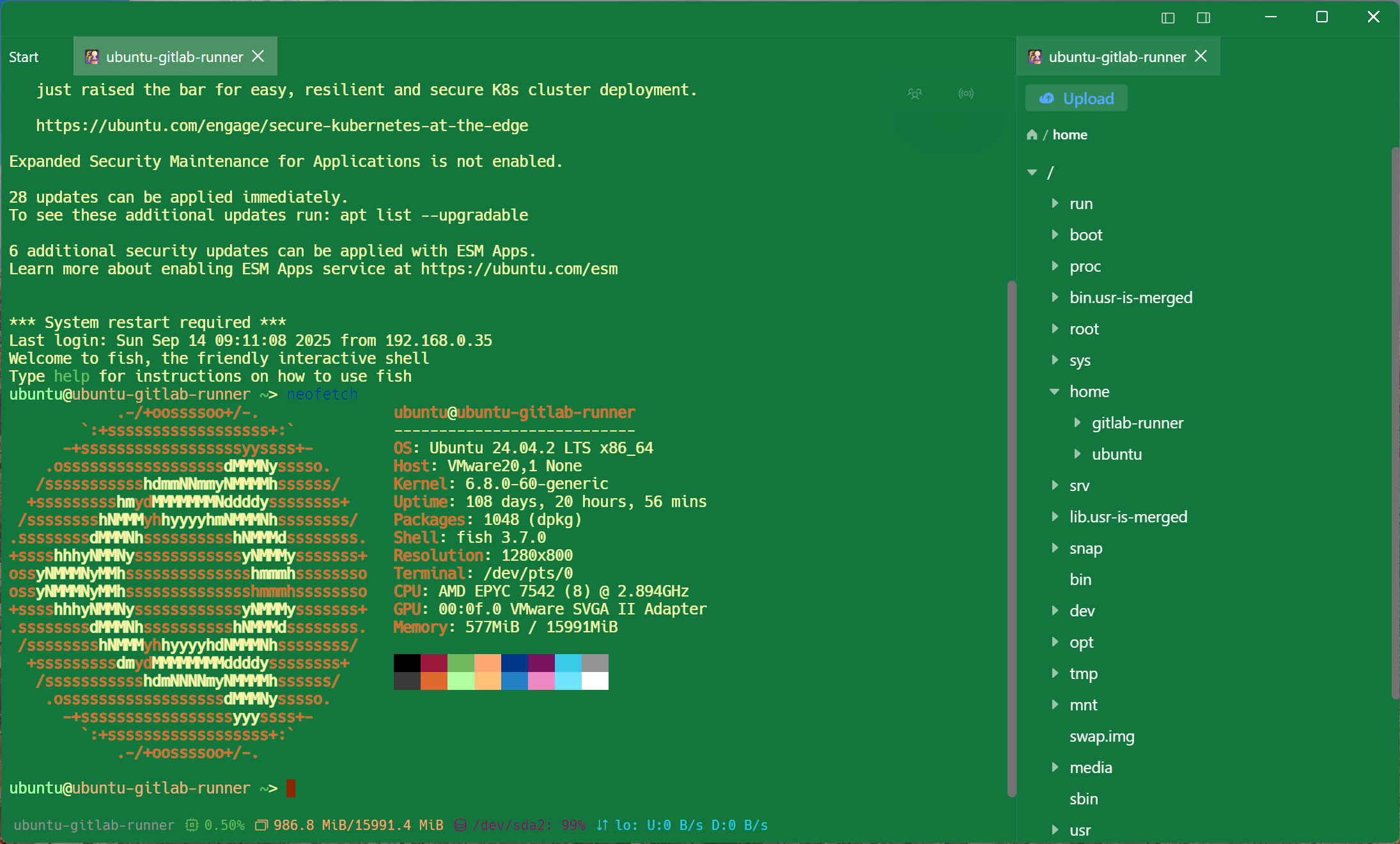
Terminal adjacent
The restart is one pane away
Split-screen the file manager next to the shell on the same host — one connection, both views. That's the workflow FileZilla-plus-PuTTY never quite delivers.
More than SFTP
S3, WebDAV, and FTP in the same browser
Backups in a bucket, media on a NAS, a legacy FTP server — one file interface for all of them, with the same synced profiles.
Synced and encrypted
Profiles on every device, plaintext on none
Frequently asked questions
- Is Tempest's SFTP client free?
- Browsing and transferring are: SFTP, FTP, S3 and WebDAV are in the permanent free plan alongside SSH and Mosh, on one synced device. The in-place editor and folder bookmarks are Pro.
- Can I edit remote files directly?
- Yes — the built-in editor opens files over SFTP and saves back to the server; it is a Pro feature, while browsing and transferring are free. For bigger jobs, transfers are a drag-and-drop away.
- How does it compare to FileZilla or WinSCP?
- Those are excellent standalone transfer tools. Tempest's difference is integration: the terminal is in the same window, the connection is shared, profiles sync encrypted across devices, and S3/WebDAV ride along.
- Does it handle jump hosts for SFTP?
- Yes — bastion chains configured on a host apply to its file sessions too, so private servers are reachable without manual tunnels.
- Is there an Android or iPhone SFTP client included?
- Yes — the mobile apps include the same SFTP browser and editor, synced with your desktop. SSH client for Android