
RDP client
One RDP client for every platform you own
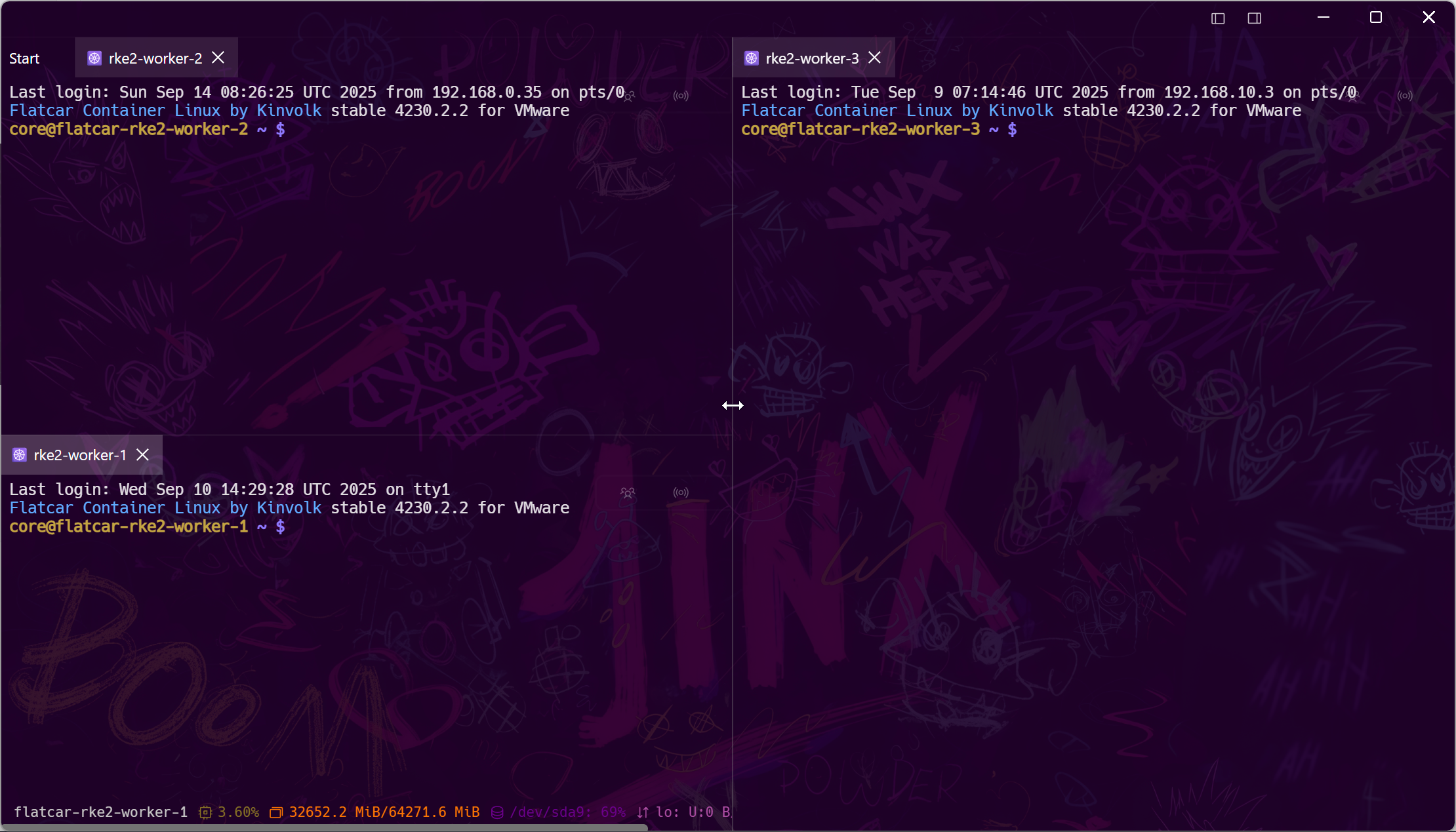
Remote desktops shouldn't live in a separate app from the terminals and files next to them. Tempest opens RDP sessions in the same grid as SSH, VNC, SFTP, and serial — on Windows, macOS, Linux, and even your phone — with every connection profile synced under zero-knowledge encryption.
Part of Tempest Pro. Windows, macOS, Linux, Android, iOS & Web.
One grid
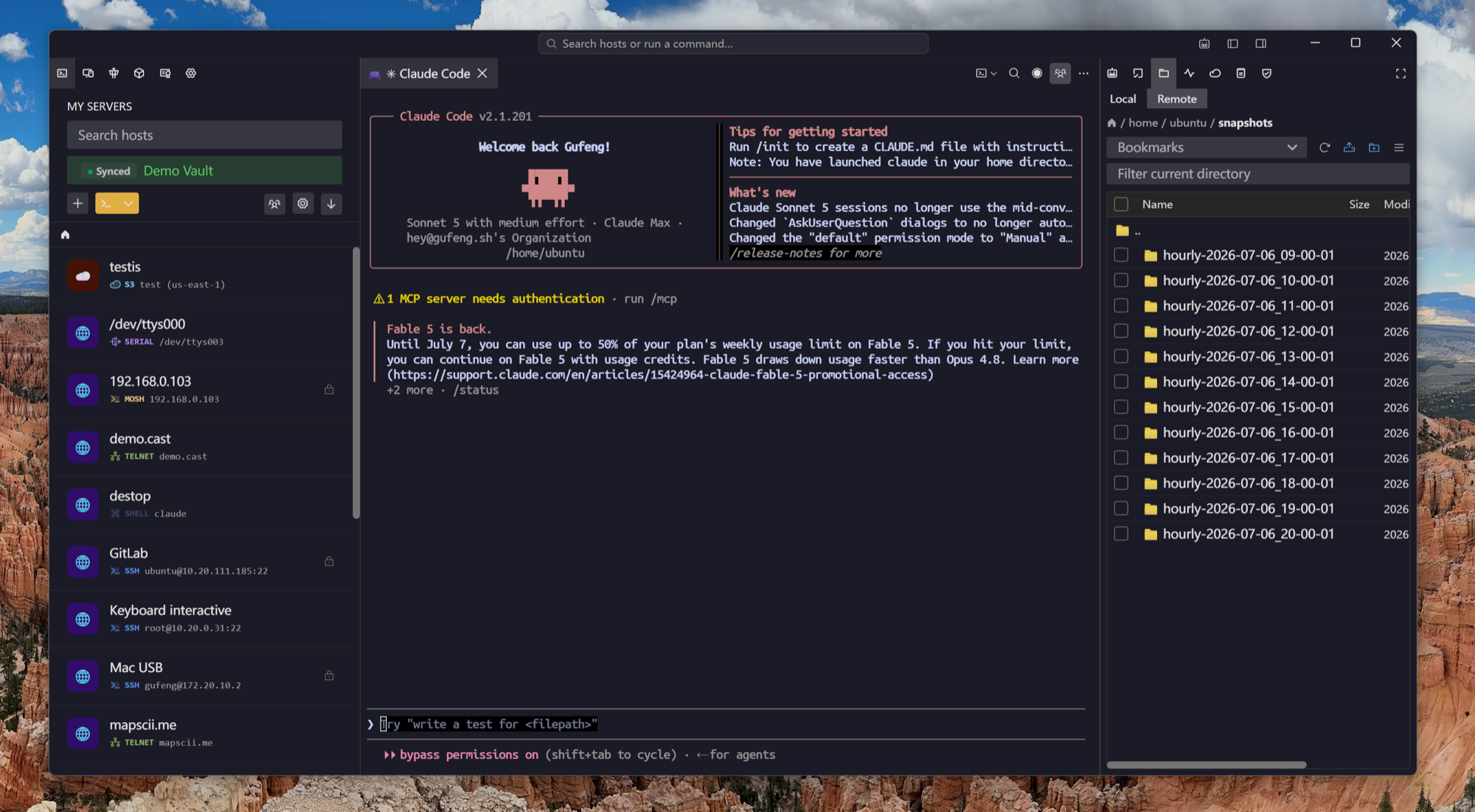
RDP next to the shell that fixes it
The Windows box misbehaving over RDP usually gets diagnosed from a Linux shell beside it. Tempest splits them side by side — remote desktop, terminal, file manager — one window, one host list.
RDP in your pocket
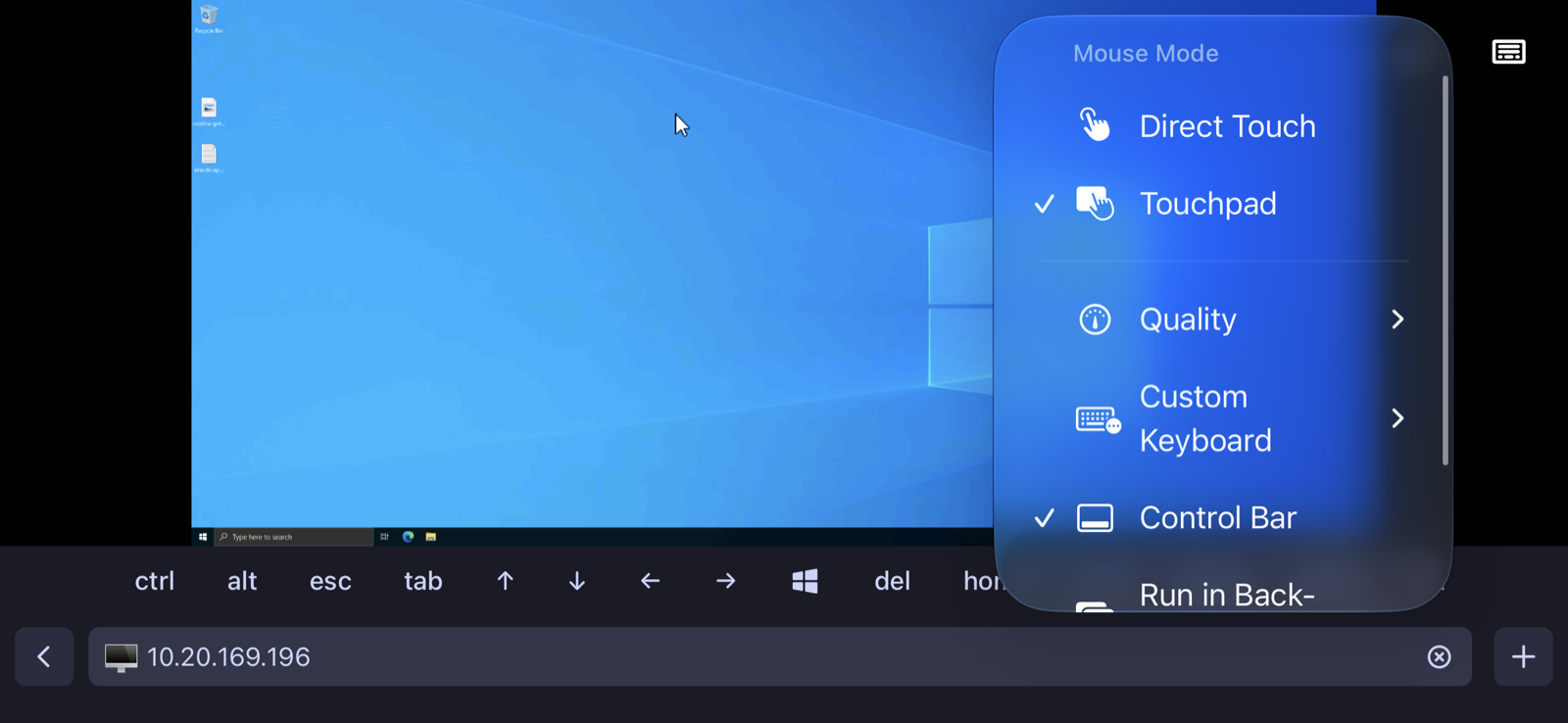
A full remote desktop from your phone
Touchpad and direct-touch mouse modes, a modifier-key toolbar with function keys, and quality controls tuned for cellular — RDP on Android and iOS that's actually usable in an emergency.
Private hosts
Reach RDP boxes that aren't on the internet
Most Windows servers worth protecting sit behind a bastion or a zero-trust network. Tempest tunnels RDP through the same SSH and zero-trust plumbing your terminals already use.
Frequently asked questions
- Which platforms can I run Tempest's RDP client on?
- Windows, macOS (Apple Silicon and Intel), Linux, Android, and iOS — plus the browser edition on self-hosted and Enterprise deployments. Profiles sync between all of them.
- Why use this on Windows when mstsc is built in?
- mstsc opens one desktop. Tempest manages a fleet: tabbed and split RDP sessions next to SSH and files, synced profiles, credentials in an encrypted vault instead of scattered .rdp files, and jump-host tunneling built in.
- Is RDP included in the free plan?
- RDP is a Pro feature. The free plan covers SSH, Mosh, SFTP, FTP, S3, and WebDAV; Pro adds RDP, VNC, Kubernetes, Telnet, RCON, serial, unlimited sync, and the AI agent.
- Can I RDP to a machine behind a firewall or VPN?
- Yes — tunnel through an SSH bastion with saved port-forwarding rules, or ride zero-trust networks like Tailscale and Cloudflare Access, all inside Tempest.
- Does it support VNC too?
- Yes — VNC sessions (Linux desktops, KVMs, headless boxes) open in the same grid, with the same synced profiles.