
MobaXterm alternative
MobaXterm's toolbox, without the Windows lock-in
MobaXterm packs an impressive kitchen sink — as long as you live on Windows. Tempest covers the sessions that matter (SSH, RDP, VNC, SFTP, Telnet, serial, Kubernetes) in a fast, modern UI that runs on Windows, macOS, Linux, and your phone, with your connections encrypted and synced everywhere.
Free plan available. Windows, macOS, Linux, Android, iOS & Web.
Tempest vs MobaXterm
Feature-for-feature on the sessions you actually open, plus the platforms MobaXterm can't follow you to.
| Tempest | MobaXterm | |
|---|---|---|
| Platforms | Windows, macOS, Linux, Android, iOS, Web | Windows only |
| SSH / SFTP / Telnet / Serial | Yes | Yes |
| RDP & VNC | Yes, in the same grid | Yes |
| Kubernetes | Profiles, multi-cluster, pod shells | Not built in |
| Connection sync across devices | Zero-knowledge E2E encrypted | Portable ini file, manual |
| Mobile apps | Android & iOS with session handoff | None |
| AI assistance | Built-in agent | None |
| X11 server | X11 forwarding via SSH | Built-in X server |
If a local Windows X server is your core need, MobaXterm remains strong there — Tempest forwards X11 over SSH but does not bundle an X server.
Same day-to-day, better everywhere
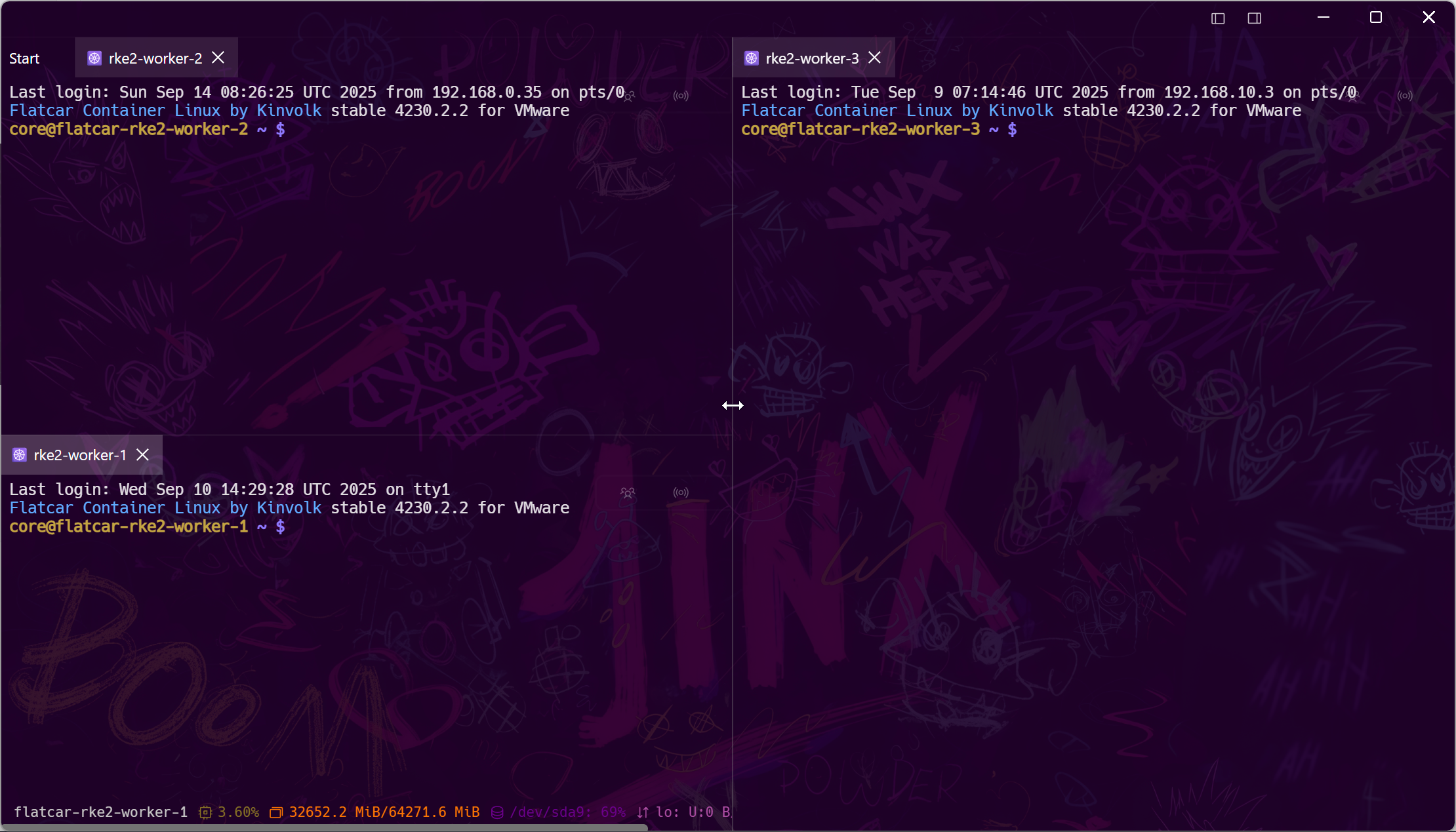
Multi-session tabs and split screens, minus the clutter
The reason people tolerate MobaXterm's UI is the multi-session workflow. Tempest keeps the workflow and modernizes everything around it.
Not chained to one PC
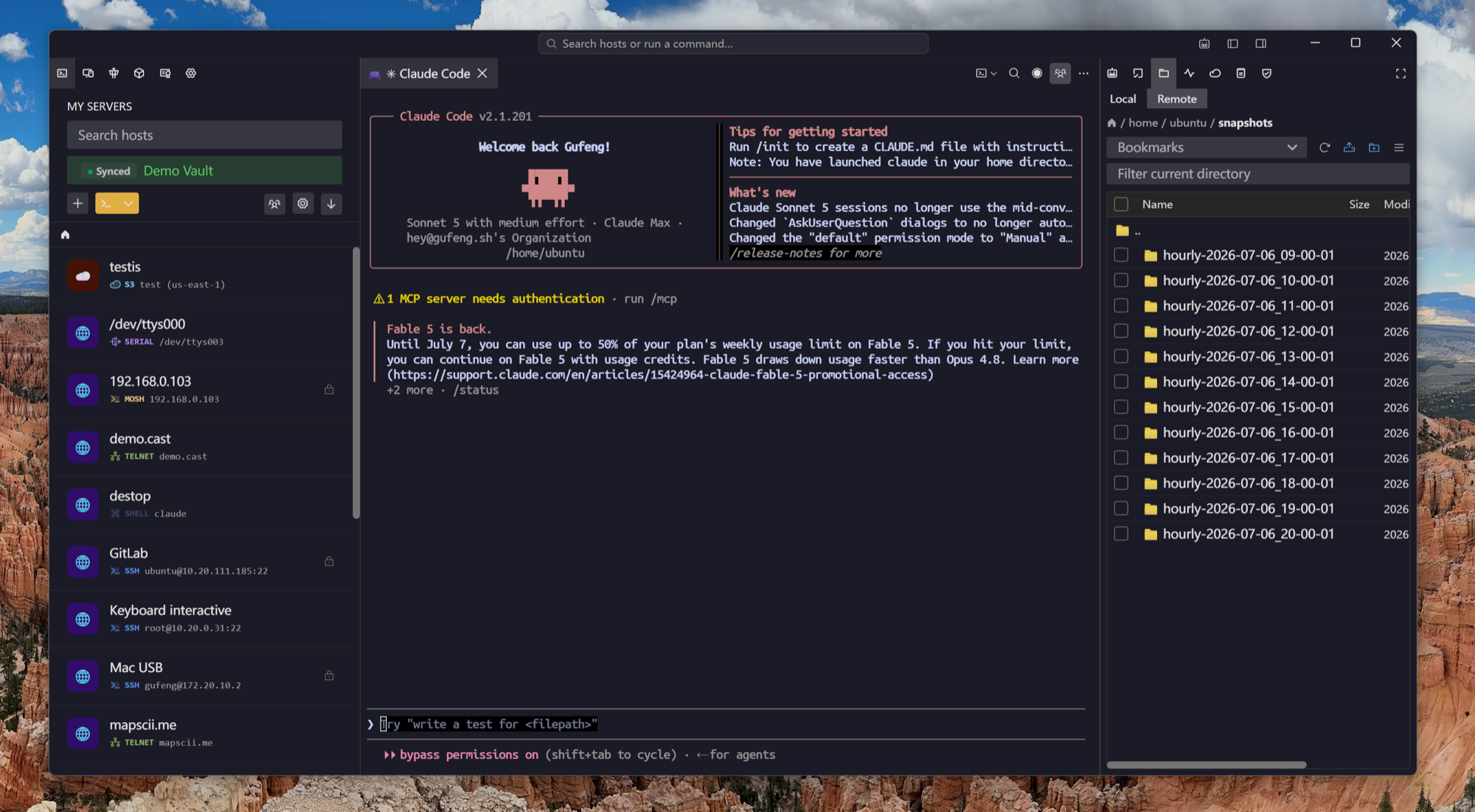
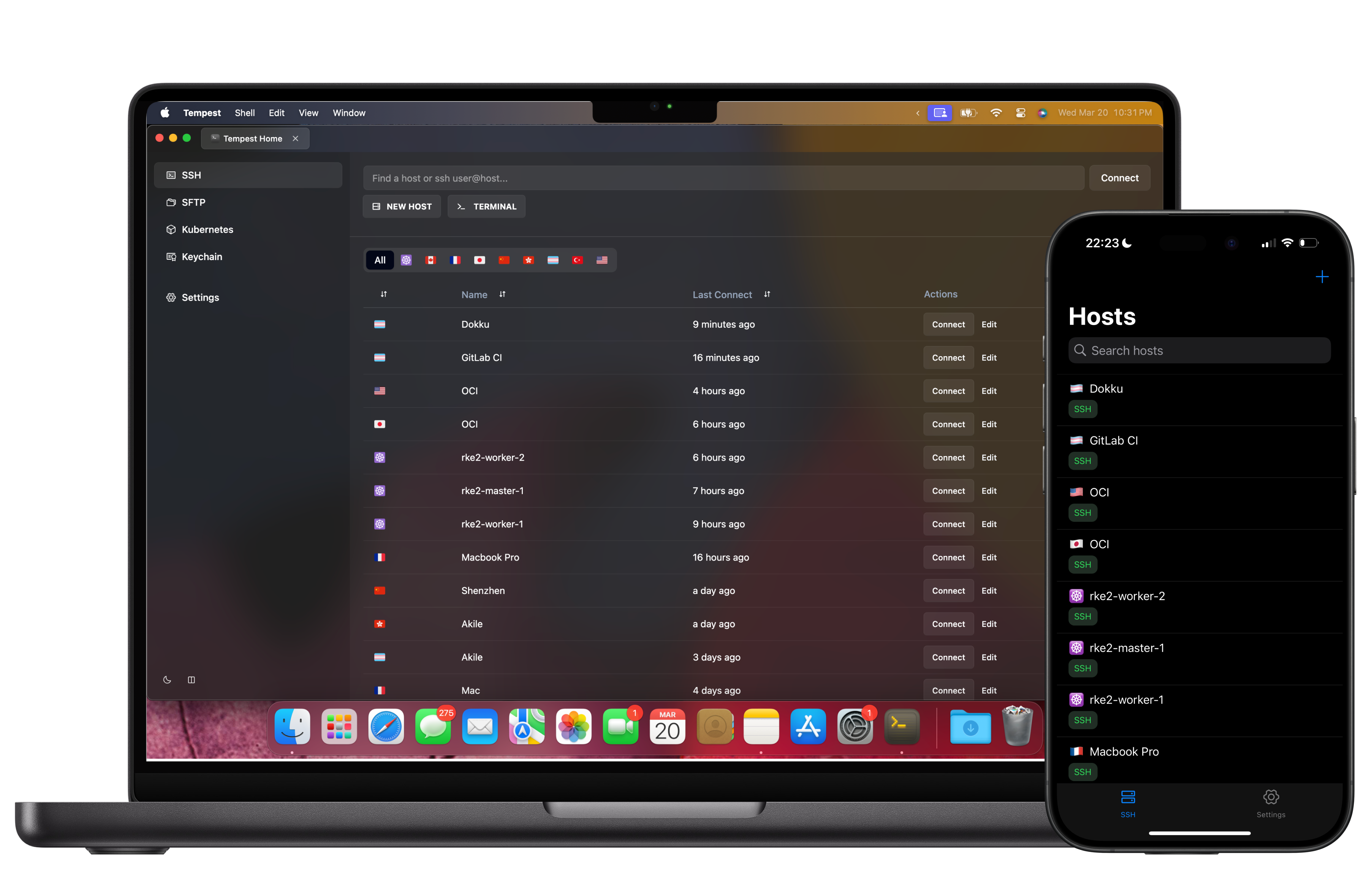
Your sessions on macOS, Linux, and mobile too
Change laptops, switch OS, or answer a page from your phone — profiles are already there, end-to-end encrypted. No .ini file to carry on a USB stick.
Built for 2026 infrastructure
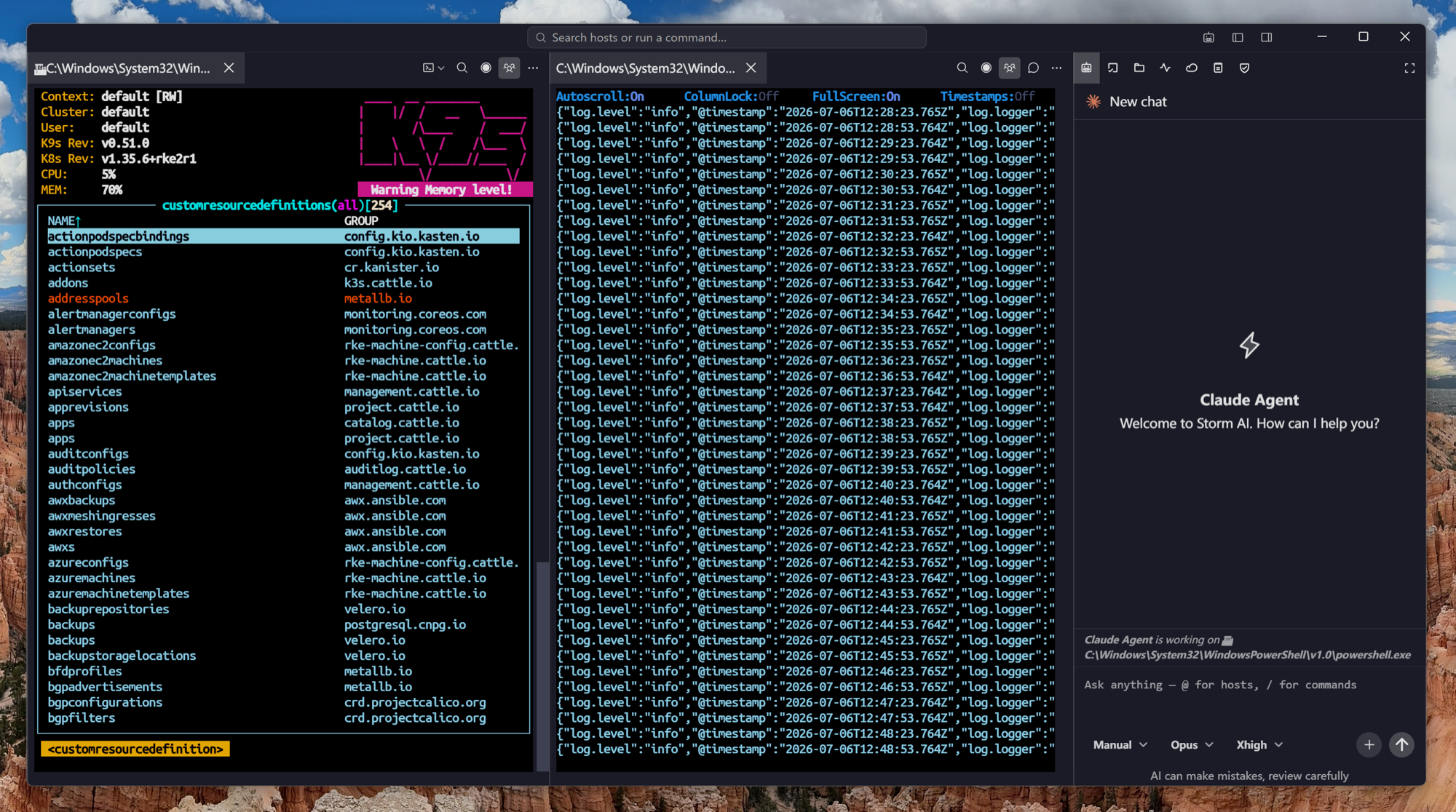
Kubernetes and zero-trust, first class
MobaXterm was designed for the datacenter of 2010. Tempest assumes your servers might be pods, and your network path might be Teleport or Tailscale.
Frequently asked questions
- Is Tempest free like MobaXterm Home Edition?
- Tempest has a permanent free plan (SSH, Mosh, SFTP, FTP, S3, WebDAV). Unlike MobaXterm Home, it's also licensed for professional use — the paid tiers add more protocols and sync, not permission to use it at work.
- Does Tempest have RDP and VNC like MobaXterm?
- Yes — RDP and VNC sessions open in the same grid as your terminals, on macOS and Linux as well as Windows. MobaXterm only offers them on Windows.
- What about the X server and Unix tools MobaXterm bundles?
- Tempest supports X11 forwarding over SSH but doesn't bundle a local X server or Cygwin toolbox. On Windows it integrates local shells including MSYS; for a full local Unix environment, WSL pairs naturally with it. Agent & X11 forwarding
- Can I move my MobaXterm sessions over?
- Import your OpenSSH keys and recreate profiles once — after that they sync to every device you sign into, so the migration is a one-time cost.
- Does Tempest do session recording or macros like MobaXterm Pro?
- Team plans include session recordings, and snippets with scheduled runs cover the macro workflow. Snippets & scheduled runs