
Telnet client
A modern Telnet client for legacy gear
Old switches, lab instruments, industrial controllers, the occasional BBS — Telnet refuses to die, but Windows stopped shipping a client and PuTTY feels like a downgrade next to modern tools. Tempest speaks Telnet in the same polished terminal as your SSH sessions, with saved profiles synced across devices.
Windows, macOS, Linux, Android & iOS.
Made for menus
Menu-driven interfaces render like they should
Telnet devices love full-screen menus and box-drawing characters. Tempest's VT-compliant emulator draws them correctly, with working arrow keys, function keys, and scrollback.
Contained risk
Use Telnet where you must, SSH everywhere else
Telnet is plaintext — keep it for the isolated management VLAN and the airgapped lab, and keep everything else on SSH. Having both in one app makes the right choice the easy one.
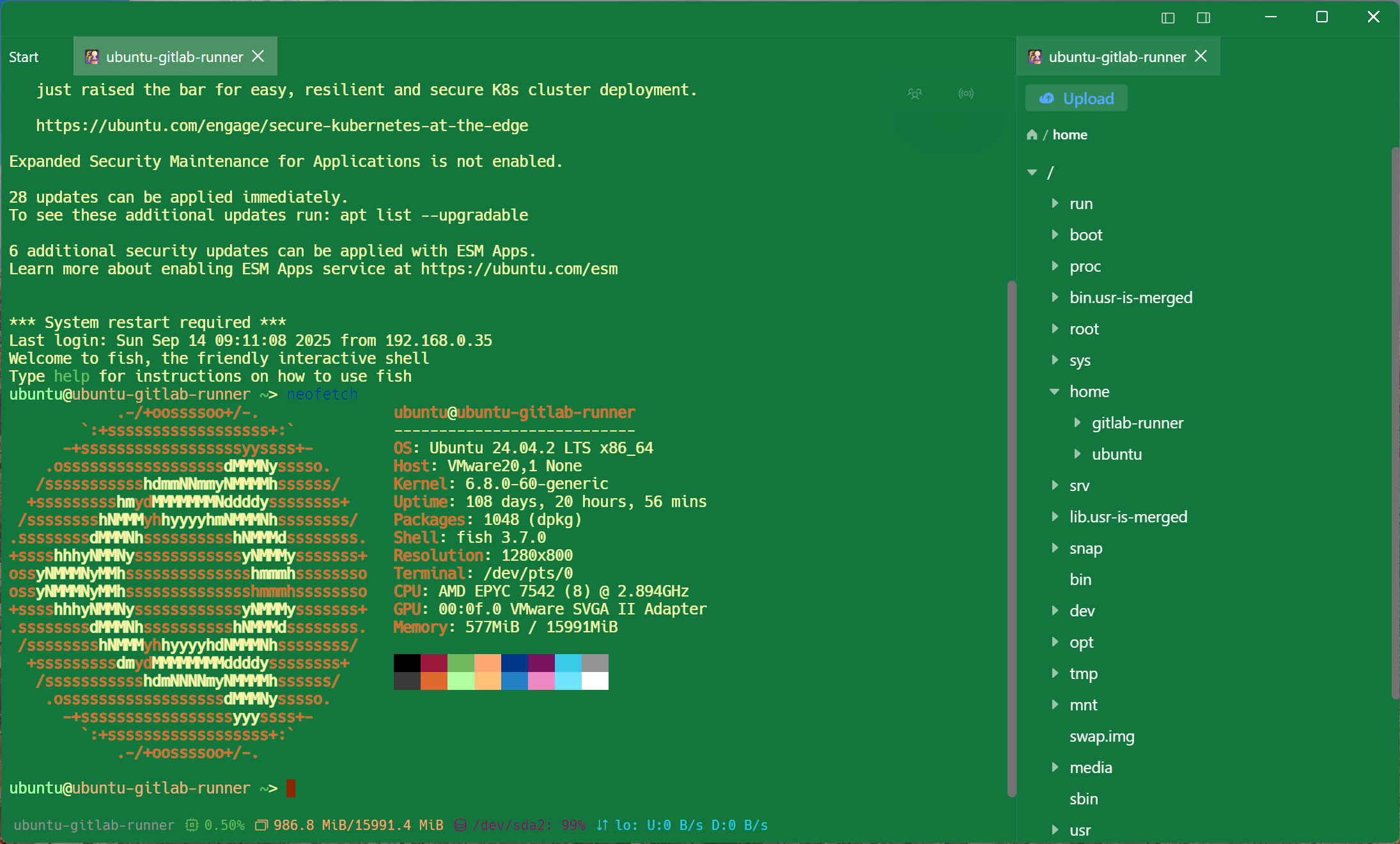
Everywhere you work
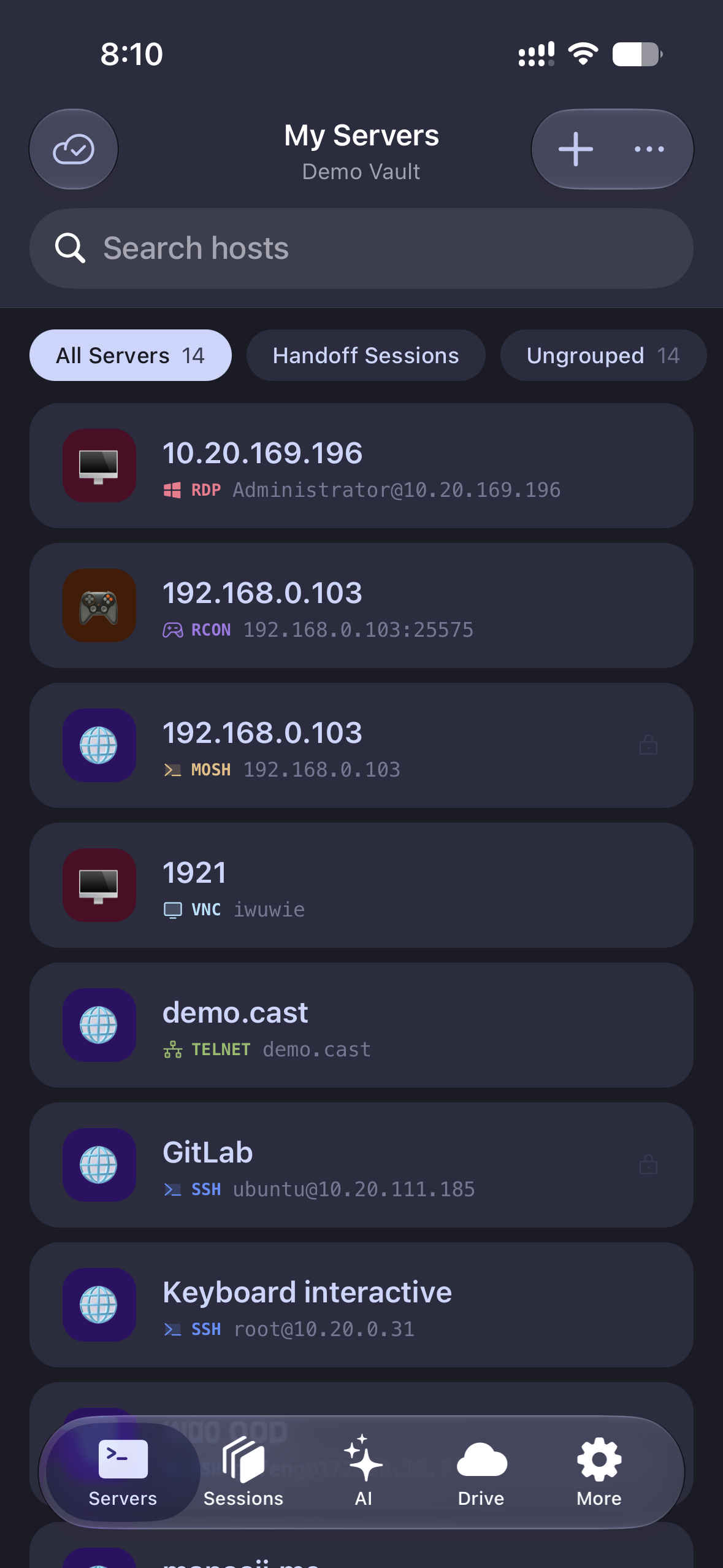
The same client on your phone
The switch in the ceiling closet doesn't care that your laptop is downstairs. Telnet from Android or iOS with the same synced profiles.
Frequently asked questions
- Why would I still need Telnet in 2026?
- Legacy network hardware, lab and industrial equipment, IPMI SOL consoles, MUDs and BBSes — plenty of gear predates SSH or never got it. The pragmatic setup is one client that does both.
- Windows removed its Telnet client — does Tempest fill that gap?
- Yes — install Tempest and you get a Telnet client on Windows 10/11 (x64 and ARM64) that's considerably nicer than telnet.exe ever was.
- Is Telnet traffic encrypted?
- No — Telnet itself is plaintext by design. Tempest stores your profiles encrypted and makes it easy to tunnel Telnet through SSH when the network path isn't trusted.
- Is Telnet in the free plan?
- Telnet is a Pro feature; the free plan covers SSH, Mosh, SFTP, FTP, S3, and WebDAV.
- Does it handle RCON for game servers too?
- Yes — RCON is a separate first-class protocol in Tempest, alongside Telnet, SSH, serial, RDP, and VNC. RCON client