
Rust RCON
A Rust console that is not a browser tab
Rust can serve its RCON two ways, and Tempest speaks the vanilla one: Source RCON over TCP, the same protocol as every other dedicated server you run. Saved profile, real scrollback, and the machine itself one tab away for wipe night.
Requires rcon.web 0 on the server. Windows, macOS, Linux, Android & iOS.
Read this first
rcon.web decides which protocol your server speaks
This is the single thing that determines whether any given Rust RCON tool works with your server, and almost nobody says it plainly.
The console
status, say, kick, ban, save
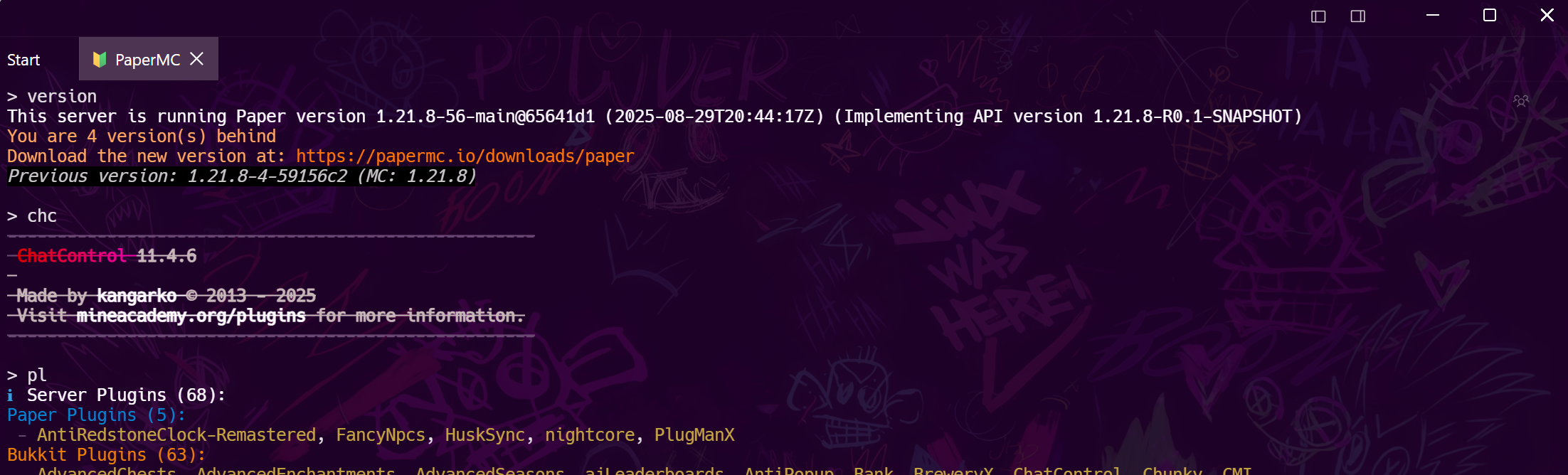
The commands you run on a Tuesday: status to see the player count, say for the server-wide message, kick and ban by Steam ID, server.save before you touch anything, and oxide.reload when a plugin misbehaves.
Wipe night
The jobs RCON cannot do
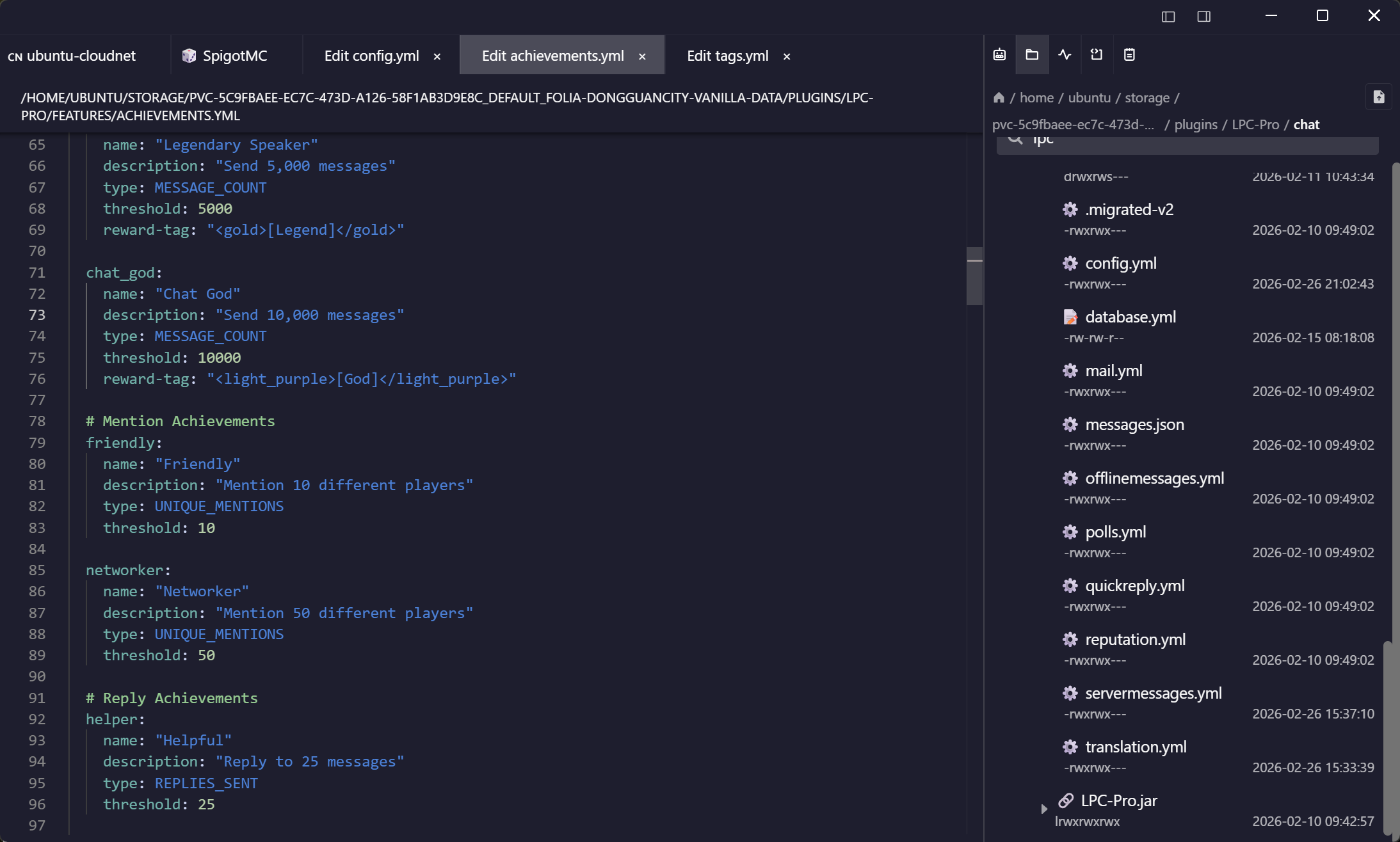
A wipe is a file operation, a plugin update and a restart — none of which are console commands. They happen on the host, which is an SSH connection in the same list.
Frequently asked questions
- Why does my Rust server not answer on the RCON port?
- Almost always because rcon.web is 1, so the server is serving a WebSocket console rather than the TCP protocol. Restart it with +rcon.web 0 and the same port answers normally.
- Does Tempest support Rust's web RCON?
- No. It speaks Source RCON over TCP, which Rust serves when rcon.web is 0. We would rather say that up front than have you spend an evening on a timeout.
- Which port is Rust RCON on?
- 28016 by default, set by +rcon.port on the startup line. It is separate from the game port.
- Can I use this from my phone?
- Yes — the console and the saved profile are in the Android and iOS apps too.
- Should the RCON port be open to the internet?
- No. The password crosses in a plain packet, so bind it locally and reach it through an SSH tunnel — a saved forwarding rule on the host makes that a single click. Port forwarding guide