
BattlEye RCON
BattlEye RCON, implemented as the protocol it actually is
Two very different protocols are both called RCON. DayZ and the Arma series use BattlEye's BERCon over UDP, where the server talks first, silence gets you dropped, and long answers arrive in pieces. Tempest speaks it natively — not Source RCON pointed at a different port.
Windows, macOS, Linux, Android & iOS.
Why this is a separate protocol
BattlEye is not request-and-reply
Source RCON is a call: one command out, one answer back, silence in between. BattlEye is a conversation, and three things about it break any client that treats it like the other one.
Setup
RConPassword, RConPort, and the right protocol switch
The credentials come from BEServer_x64.cfg in the server's BattlEye directory. In the connection form, set Protocol to BattlEye (UDP) — Source RCON pointed at the same port will simply never answer.
Running the server
The admin log, and the machine under it
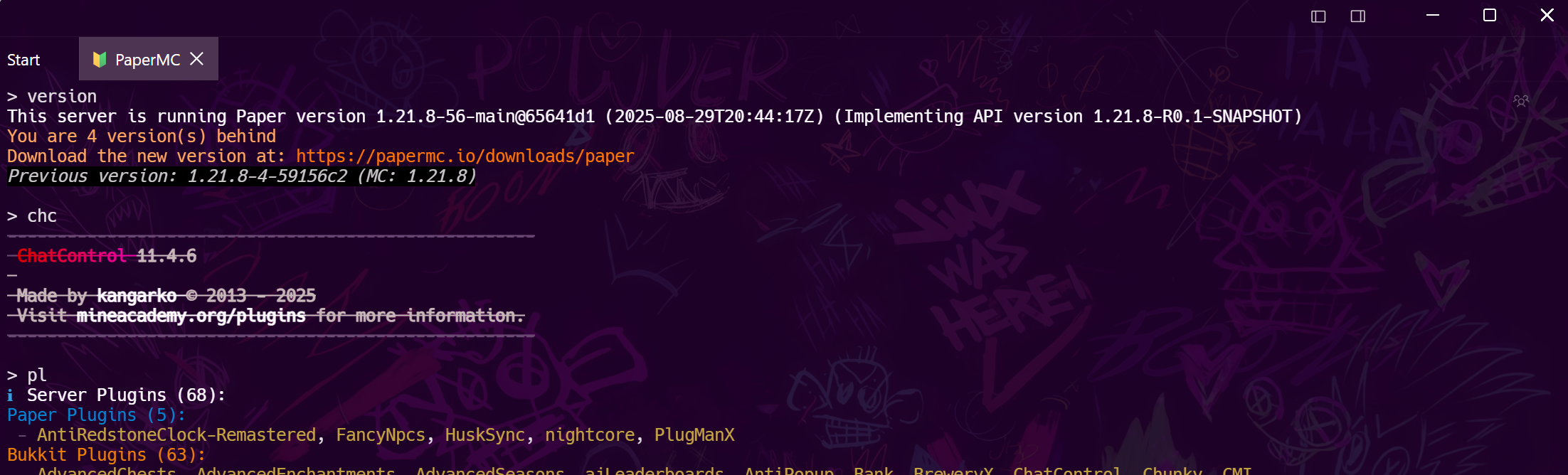
Because server-initiated messages are handled properly, the console is a live admin log rather than a command box: connections, chat, bans and kicks stream in as they happen.
Frequently asked questions
- Why will my DayZ server not answer a normal RCON client?
- Because it is not a normal RCON server. DayZ and Arma use BattlEye's BERCon over UDP, a different protocol from Valve's Source RCON over TCP. A client that only speaks Source will sit there timing out no matter what port you give it.
- Where do I find the RCON password?
- In BEServer_x64.cfg (older installs: BEServer.cfg) inside the server's BattlEye folder, as RConPassword. The port on the line next to it, RConPort, is what you connect to.
- Which port does BattlEye RCON use?
- Whatever RConPort in that config says — there is no universal default, though 2302 is common. It is not 27015; that number belongs to the Source protocol.
- Does the connection drop while I am idle?
- Not in Tempest. BattlEye drops a client that is silent for 45 seconds, so the session sends a keepalive on a schedule of its own while you sit there reading the log.
- Are BattlEye and Source RCON both supported?
- Yes — Protocol is a dropdown on the RCON connection. Source over TCP covers Minecraft, CS2, Rust and Factorio; BattlEye over UDP covers DayZ and Arma. Which one a server speaks cannot be detected by probing, so you tell it once when you save the host.