
ARK admin
An ARK admin console that stays connected
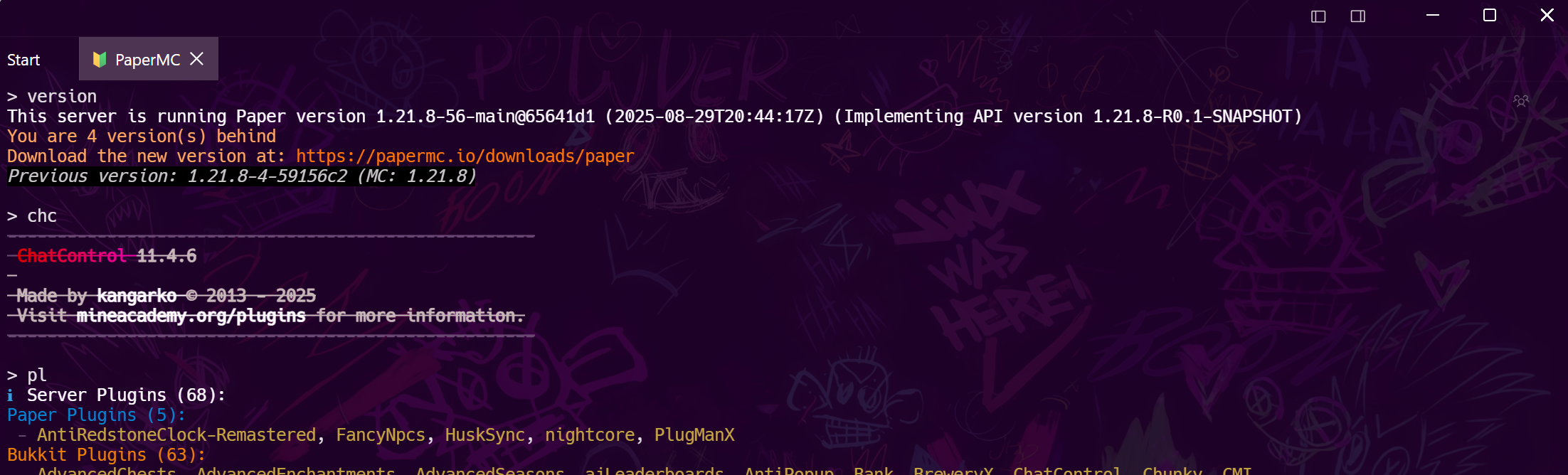
ARK servers are long-running, memory-hungry and full of ini settings nobody remembers. Tempest gives you the RCON console, the config file over SFTP, and a shell on the machine — saved as one set of profiles that follow you to your phone.
Windows, macOS, Linux, Android & iOS.
Setup
RCONEnabled, RCONPort, ServerAdminPassword
All three live in GameUserSettings.ini under the ServerSettings section. Ascended and Evolved work the same way here.
The console
The commands a tribe war needs
ListPlayers for who is on, KickPlayer and BanPlayer by ID, Broadcast for the server-wide warning, ServerChat to answer, SaveWorld before anything, DoExit to bring it down cleanly, DestroyWildDinos when spawns have gone stale.
The machine
Saves, mods and the restart cycle
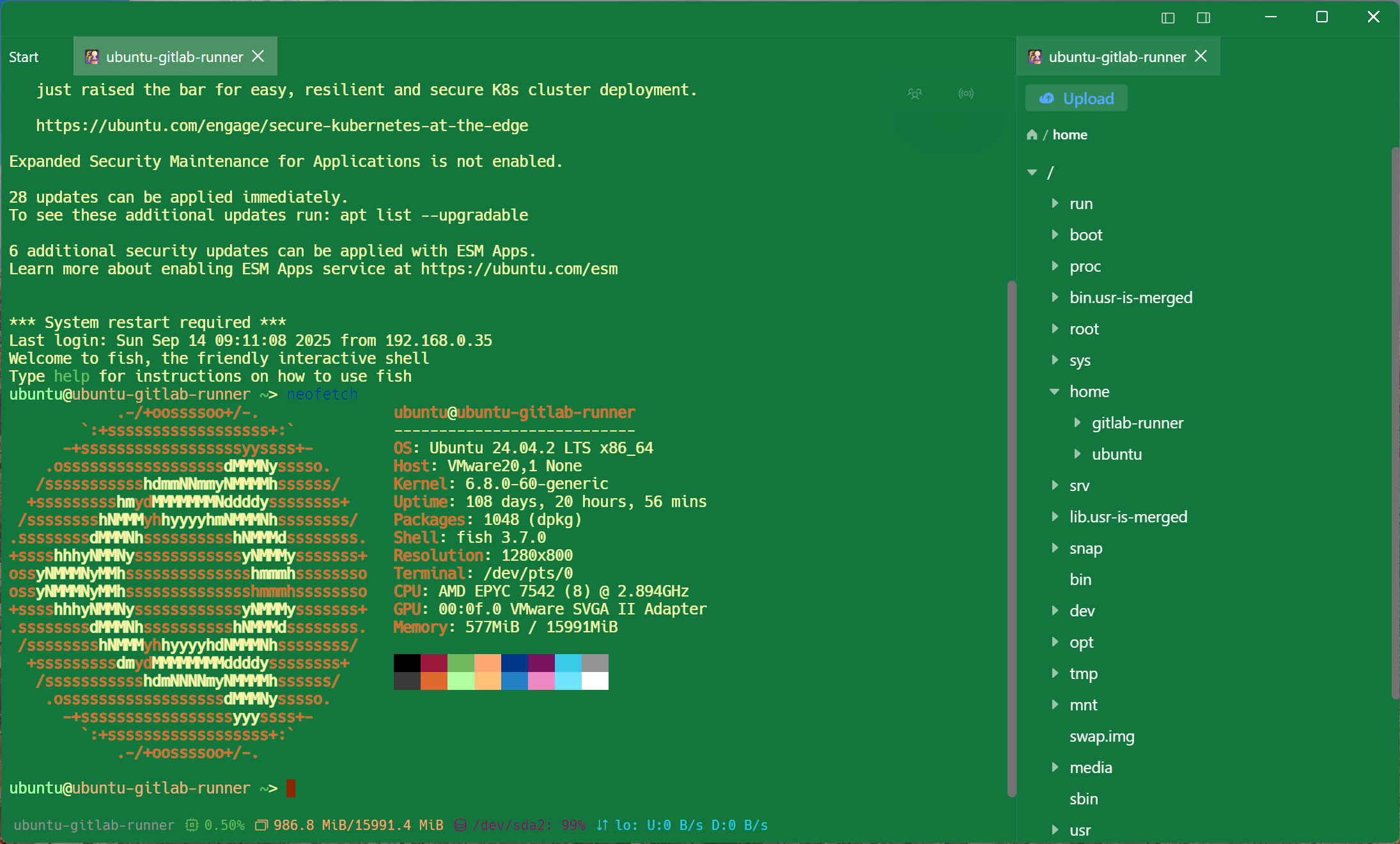
SaveWorld then DoExit is the easy part. Mod updates, disk space, and a crash at 3am are jobs for the host, and the host is in the same host list.
Frequently asked questions
- Which port does ARK RCON use?
- 27020 by default, set by RCONPort in GameUserSettings.ini. It is separate from the game port and the Steam query port, which is the most common reason a connection is refused.
- Does this work with ARK: Survival Ascended?
- Yes — Ascended and Survival Evolved both speak the standard RCON protocol with the same settings names.
- Why is my admin password rejected?
- ServerAdminPassword is read at startup; edit it while the server runs and the old one is still in force. Restart, then reconnect.
- Can I manage a whole cluster?
- Save each map as its own RCON profile in a folder. A broadcast or a save can then be sent to each in turn, or driven from a snippet.
- Should the RCON port be reachable from the internet?
- No. RCON sends its password unencrypted — bind it locally and reach it over an SSH tunnel, which Tempest can save as a rule on the host. Port forwarding guide