
PuTTY on macOS
There is no PuTTY for Mac — and you would not want it
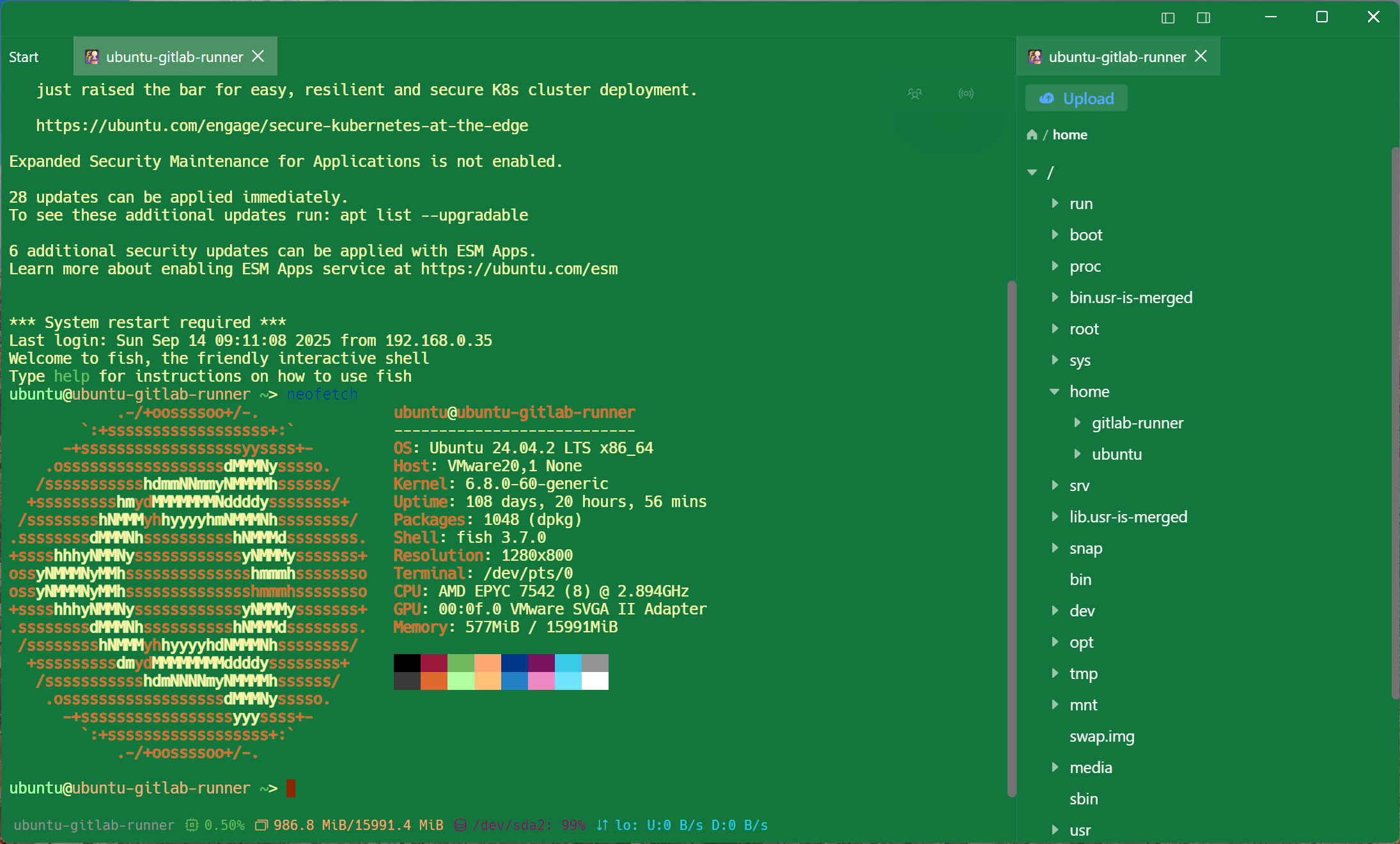
PuTTY is a Windows program. The X11 build you can compile through Homebrew works, in the sense that it runs; it also drags in an X server, ignores every macOS convention, and still cannot transfer a file. Here is the honest landscape, and where Tempest fits in it.
Apple Silicon and Intel. Free plan available.
The honest answer first
What people actually mean by PuTTY for Mac
Three different questions hide behind that search, and they have three different answers.
What the port costs
The Homebrew build is an X11 application
PuTTY on macOS means the X11 version: you install XQuartz, you get a window that does not follow any Mac convention, no native fonts, no clipboard behaviour you expect, and no file transfer beyond the command-line psftp.
The replacement
What a Mac SSH client should give you
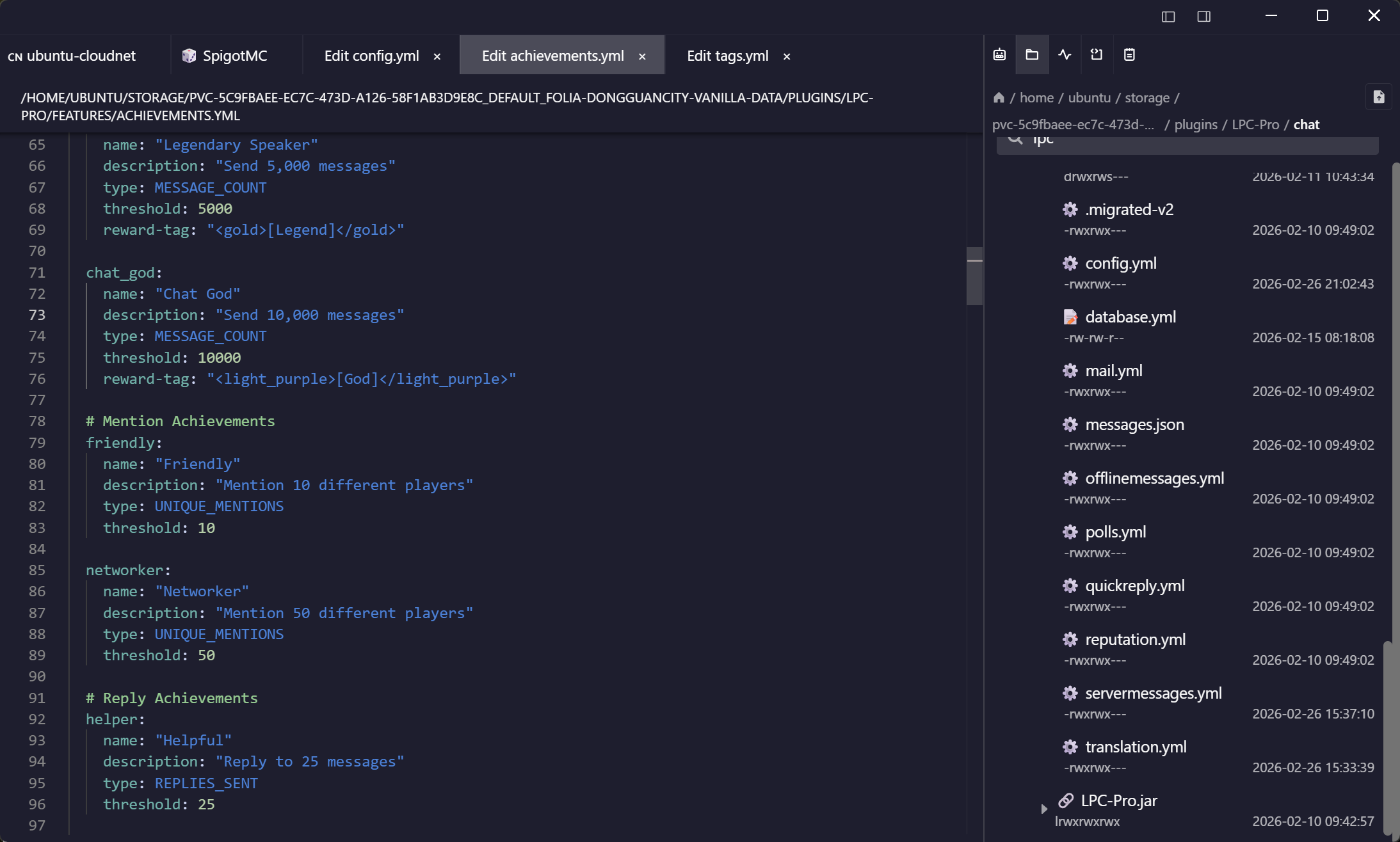
The reason to install anything at all on top of Terminal is the list and the file transfer — everything else is a preference.
Frequently asked questions
- Is there an official PuTTY for macOS?
- No. PuTTY's official releases are Windows only. What exists on macOS is the X11 source build, usually installed via Homebrew along with XQuartz.
- How do I open a .ppk file on a Mac?
- Convert it with PuTTYgen on a Windows machine (Conversions, Export OpenSSH key), or with puttygen from the command line on macOS. The resulting OpenSSH key imports straight into Tempest, or works with ssh directly.
- Can I bring my PuTTY sessions across?
- Yes — export the registry key on the Windows machine and import the .reg file. Names, hosts, ports and usernames all come across. Import PuTTY sessions
- What about serial console access, which is what I used PuTTY for?
- Serial is a connection type here, with USB adapters listed by name rather than by a device path you have to guess.
- Is it free?
- There is a free plan covering SSH, Mosh and SFTP. Pro adds serial, RDP, VNC, Kubernetes, RCON and the AI agent, as a subscription or a one-time lifetime purchase.