
Migrate from PuTTY
Every PuTTY saved session, in one .reg file
PuTTY keeps its sessions in the Windows registry, which is why moving PCs has always meant retyping them. Tempest reads the registry export directly — one command, one import, the whole list.
Windows, macOS, Linux, Android & iOS. Free plan available.
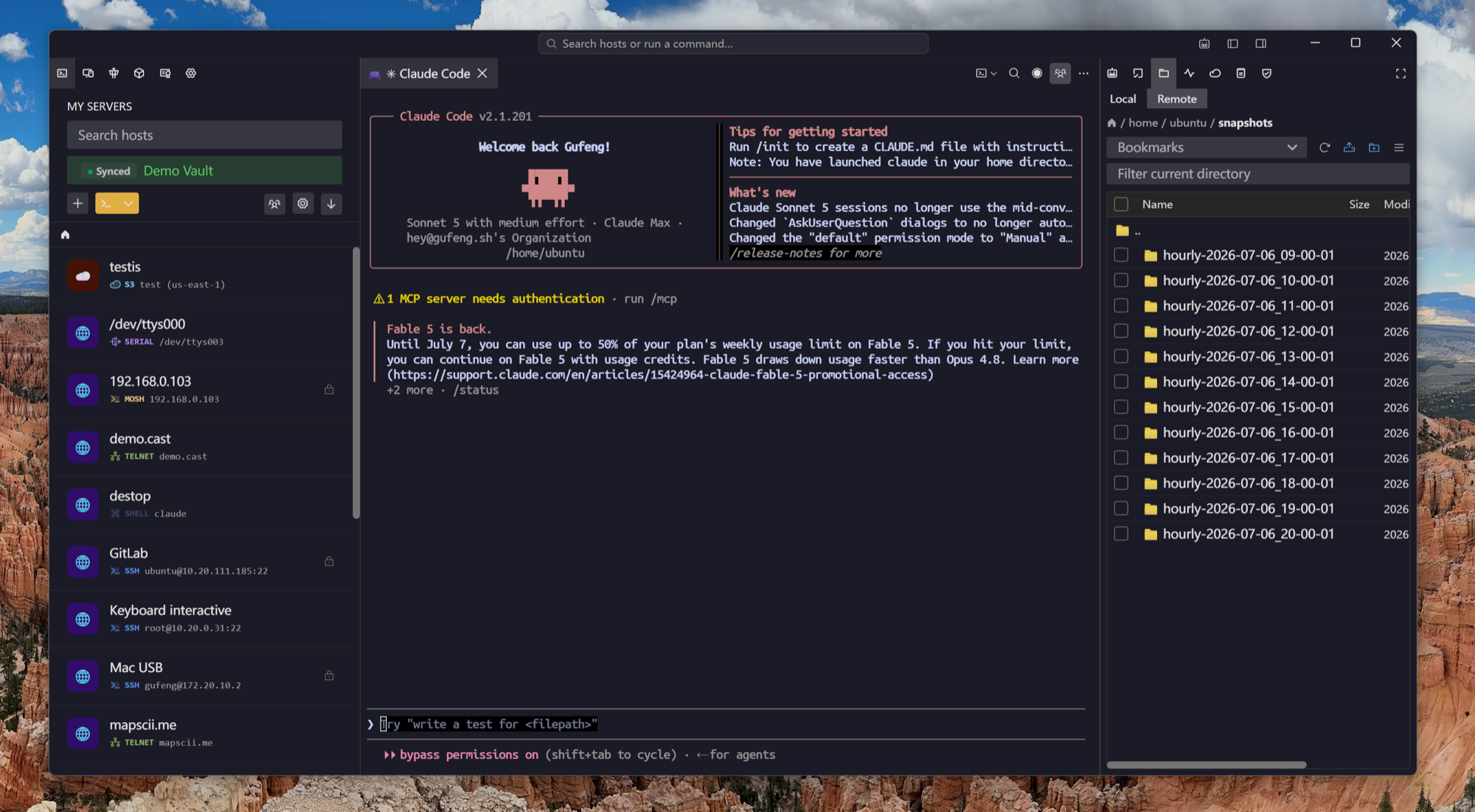
One command
Export the sessions key, import the file
No third-party exporter, no manual transcription. Windows already ships the tool that gets your sessions out.
The honest part
Nothing is lost, because PuTTY never stored it
This is the easiest of the migrations: PuTTY does not save passwords in the first place, so the export contains everything PuTTY knew about a host.
After the move
The tools that used to sit next to PuTTY
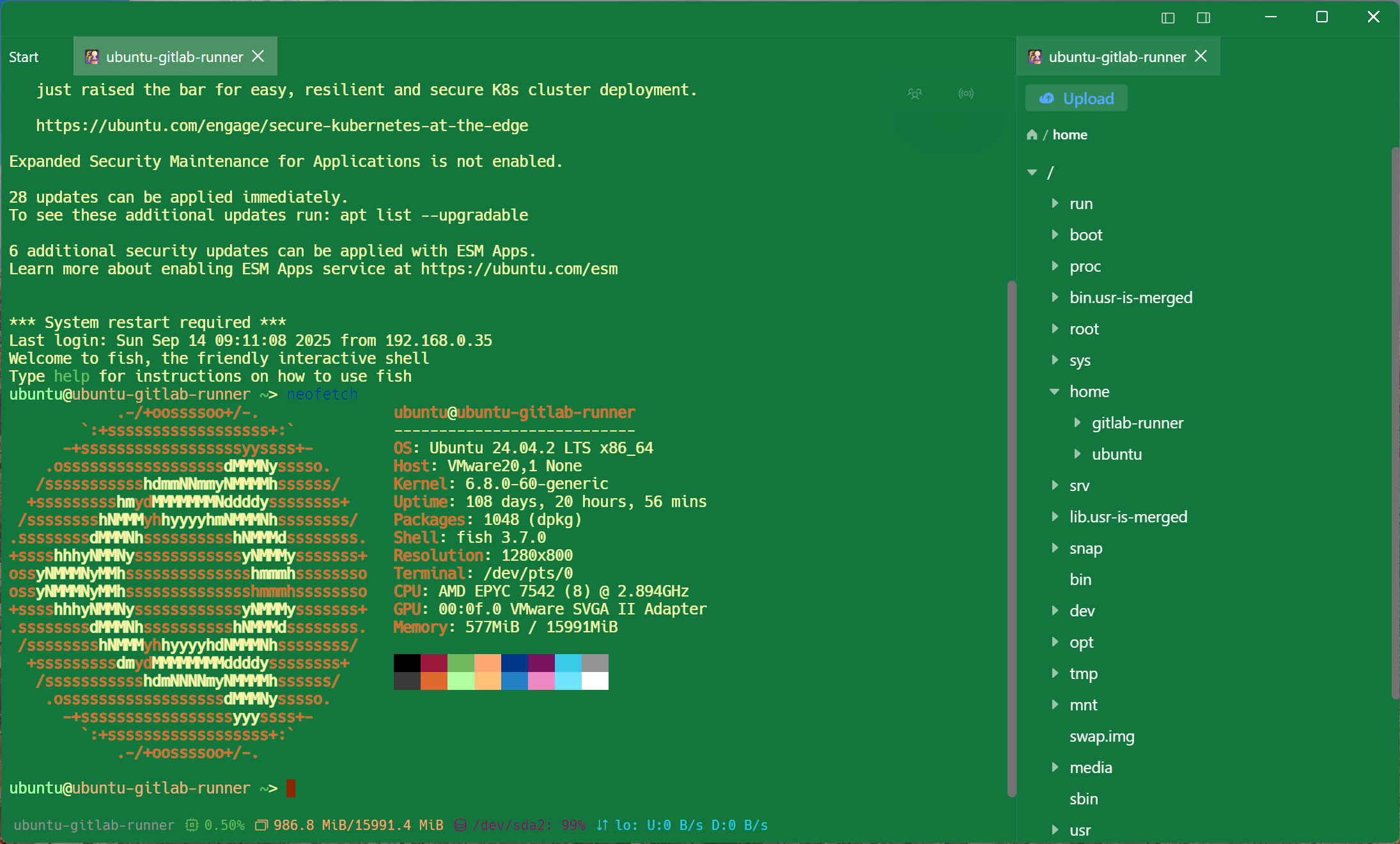
Most PuTTY setups are really PuTTY plus WinSCP plus a notepad of hostnames plus a plink line for the bastion. Those are features here, not extra windows.
Frequently asked questions
- Where are PuTTY sessions stored?
- In the registry under HKEY_CURRENT_USER\Software\SimonTatham\PuTTY\Sessions — one key per saved session. The regedit /e command above writes all of them to a single .reg file.
- Do I need PuTTY installed to export?
- No. The sessions live in your user registry hive, so the export works even after PuTTY itself is gone — including on a machine where you only have the portable putty.exe.
- Will my .ppk keys work?
- After a one-time conversion. PuTTYgen exports an OpenSSH-format key that Tempest imports directly; the original .ppk keeps working in PuTTY if you want to run both for a while.
- What about sessions that use a proxy or a jump host?
- PuTTY stores those as proxy settings the import does not map, so re-add them on the host once. Both are first-class fields in Tempest rather than a command line you paste.
- Is Tempest free?
- The free plan covers SSH, Mosh, SFTP, FTP, S3 and WebDAV on one synced device — the import itself is free, however many hosts are in the file. Pro adds unlimited synced devices, jump hosts, port forwarding, the SFTP editor, RDP, VNC, Kubernetes, serial and RCON.