
SSH client for Mac
The Mac SSH client that goes beyond Terminal.app
Terminal.app plus ssh works — until you're juggling twenty hosts, three jump-host chains, an RDP console, and files that need editing on the server. Tempest is a native Mac app for all of it, with profiles that sync — end-to-end encrypted — to your iPhone, iPad, and any other machine.
Free plan available. Native on Apple Silicon and Intel.
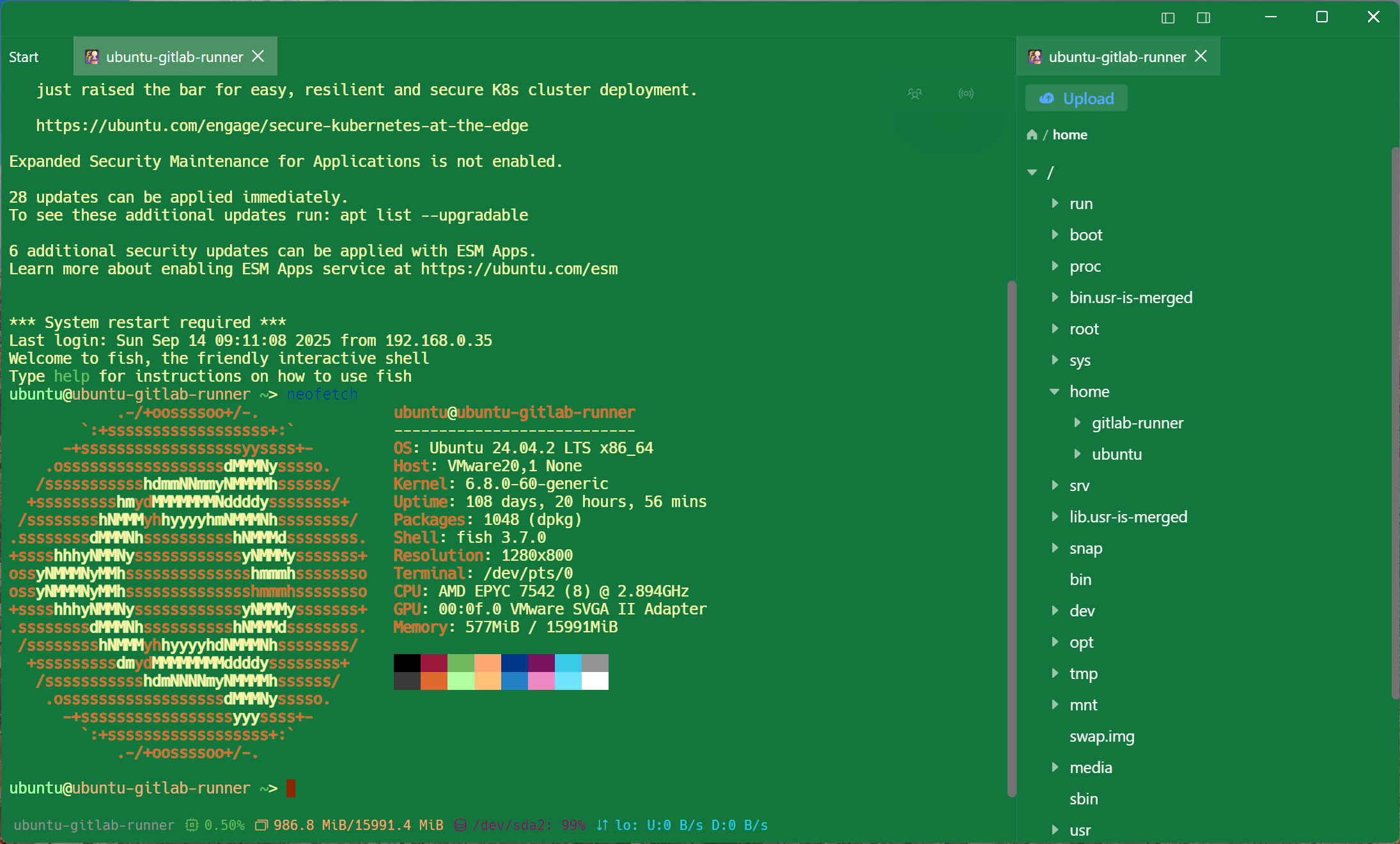
Native, not ported
Fast on Apple Silicon, at home on macOS
Universal build for M-series and Intel, with the keyboard-driven, multi-pane workflow Mac users expect.
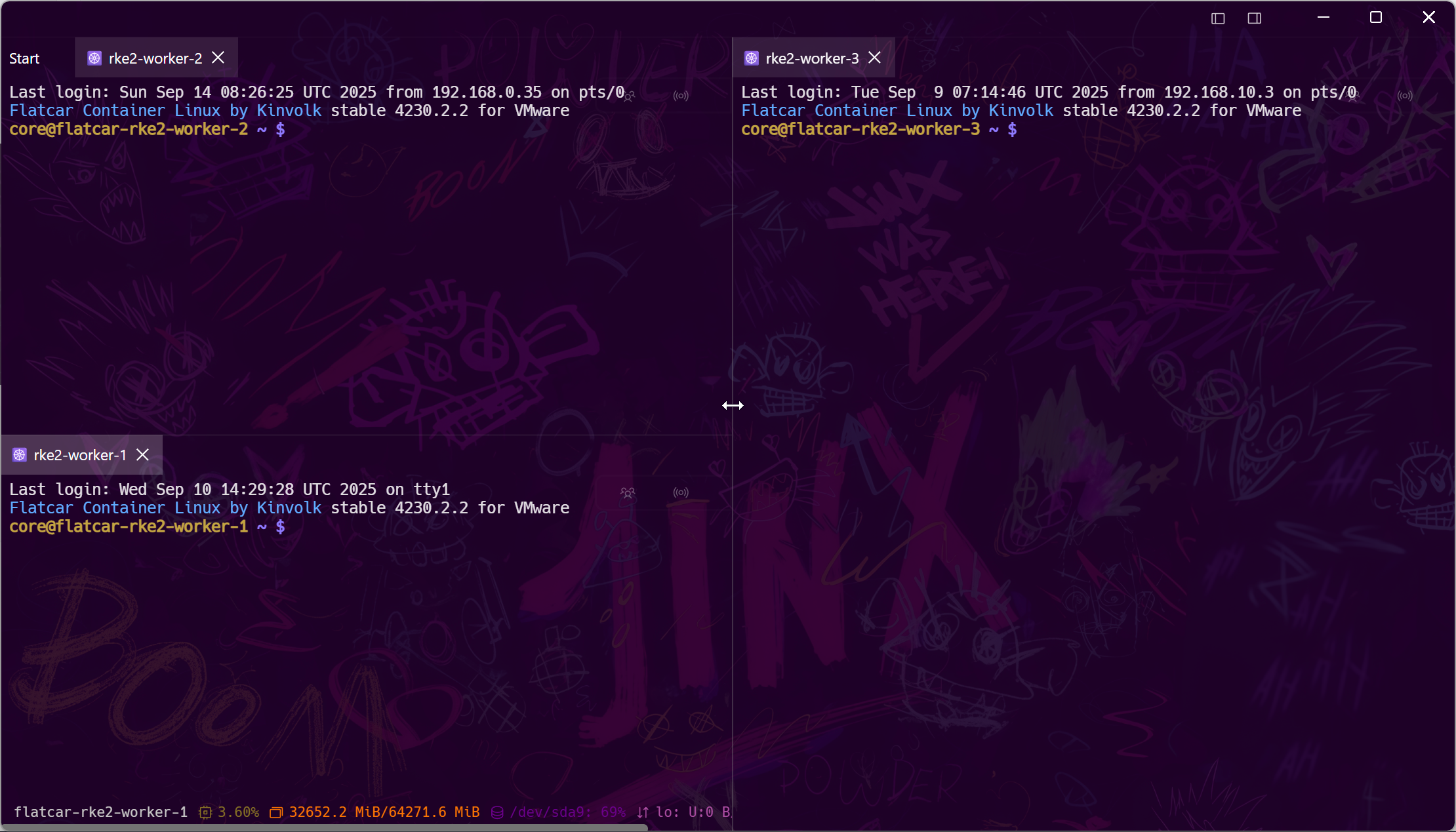
Continuity, for servers
Start on the Mac, finish on the iPhone
Continuous sessions keep long-running work alive; encrypted sync means the host list on your Mac is the host list on your phone. It's the Apple ecosystem experience, pointed at your infrastructure.
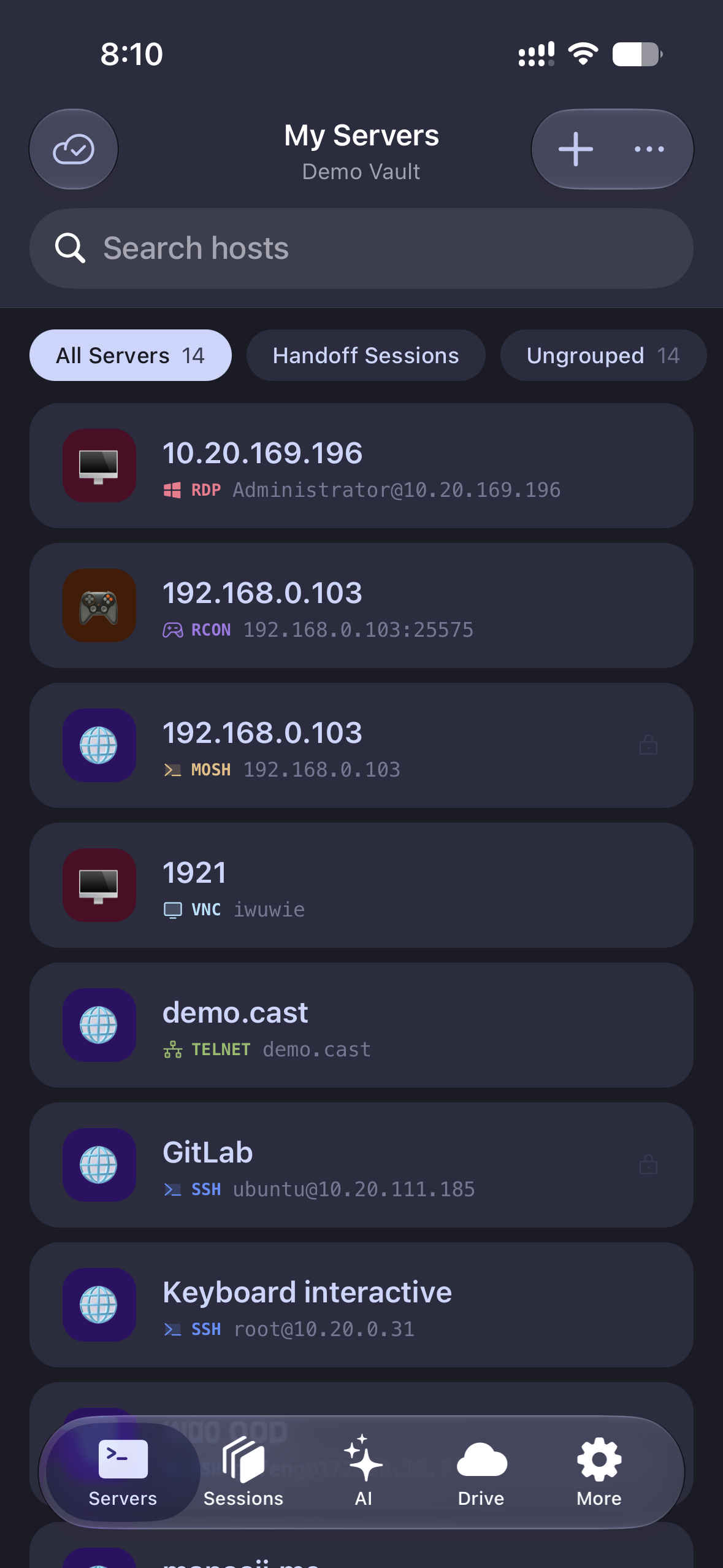
The whole estate
RDP, VNC, Kubernetes, and serial — on a Mac
Managing Windows servers from a Mac usually means a second app; Kubernetes means a third. Tempest treats them as first-class session types next to SSH.
Secure by default
Hardware keys, zero-trust, post-quantum
Frequently asked questions
- Does Tempest run natively on Apple Silicon?
- Yes — the macOS build is native on M-series chips, with an Intel build available for older Macs.
- How is this better than iTerm2 + ssh?
- iTerm2 is a great local terminal. Tempest adds what ssh-in-a-terminal can't: synced encrypted profiles, a graphical SFTP editor, point-and-click jump hosts, RDP/VNC/Kubernetes sessions, and mobile continuation on iPhone and iPad.
- Is there a free version for Mac?
- Yes, and it does not expire: SSH, Mosh, SFTP, FTP, S3 and WebDAV, on one synced device, with no card. Pro adds unlimited synced devices, port forwarding, jump hosts, the SFTP editor, RDP, VNC, Kubernetes, serial and the AI agent.
- Does it read my ~/.ssh keys?
- You can import existing OpenSSH private keys or generate new pairs in the app, and use agent forwarding for chained access.
- Can I use it with my iPhone and iPad?
- Yes — Tempest for iOS syncs the same encrypted host list, and continuous sessions let you pick up where the Mac left off. SSH client for iOS