
Comparison
Tempest vs PuTTY: 30 years apart, compared fairly
PuTTY has earned three decades of trust by doing one thing reliably. Tempest is what an SSH client looks like when it's designed for today's workflow — multiple machines, mixed protocols, files, phones. Here's the honest breakdown of what each buys you.
Free plan available — replacing PuTTY costs nothing to try.
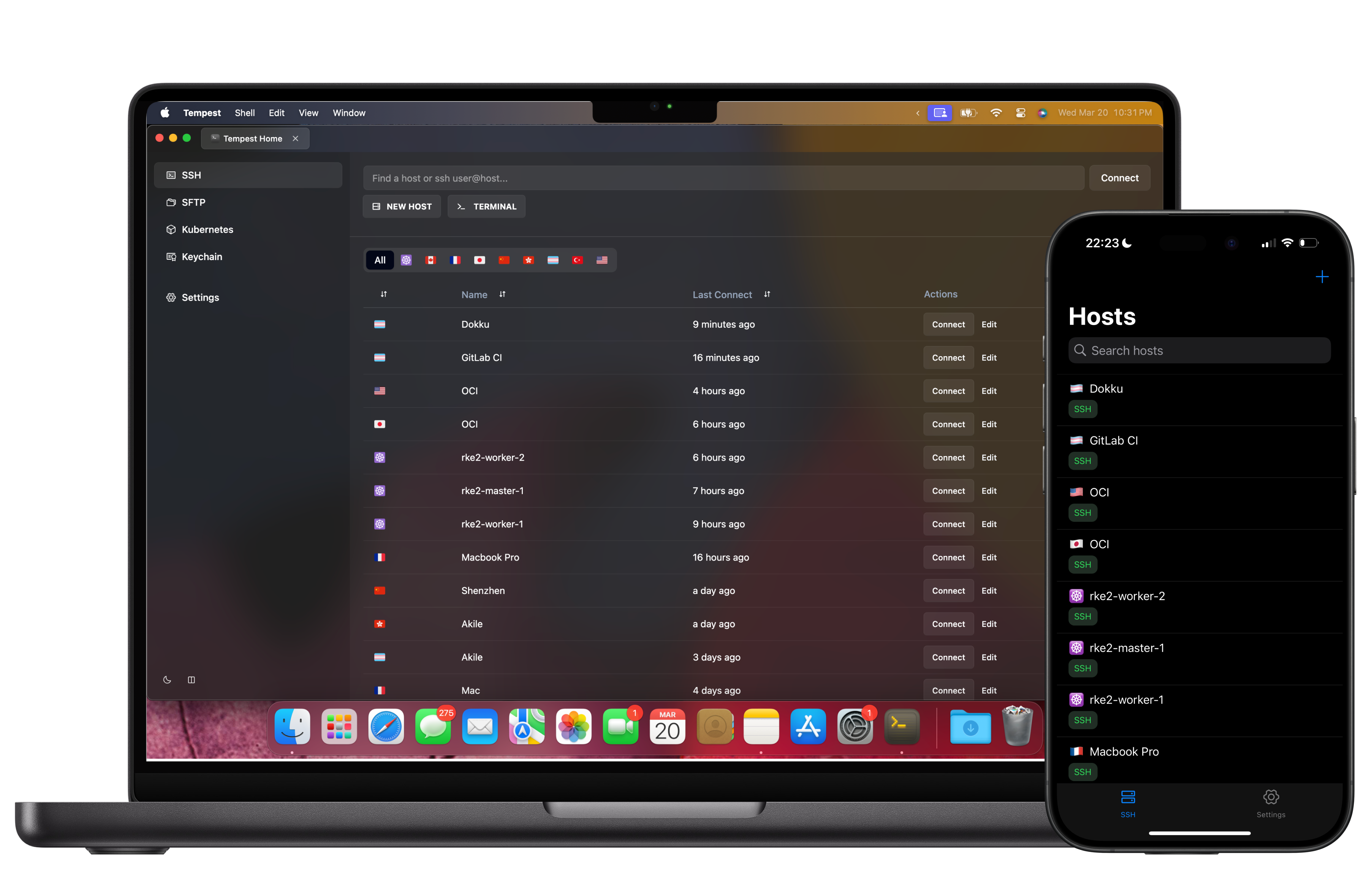
Tempest vs PuTTY
PuTTY 0.83 (official builds) versus Tempest, on the things a working day actually touches.
| Tempest | PuTTY | |
|---|---|---|
| Platforms | Windows, macOS, Linux, Android, iOS, Web | Windows (official); ports vary |
| Windows on ARM | Native ARM64 build | ARM64 build available |
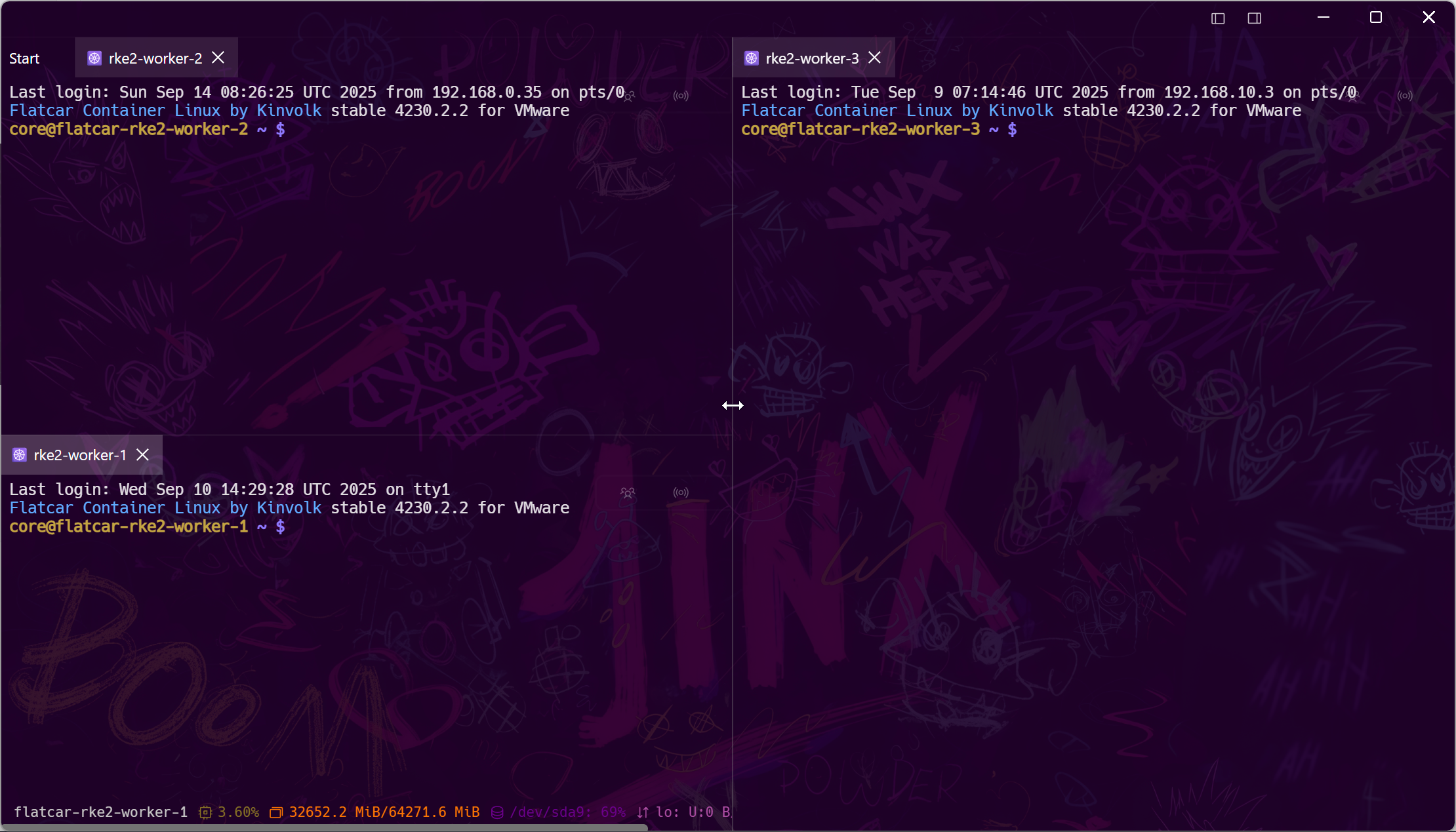
| Tabs & split screens | Yes — grid workspace | No — one window per session |
| SFTP | Graphical manager + built-in editor | psftp / pscp command line |
| Profile sync across machines | Zero-knowledge E2E encrypted | No — registry export by hand |
| Jump hosts | Point-and-click chains | Manual ProxyCommand / plink |
| Port forwarding | Saved rules per profile | Yes, configured per session |
| Serial & Telnet | Yes | Yes |
| Mosh | Yes | No |
| RDP / VNC / Kubernetes / RCON | Yes | No |
| Mobile apps | Android & iOS, synced | None |
| Hardware keys (FIDO2) | Yes | Via Pageant + external tools |
| AI assistance | Built-in reviewed agent | None |
| Price | Free plan; Pro subscription or lifetime | Free (MIT) |
PuTTY remains free, open-source, and tiny — real advantages Tempest doesn't pretend to match. The question is what your time spent working around it is worth.
The case for switching
PuTTY's gaps are your daily chores
Every PuTTY workflow eventually grows a WinSCP window, a notepad of hostnames, a plink script for the bastion, and a prayer when you switch PCs. Tempest deletes that scaffolding.
The case for staying
When PuTTY is honestly enough
One Windows machine, a handful of hosts, no file transfers, an environment where installing software is a battle — PuTTY's single 1 MB executable is unbeatable there, and we're not going to pretend otherwise.
Migration
Bring your keys, leave the registry
Convert .ppk keys to OpenSSH format with PuTTYgen, import, recreate your hosts once — they sync everywhere from then on. Credentials live zero-knowledge encrypted, not in HKEY_CURRENT_USER.
Frequently asked questions
- Is Tempest free like PuTTY?
- The free plan is free forever — SSH, Mosh, SFTP, FTP, S3, WebDAV — which already covers more than PuTTY plus psftp. Pro (subscription or one-time lifetime) adds RDP, VNC, Kubernetes, serial, RCON, unlimited sync, and the AI agent.
- Is PuTTY still safe to use?
- Yes — PuTTY is actively maintained and trustworthy. This comparison is about workflow cost, not security FUD: modern auth (FIDO2, post-quantum KEX) and encrypted sync are simply easier in Tempest.
- Can Tempest open .ppk key files?
- Convert .ppk to OpenSSH format in PuTTYgen (Conversions → Export OpenSSH key) and import — a one-time step per key.
- Does Tempest work offline like PuTTY?
- Yes — direct connections work without an account or network beyond the target; the account only powers encrypted sync and team features.
- What replaces plink in scripts?
- Tempest focuses on interactive workflows. For scripted automation, keep OpenSSH or plink in your scripts, and use Tempest snippets and scheduled runs for the recurring interactive chores. Snippets & scheduled runs