
SecureCRT alternative
The session manager, without the second licence for file transfer
SecureCRT is a serious, mature terminal — and a paid one, with SecureFX sold alongside it for files. Tempest covers the same daily work in one app, adds the protocols that arrived after SecureCRT's design settled, and puts the session list on your phone.
Windows, macOS, Linux, Android, iOS & Web. Free plan available.
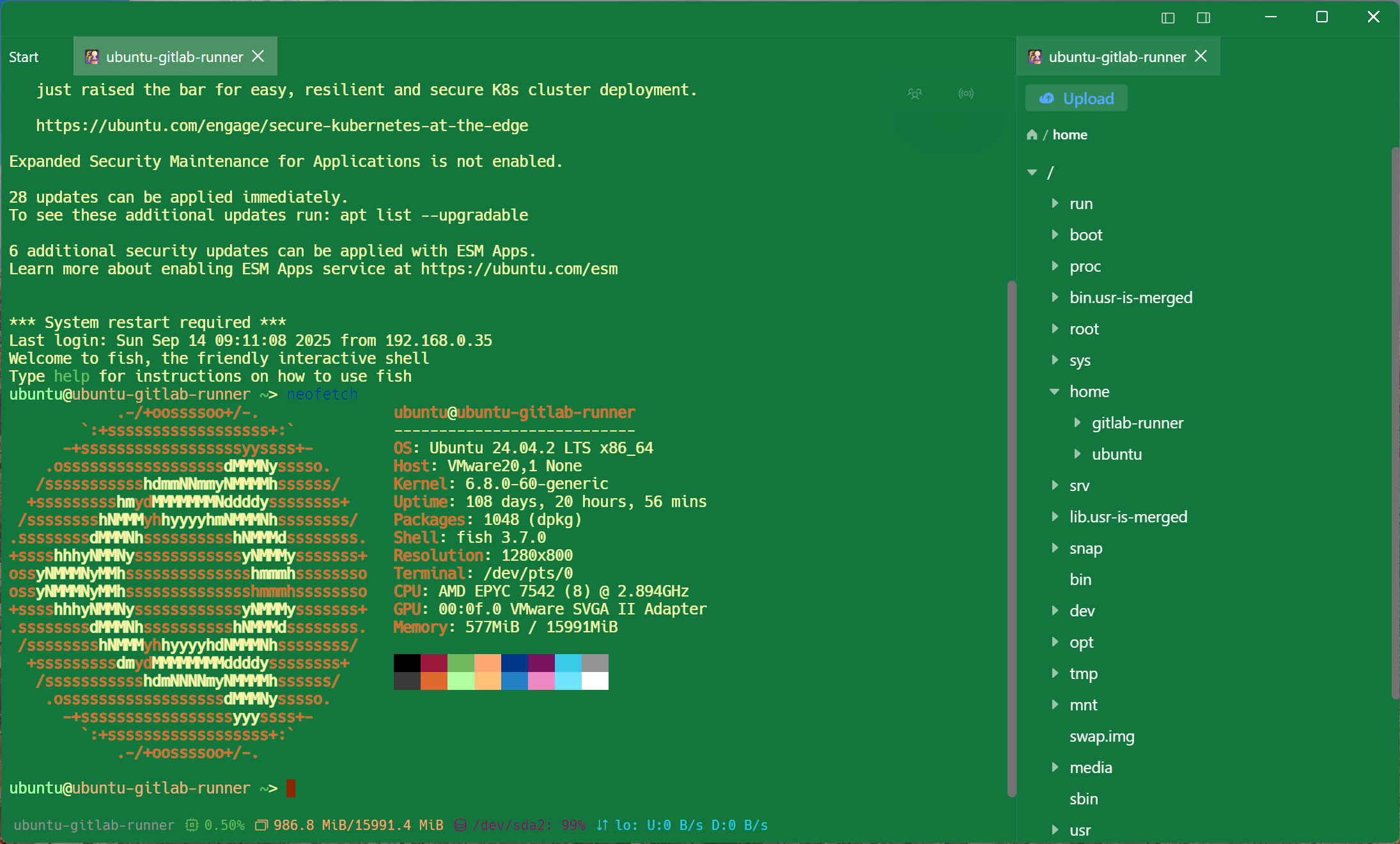
Tempest vs SecureCRT
The points that come up when people go looking for an alternative.
| Tempest | SecureCRT | |
|---|---|---|
| Platforms | Windows, macOS, Linux, Android, iOS, Web | Windows, macOS, Linux |
| File transfer | SFTP, FTP, S3, WebDAV included | SecureFX, licensed separately |
| Session sync | Zero-knowledge E2E encrypted | Config folder, synced by you |
| Mobile | Android & iOS, same host list | None |
| Beyond SSH | RDP, VNC, Kubernetes, RCON | SSH, Telnet, Serial, Rlogin, TAPI |
| Scripting | Snippets, scheduled runs, MCP for agents | VBScript, Python, JScript, PerlScript |
| Pricing model | Free plan; subscription or lifetime | Per-seat licence plus maintenance |
SecureCRT's scripting and its terminal emulation breadth — including TAPI dial-up and Rlogin — remain ahead of what is here. This compares scope and cost, not craftsmanship.
For network engineers
Serial, telnet and the boxes that never got a REST API
The reason SecureCRT lives on a network engineer's laptop is the gear that still has a console port. That work is first class here too.
One window
Files without SecureFX
The transfer half of the workflow is in the same app and the same session, not a second product with its own licence and its own host list.
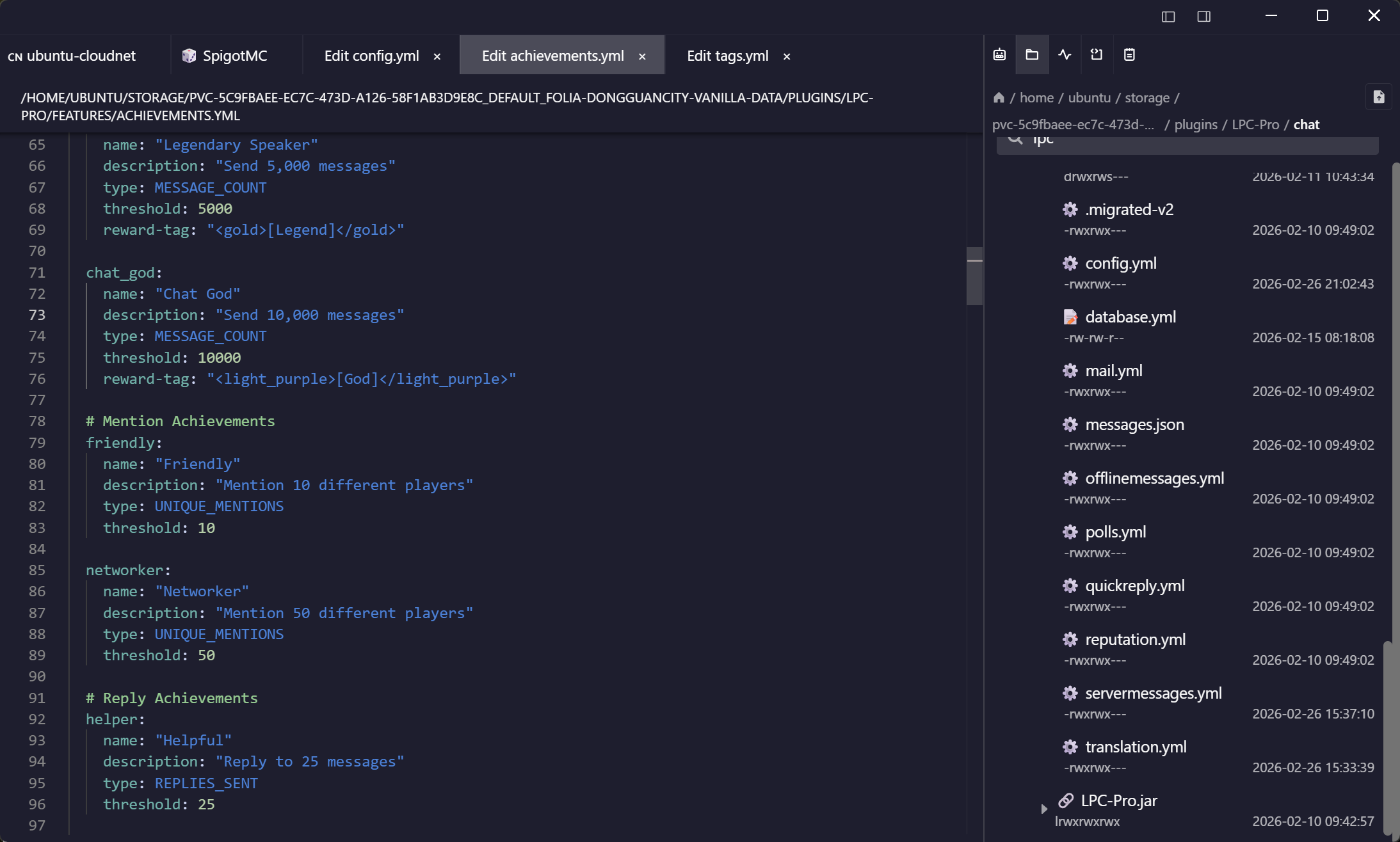
What changed since 1999
The parts a mature client did not grow
SecureCRT's design settled before phones, clusters and hardware keys were part of the job.
Frequently asked questions
- Does Tempest have SecureCRT's scripting?
- No. There is no VBScript or Python runtime for driving sessions. Snippets and scheduled runs cover the repetitive commands, and the MCP server lets an AI agent drive sessions under review for the open-ended ones. MCP server docs
- Can I import my SecureCRT sessions?
- There is no direct SecureCRT importer. Export your inventory to a spreadsheet and use the bulk importer — for a large session folder that is usually faster anyway. Bulk import from Excel
- Is it a perpetual licence?
- There is a free plan, a Pro subscription, and a one-time lifetime purchase if you prefer to own it outright.
- Does it do Rlogin or TAPI dial-up?
- No. If you still need either, SecureCRT is the right tool and we would rather say so.
- Is it suitable for a regulated environment?
- Session recording, team vaults with per-member grants, and a self-hosted deployment are all supported; credentials are end-to-end encrypted and the server stores only ciphertext. Self-hosted Tempest