
Bulk import
Move a whole fleet in one spreadsheet
Every SSH client has an import for the one competitor its author used. A spreadsheet works no matter where your list came from — a CMDB export, an inventory sheet, a colleague's handover document, or an old client nobody supports any more.
Windows, macOS & Linux. Free plan available.
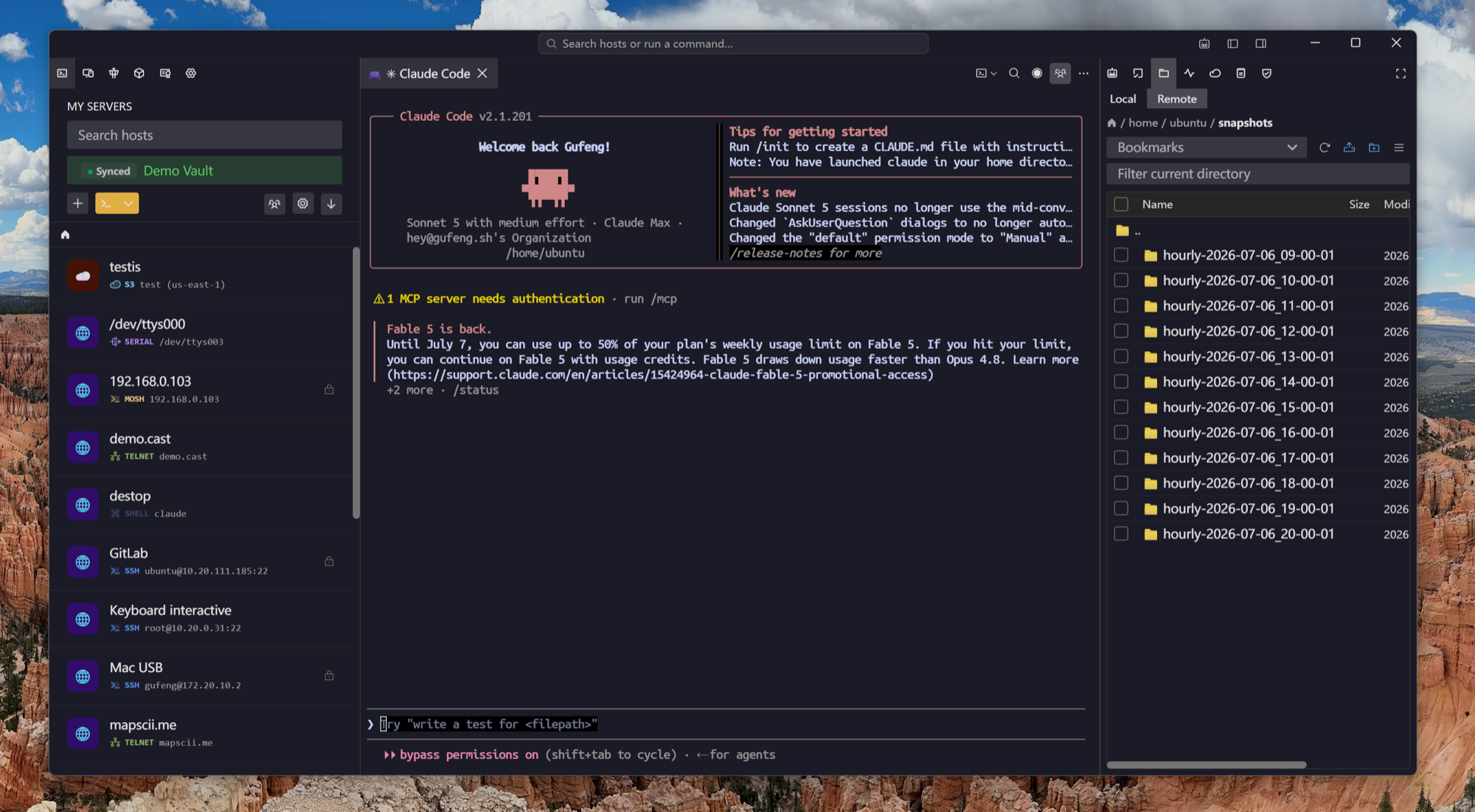
The columns
One row per server, eight columns at most
Download the template from the import dialog and it opens with the headers already in place and three example rows showing the shape.
Before it is written
A preview, then a decision
The importer parses the sheet and shows you every row it understood as a host, ticked and ready. Nothing touches your list until you confirm.
Afterwards
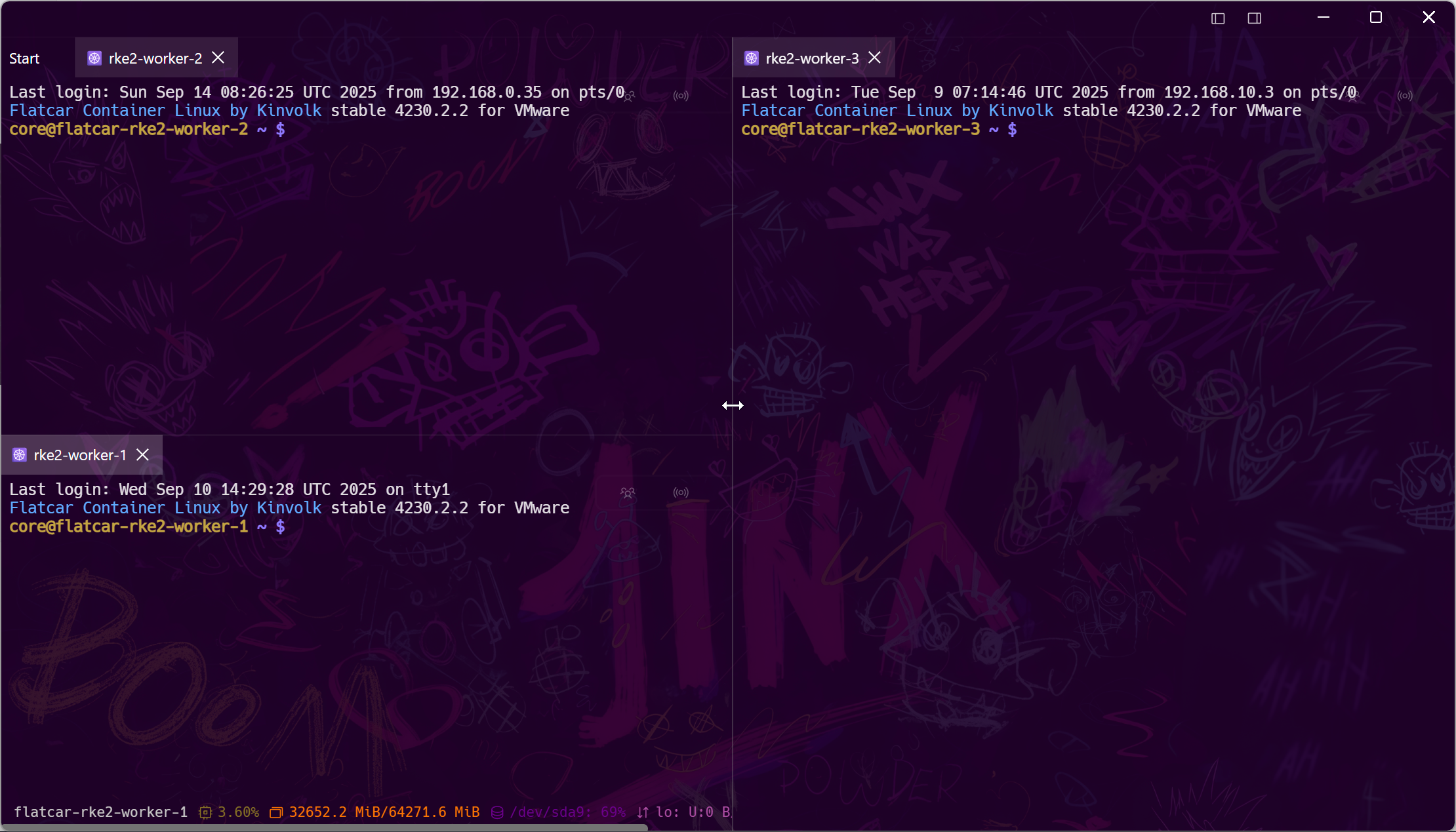
The list stops being a file
A spreadsheet of servers is a handover document that goes stale the day it is written. Once imported, the list lives in one place and follows you.
Frequently asked questions
- Which spreadsheet formats work?
- Excel .xlsx workbooks; the first worksheet is read. If your data is in CSV, open it in Excel or Numbers and save as .xlsx.
- Where do I get the template?
- The import dialog has a download link for it. It ships with the correct headers and example rows, including a nested group and a GBK host.
- Is putting passwords in a spreadsheet safe?
- The sheet is as safe as the disk it is on, which is why this is a migration tool and not a storage plan — import it, then delete the file. After that the credentials are encrypted with a key only your devices hold.
- Can I import hosts that are not SSH?
- The sheet imports SSH hosts. Serial, Telnet, RDP, VNC, RCON, Kubernetes and the storage endpoints are separate connection types with their own fields, added in the connection form.
- What if a row is malformed?
- Rows without a host are skipped, and an unrecognised encoding or backspace value is ignored rather than applied. Everything the importer understood is shown in the preview before it is saved.