
Xshell alternative
Everything Xshell does, on the machine you are actually using
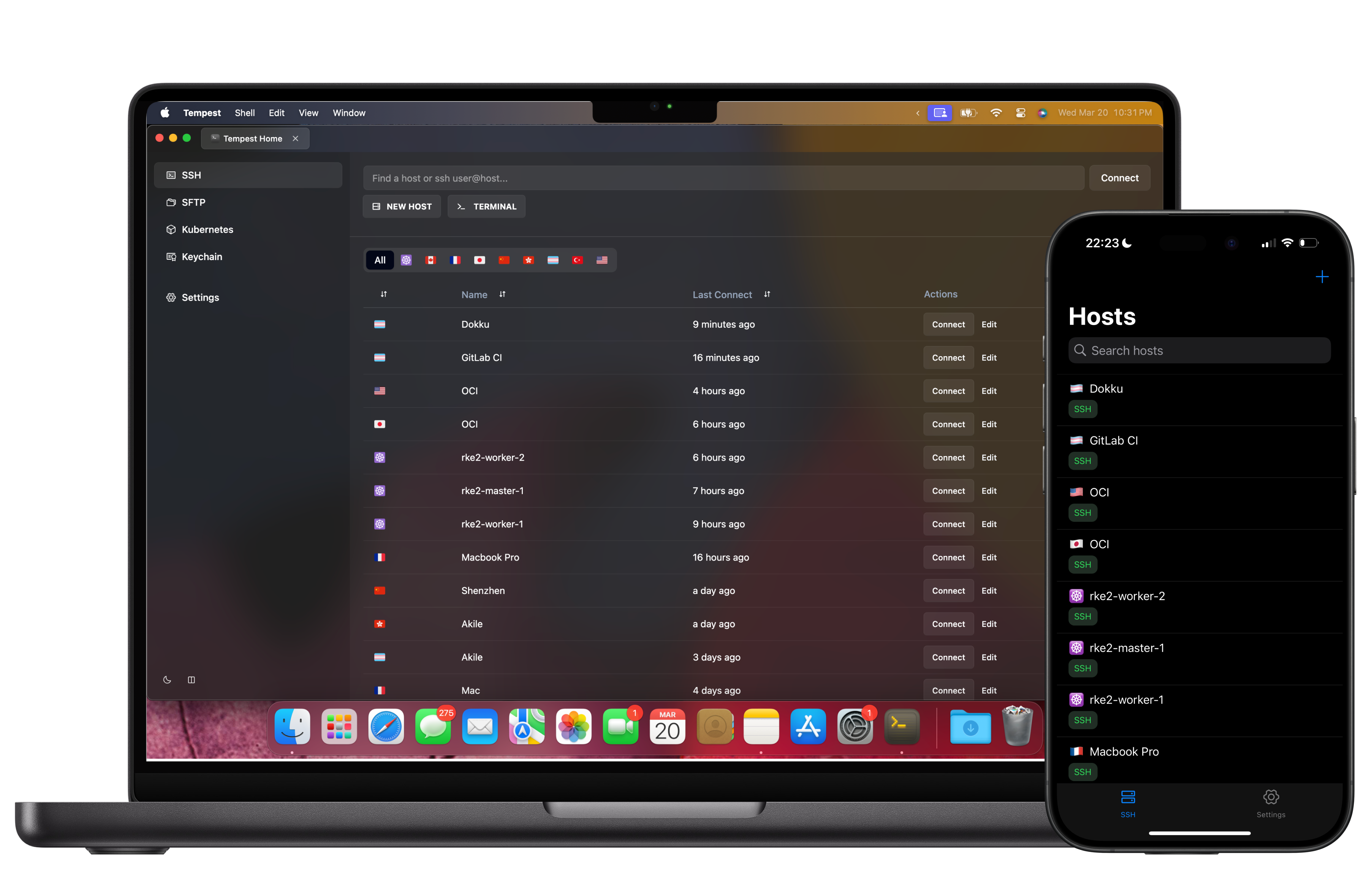
Xshell is a good Windows terminal with a solid session manager. The trouble starts when your work moves — to a Mac, to a Linux box, to a phone at the weekend — or when you notice that file transfer is a second product.
Windows, macOS, Linux, Android, iOS & Web. Free plan available.
Tempest vs Xshell
The short version, on the points that make people go looking.
| Tempest | Xshell | |
|---|---|---|
| Platforms | Windows, macOS, Linux, Android, iOS, Web | Windows |
| File transfer | SFTP, FTP, S3 and WebDAV built in | Xftp, sold separately |
| Session sync | Zero-knowledge E2E encrypted across devices | Manual copy of session files |
| Mobile | Android & iOS with the same host list | None |
| Other protocols | RDP, VNC, Kubernetes, Serial, RCON | SSH, Telnet, Rlogin, Serial |
| Licensing | Free plan; Pro subscription or lifetime | Free for home and school; commercial use licensed |
Xshell remains a capable Windows client with a mature scripting story. This is a comparison of scope, not of quality.
Moving over
Your sessions come with you
Two routes, depending on how big the list is.
One app, not three
SFTP is included, not upsold
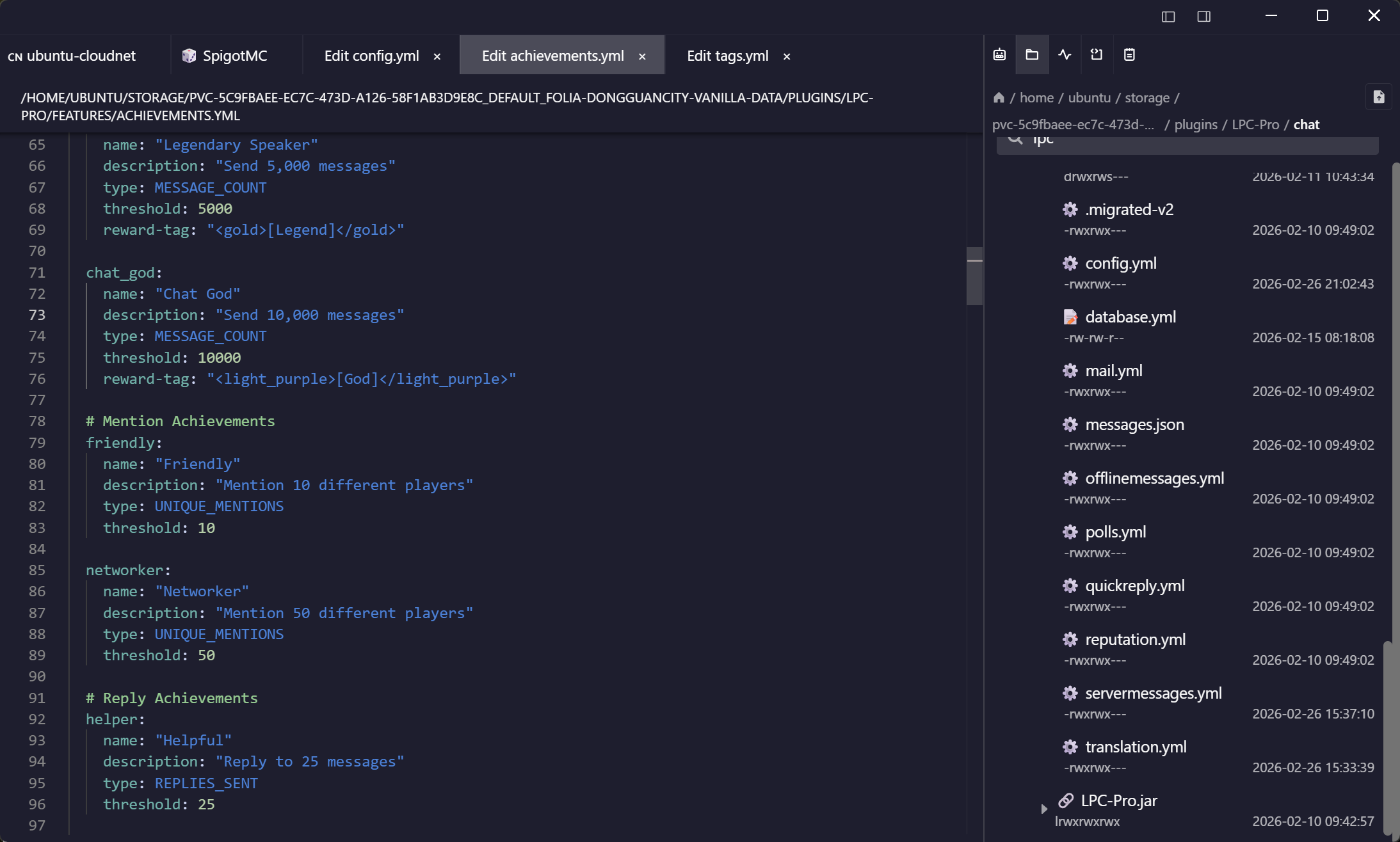
The Xshell setup usually means Xshell plus Xftp, and Xmanager if you need X11. Here the file manager is attached to the session you already have open.
What replaces the scripts
Snippets, schedules, and an agent that reads the output
Xshell's VBScript and Python scripting is genuinely powerful, and we are not pretending to match it line for line. Most of what people wrote those scripts for is a snippet here.
Frequently asked questions
- Is there an Xshell for Mac?
- No — NetSarang ships Xshell for Windows only. That is the single most common reason people end up here.
- Can I import my Xshell sessions?
- Yes. Import .xsh files one at a time, or move the whole library through the spreadsheet importer, which also carries folders and passwords. Import Xshell sessions
- Do saved passwords transfer?
- Not out of .xsh files — Xshell encrypts them against the installation, so nothing can read them out. Passwords you type into the import sheet do transfer.
- Do I need a separate product for SFTP?
- No. SFTP is part of the same app and the same session, along with FTP, S3 and WebDAV.
- What does it cost compared with Xshell?
- There is a free plan with SSH, Mosh and SFTP. Pro adds serial, RDP, VNC, Kubernetes, RCON, unlimited sync and the AI agent, as a subscription or a one-time lifetime purchase.