
SSH client for iPad
The iPad is a fine place to run a server from
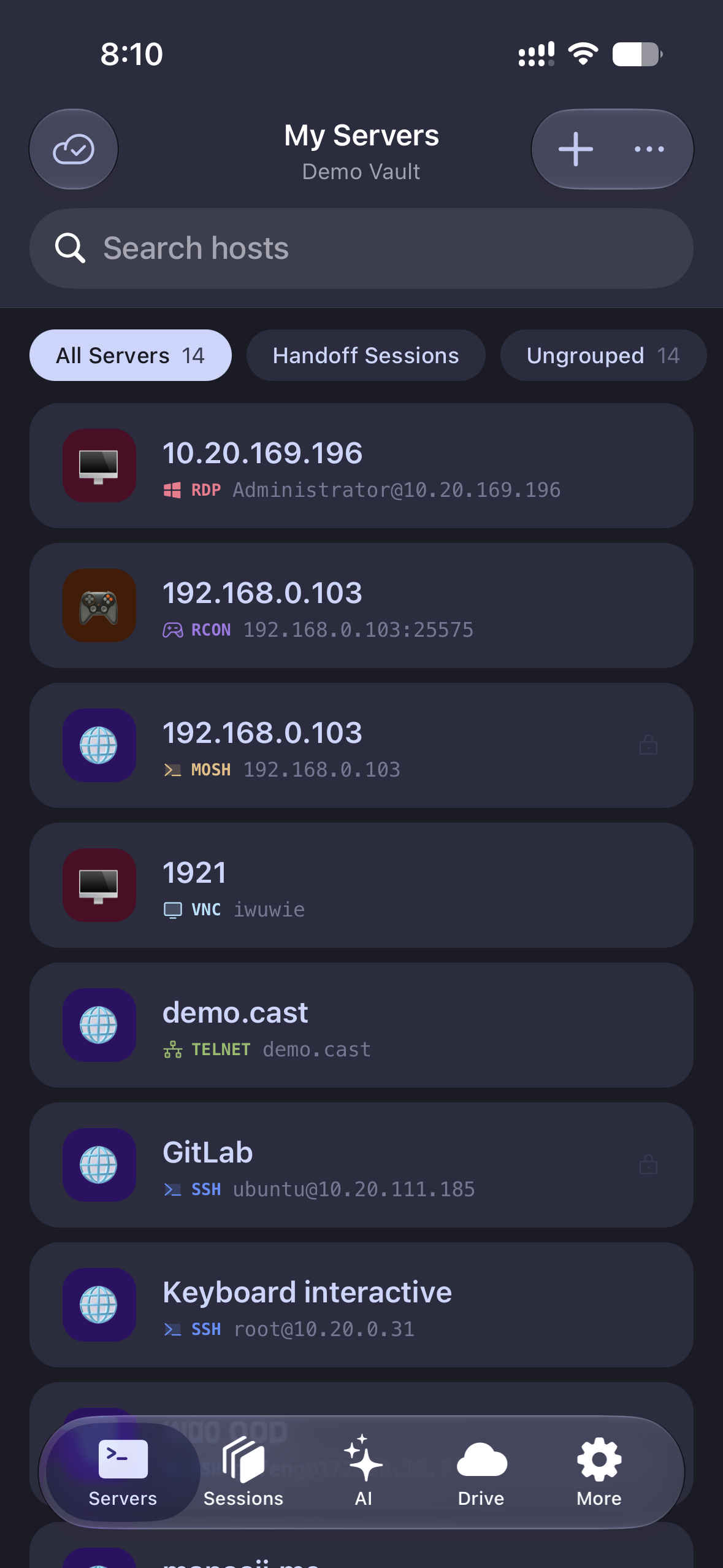
With a keyboard attached, an iPad is a terminal that happens to fold flat. Tempest is a universal app — the same host list as your Mac or PC, arriving already signed in, with Split View so the docs sit beside the shell.
Universal iPhone and iPad app. Free plan available.
Built for the big screen
Split View, Stage Manager, and a real keyboard
This is not a phone app stretched to fill an iPad. It runs alongside other apps rather than demanding the whole display.
Split View and Stage Manager supported — runbook on one side, session on the other.
Every orientation, with the external keyboard as the first-class input.
The same profiles as the desktop, synced zero-knowledge encrypted.
How E2EE sync works
Not a cut-down client
The protocols you use on the desktop
An SSH app on a tablet usually means SSH and nothing else. Here the rest of the list comes too.
SFTP browsing and editing, with the file manager attached to the session.
SFTP file manager
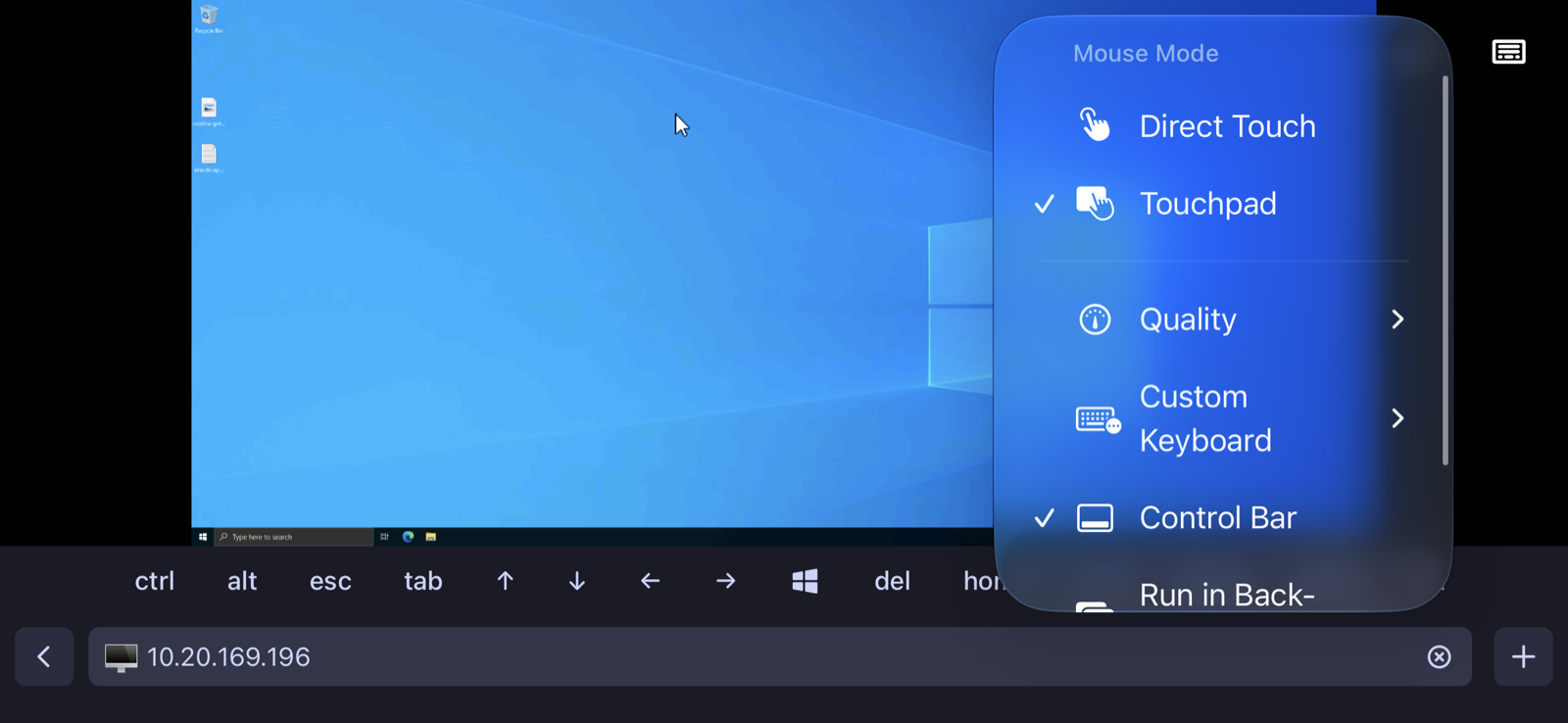
RDP and VNC when the job needs a desktop rather than a shell.
Kubernetes pod shells and logs, and RCON for game servers.
Port forwarding, so a remote dashboard opens in Safari on the same device.
Port forwarding guide
Mobile networks
The connection that survives the lift
Tablets change networks constantly — wifi to cellular, sleep to wake. Plain SSH gives up on all of them.
Mosh keeps the session alive across network changes and sleep.
Mosh guide
Push notifications when a long job finishes or a scheduled run fails.
Push notifications
Snippets for the commands that are miserable to type on glass.
Snippets & scheduled runs
The AI assistant turns a sentence into the command, which is worth more on a tablet than anywhere else.
Tempest AI assistant
Frequently asked questions
- Is it free?
- The terminal, SFTP and Mosh are free permanently, on one synced device. Because an iPad is usually your second device, the sync that makes this page compelling is part of Pro — as are RDP, VNC, Kubernetes and the AI agent.
- Is there a separate iPad app?
- No — it is one universal app. Buy or subscribe once and it runs on iPhone and iPad, sharing the same synced host list.
- Does it support Split View and Stage Manager?
- Yes. The app does not require full screen, so it tiles beside Safari, Notes or anything else on iPadOS.
- Does it work with a Magic Keyboard?
- Yes, including the control and escape keys a terminal needs. The on-screen key row covers them when the keyboard is detached.
- Can I move a desktop session to the iPad?
- Session handoff picks up a running desktop session on another device, so a long build can move to the sofa.
- Are my keys and passwords safe on a shared iPad?
- Credentials are stored encrypted with a key only your devices hold, unlocked per device, and a lost device can be signed out from the account page. Where credentials are stored