
SSH client for iPhone
Serious SSH, in your pocket
Tempest for iPhone is not a companion app — it's the full client. A real VT-compliant terminal, SFTP with an editor, jump-host chains, and Mosh that survives the walk out of the office, with your host list synced from desktop under zero-knowledge encryption.
Free plan available. iPhone and iPad, from the App Store.
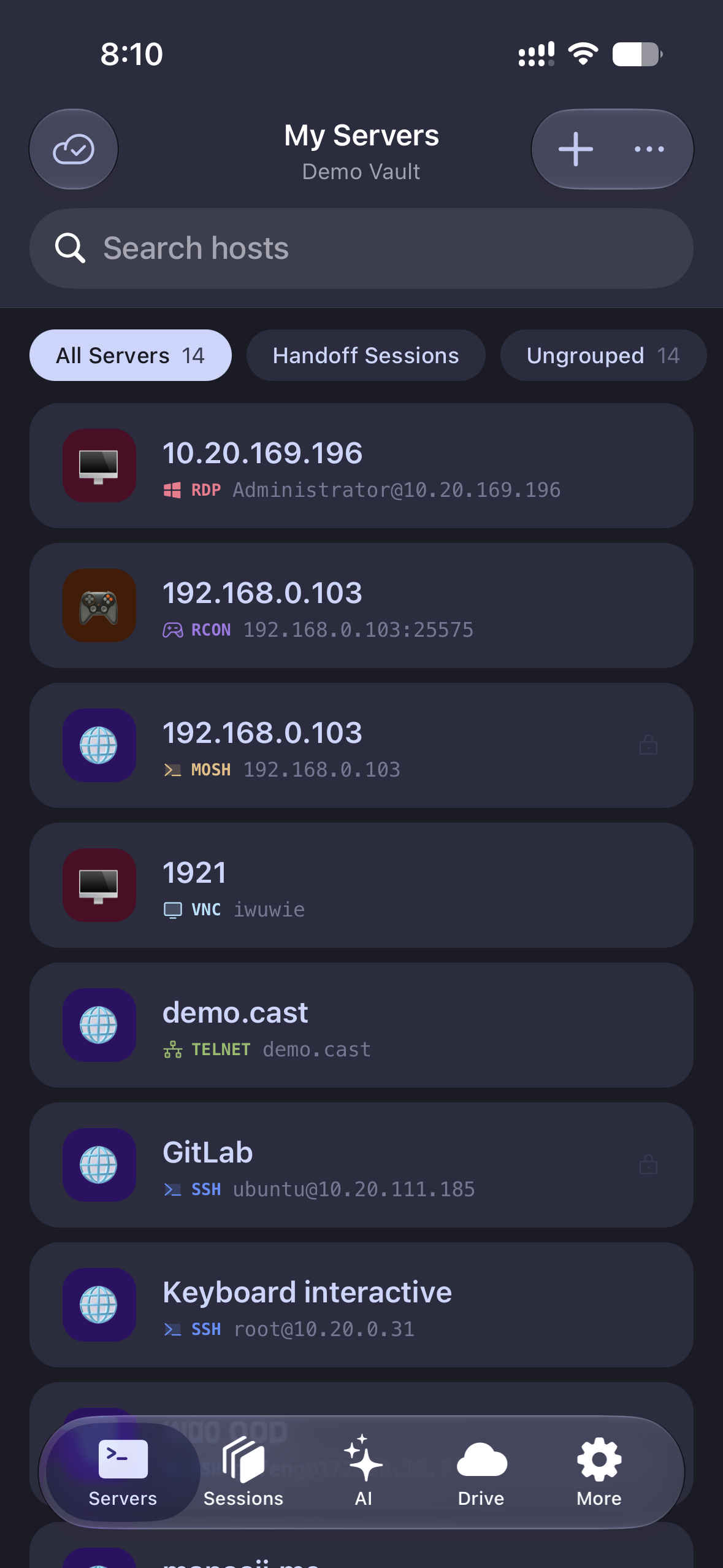
Full terminal
tmux, vim, and htop render like they should
A VT-compliant emulator with proper key handling — arrows, Ctrl, Esc, Tab — via an on-screen modifier bar or a hardware keyboard.
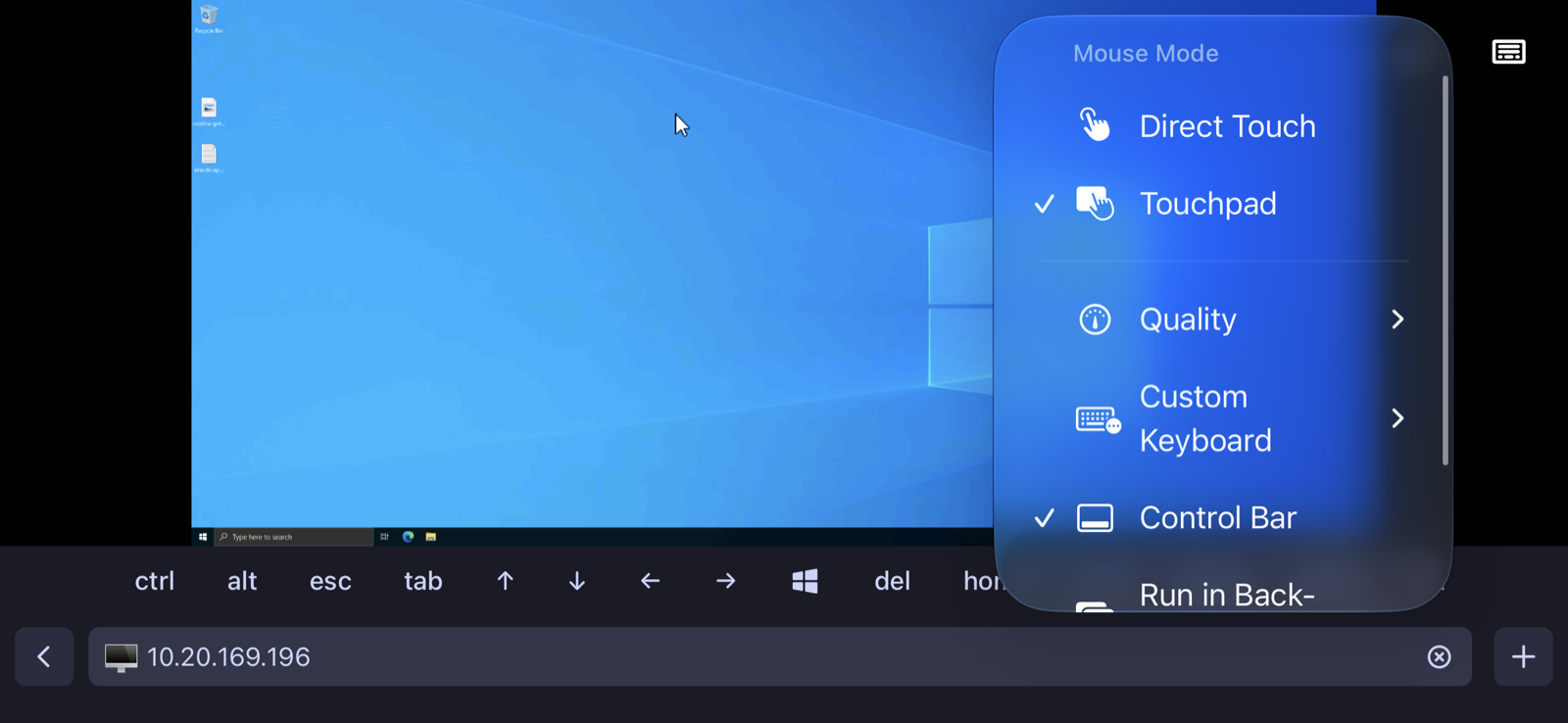
Handoff for servers
Desktop session in your hand
Continuous sessions started on your Mac or PC show up on the iPhone, live. Check on the long migration from the sofa; hand it back at your desk.
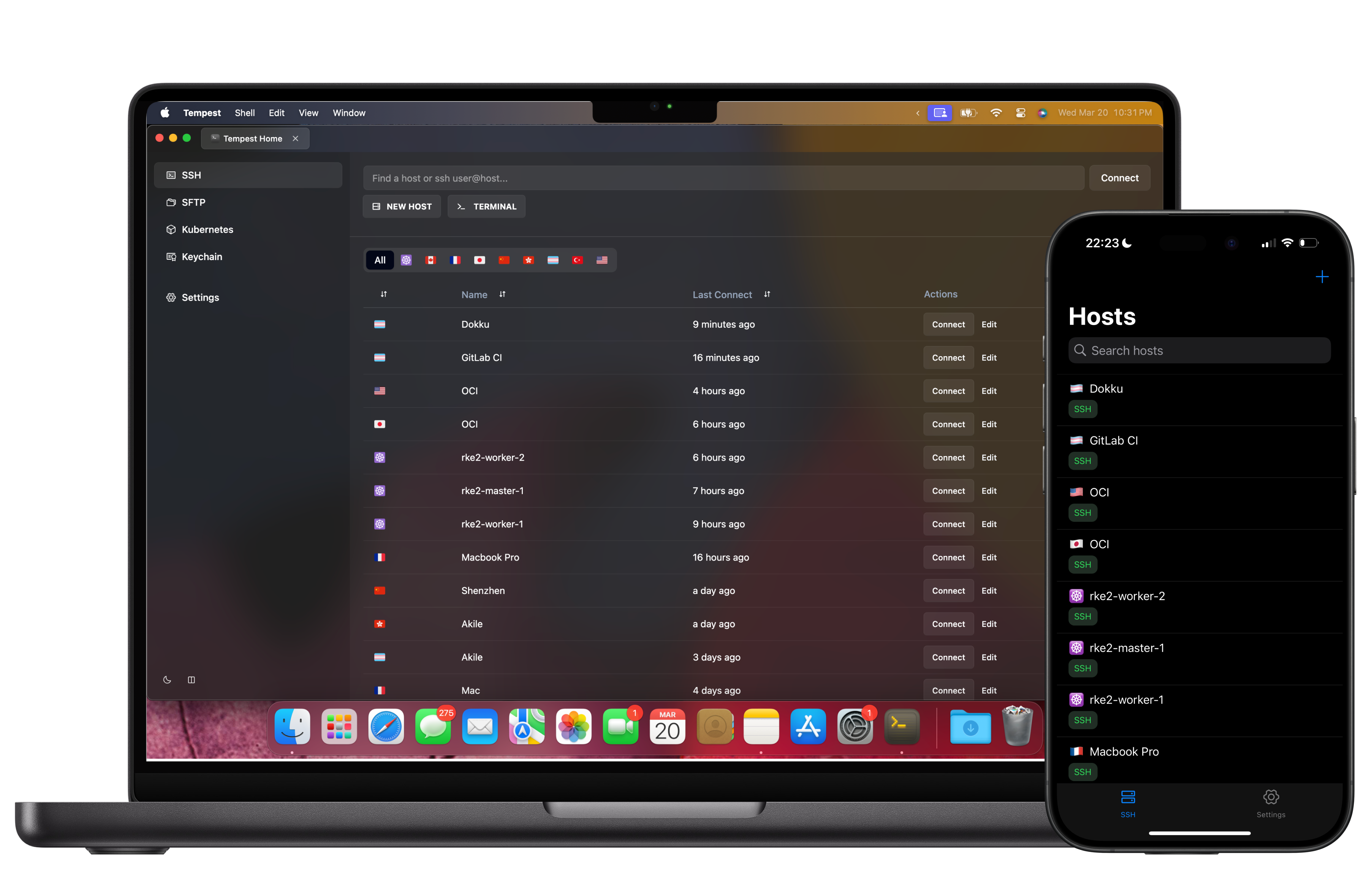
Everything encrypted
Your keys never leave your control
Hosts, keys, and passwords sync between devices with zero-knowledge end-to-end encryption — Tempest's servers store ciphertext only.
Frequently asked questions
- Is there a free SSH client for iPhone in this?
- Yes — SSH, Mosh, SFTP, FTP, S3 and WebDAV are free permanently, on one synced device. Keeping the iPhone in step with your Mac is what Pro's unlimited synced devices buys, along with port forwarding, jump hosts, the SFTP editor, RDP, VNC and Kubernetes.
- Does the same app run on iPad?
- Yes — it is one universal app, so an iPad runs it with hardware keyboard support, Split View and Stage Manager. The iPad page covers what that looks like. SSH client for iPad
- Can it keep a session alive when I switch apps?
- Continuous sessions are built for iOS's background model: your session survives app switches and reconnects instantly, and Mosh handles network roaming.
- How do my SSH keys get onto the iPhone?
- Generate keys on-device or sync your existing ones from desktop — end-to-end encrypted either way. Hardware-key (FIDO2) auth is supported where servers allow it.
- Where do I get it?
- From the App Store via the iOS download page. Download for iOS