
Comparison
Tempest vs MobaXterm, row by row
MobaXterm is the most feature-dense Windows terminal ever shipped — an X server, a local bash, a dozen protocols and a plugin system in one portable executable. That density is exactly what makes the comparison interesting, because half of it is Windows-shaped by design.
Free plan available — trying it costs nothing.
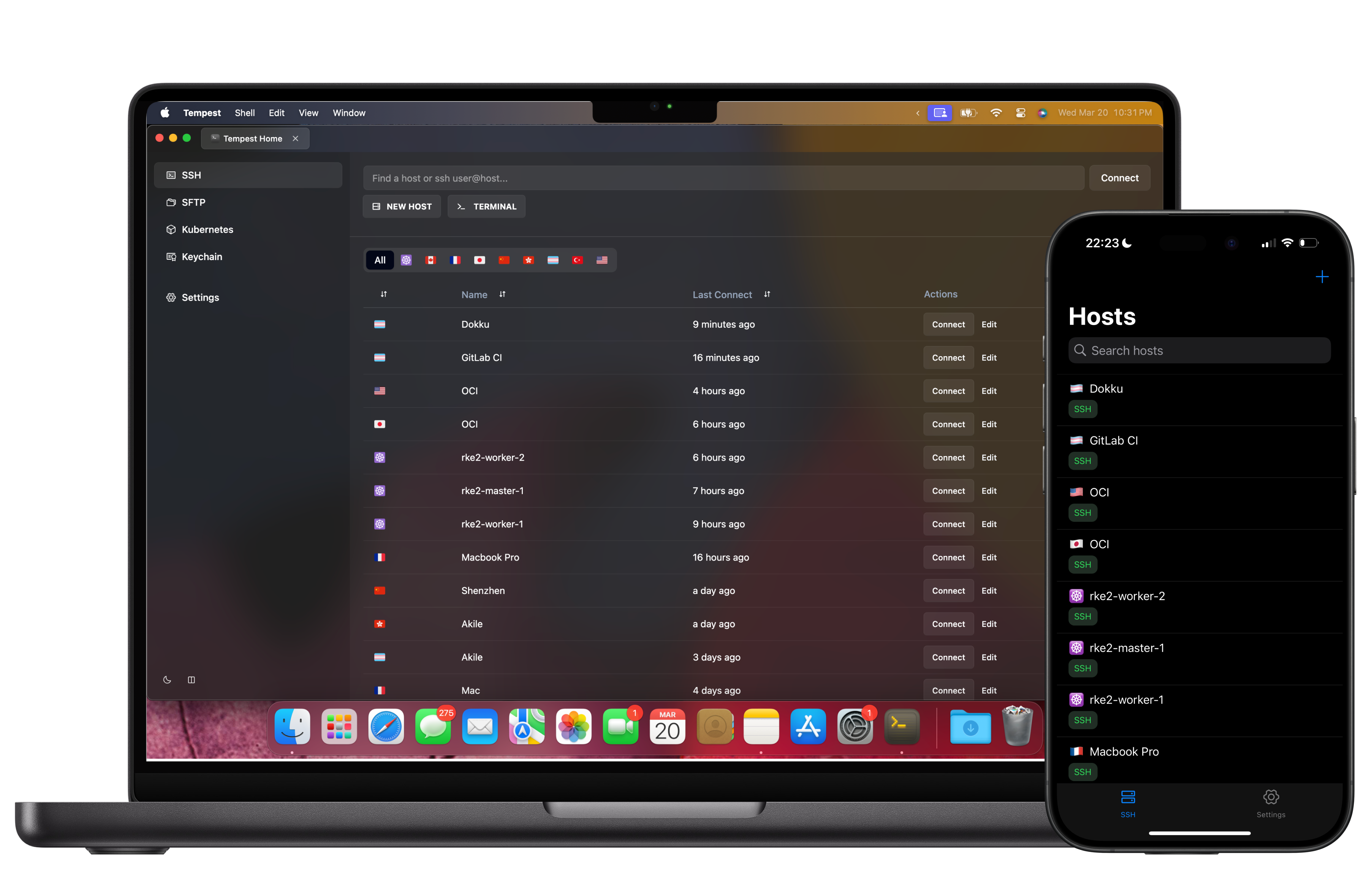
Tempest vs MobaXterm
MobaXterm 25.x against Tempest, on everything a working day touches.
| Tempest | MobaXterm | |
|---|---|---|
| Platforms | Windows, macOS, Linux, Android, iOS, Web | Windows only |
| Saved sessions in the free tier | Unlimited | Capped in the free Home Edition |
| Tabs & split panes | Yes — grid workspace | Yes |
| SSH, Telnet, Serial | Yes | Yes, plus Rlogin |
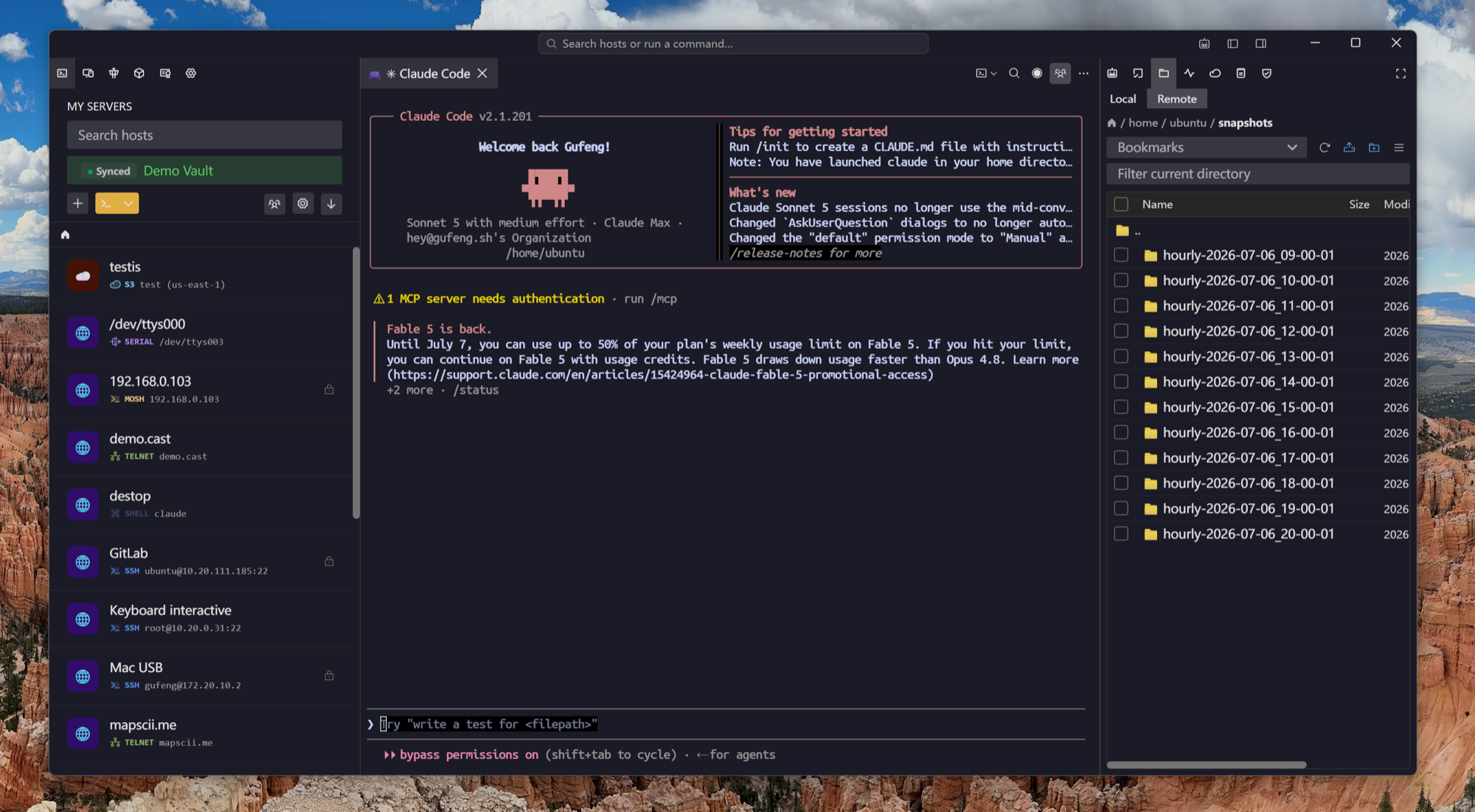
| SFTP | Browser plus editor, attached to the session | Yes, alongside the session |
| FTP, S3, WebDAV | Yes, in the same file browser | FTP and FTPS |
| RDP & VNC | Yes | Yes |
| Kubernetes | Cluster browser, pod shells and logs, node shells | Not built in |
| RCON (game servers) | Source RCON and BattlEye | No |
| Bundled X server | No — X11 forwarding to your own | Yes, and it is very good |
| Local Unix shell on Windows | Local shell sessions; no Cygwin layer | Cygwin-based bash |
| Session sync across machines | Zero-knowledge E2E encrypted | Portable ini, copied by hand |
| Mobile apps | Android & iOS with the same list | None |
| Hardware keys (FIDO2) | Yes | Via external agent |
| Post-quantum key exchange | Yes | No |
| AI assistance | Built-in agent with reviewed tool calls | None |
Compared against MobaXterm 25.x's documented feature set. The X server and the Cygwin shell have no equivalent here, and that is a deliberate scope decision rather than a gap we are working on.
The case for switching
Everything MobaXterm ties to one PC
The portable executable is a genuine strength right up to the moment you have two computers.
The case for staying
The X server is not a feature we are hiding
If you run graphical Linux applications on a Windows desktop every day, MobaXterm's bundled X server is the reason, and nothing here replaces it.
Migration
The session list moves in one file
MobaXterm exports its sessions natively, and that export is a supported import here.
Frequently asked questions
- Is MobaXterm free?
- There is a free Home Edition, which caps how many sessions you can save, and a paid Professional Edition. Tempest's free plan has no session limit; Pro adds the advanced protocols, unlimited sync and the AI agent.
- Does MobaXterm run on macOS or Linux?
- No — it is a Windows application. That is the most common reason people compare the two.
- Does Tempest include an X server?
- No. It does X11 forwarding to an X server you run yourself. If a bundled X server is why you use MobaXterm, keep it for that job.
- What replaces MobaXterm's local bash terminal?
- Local shell sessions run whatever shell the machine has — PowerShell, cmd, or a WSL distribution — as saved connections in the same list. There is no bundled Cygwin environment.
- Can I bring my sessions across?
- Yes. MobaXterm's own Export sessions produces a .mxtsessions file that imports directly, with names, hosts, ports and usernames. Import MobaXterm sessions