
Comparison
Tempest vs Xshell, row by row
Xshell has been the default Windows terminal in a lot of Asian enterprises for two decades, and it earned that. This is where the two differ once you line them up properly — including the places Xshell is still the better answer.
Free plan available — trying it costs nothing.
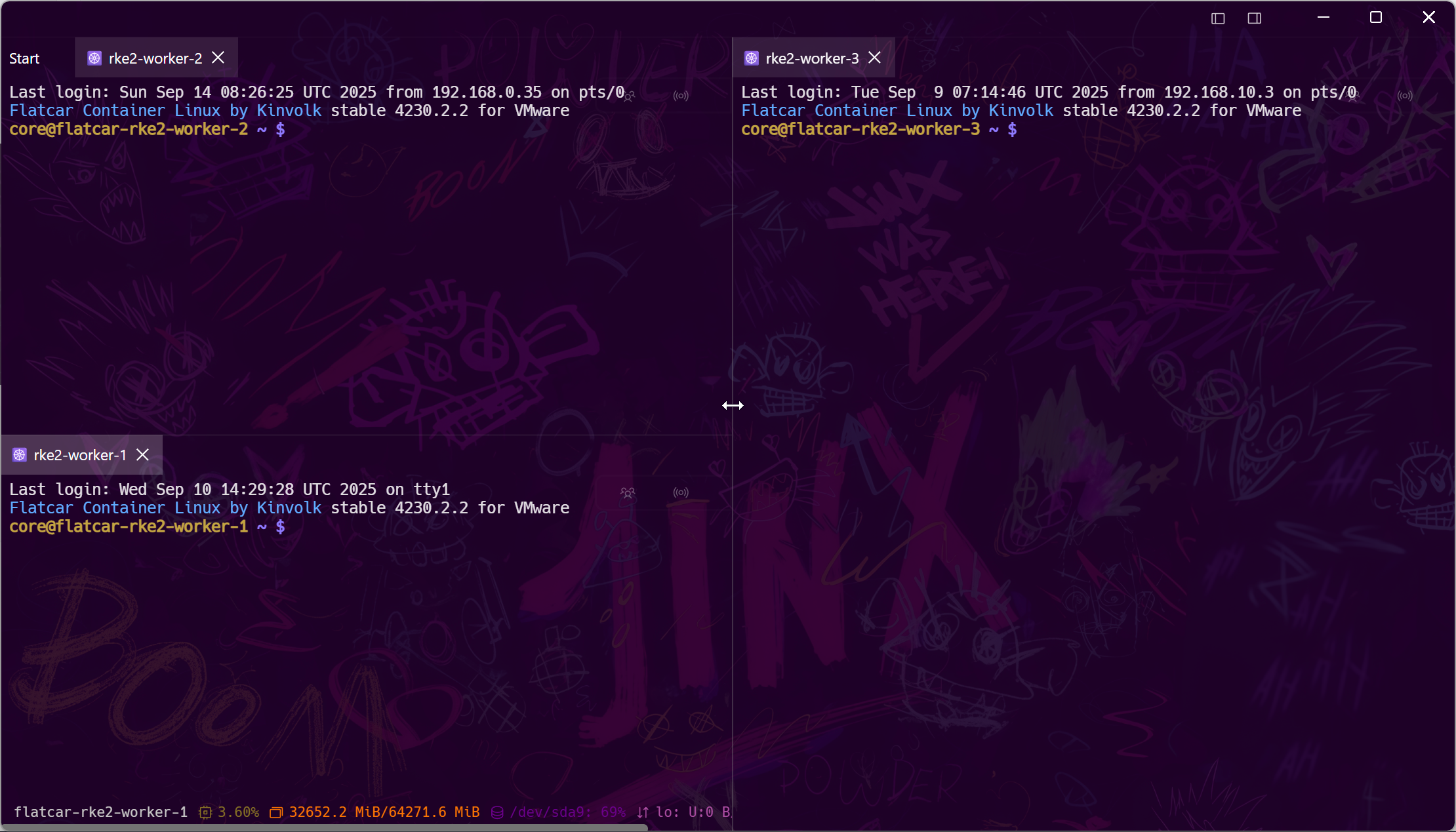
Tempest vs Xshell
Xshell 8 against Tempest, on the things a working day touches.
| Tempest | Xshell | |
|---|---|---|
| Platforms | Windows, macOS, Linux, Android, iOS, Web | Windows only |
| Tabs & split panes | Yes — grid workspace | Yes |
| SFTP / SCP | Built in, with an editor | Xftp, a separate product |
| FTP, S3, WebDAV | Yes, same browser | FTP via Xftp; no S3 or WebDAV |
| Session sync across machines | Zero-knowledge E2E encrypted | Copy session files by hand |
| Jump hosts | Saved chains per host | Yes, via tunnelling configuration |
| Port forwarding | Local, remote, dynamic — toggled live | Yes |
| Serial & Telnet | Yes | Yes, plus Rlogin |
| RDP / VNC / Kubernetes / RCON | Yes | No |
| Scripting | Snippets, scheduled runs, MCP for agents | VBScript, JScript and Python |
| Mobile apps | Android & iOS, synced | None |
| Hardware keys (FIDO2) | Yes | Smart card / PKCS#11 |
| Post-quantum key exchange | Yes | No |
| AI assistance | Built-in agent with reviewed tool calls | None |
| Licensing | Free plan; Pro subscription or lifetime | Free for home and school; commercial licensed |
Compared against Xshell 8's documented feature set. Xshell's scripting engine is more mature than anything here, and if your workflow is built on it, that matters more than any row above.
The case for switching
When Xshell stops fitting
Three situations account for almost every move we see.
The case for staying
Where Xshell is still right
We would rather you kept a tool that fits than switched and regretted it.
Migration
What the move actually involves
Sessions come across; credentials you supply once.
Frequently asked questions
- Is Xshell free?
- Xshell is free for home and school use with registration; commercial use requires a licence. Tempest has a permanent free plan and a paid Pro tier for the advanced protocols and sync.
- Does Xshell run on macOS?
- No. It is a Windows application; NetSarang does not ship a macOS build.
- Can Tempest replace Xftp too?
- Yes — SFTP, FTP, S3 and WebDAV are in the same app and the same window as the terminal. SFTP file manager
- What about Xshell's scripting?
- There is no VBScript or Python runtime here. Snippets, scheduled runs, and an MCP server that lets an AI agent drive sessions under review cover a different shape of the same problem. MCP server docs
- Does my data leave my machine?
- Only encrypted, and only if you enable sync. Credentials are sealed with a key your devices hold; the server stores ciphertext it cannot read. End-to-end encryption