
Migrate from MobaXterm
Your MobaXterm sessions, imported in one step
Tempest reads MobaXterm's own .mxtsessions export directly. Point it at the file and the whole session list comes across — no retyping, no copy-pasting hostnames out of a sidebar you have been growing for years.
Windows, macOS & Linux. Free plan available.
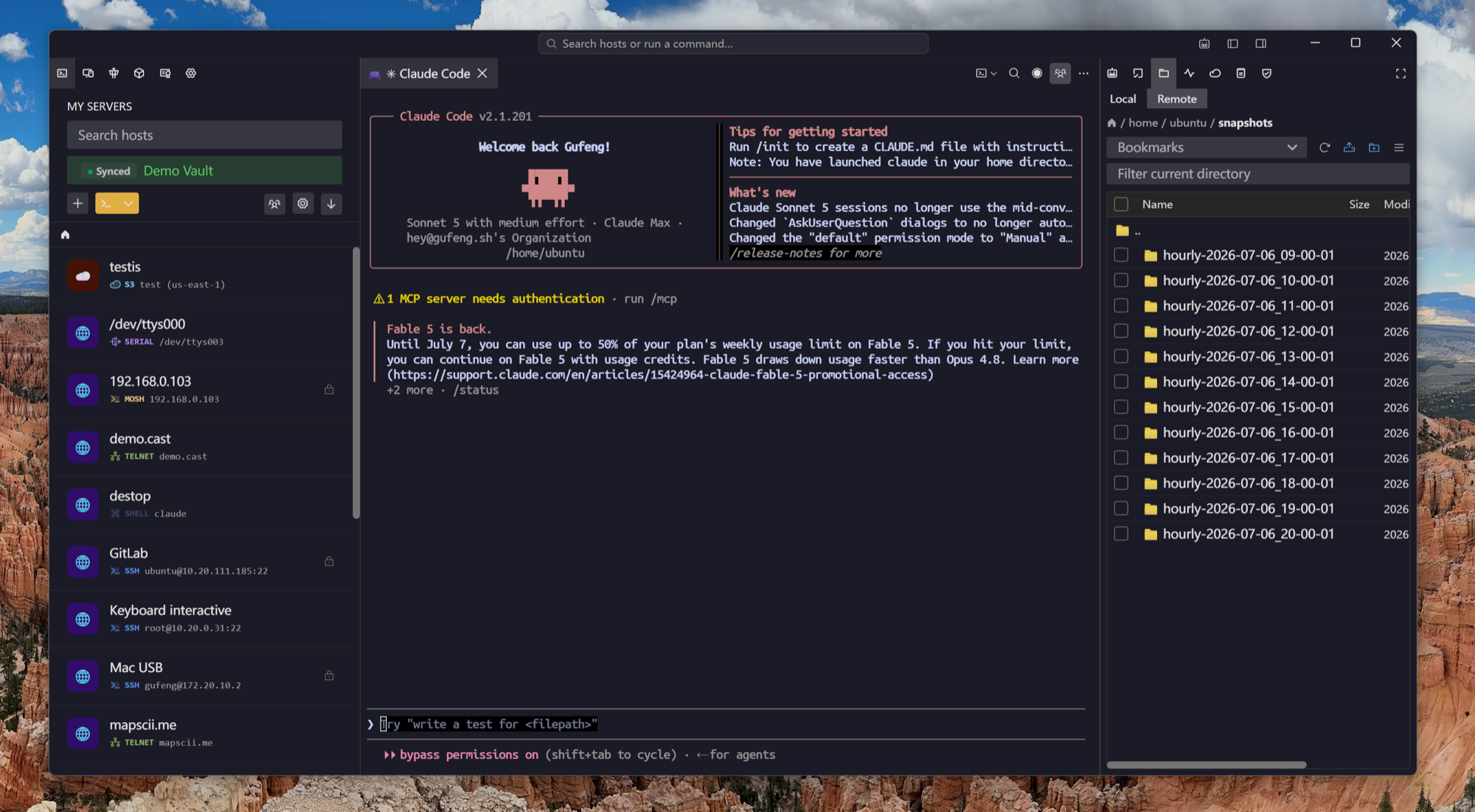
Two minutes, start to finish
Export from MobaXterm, import into Tempest
MobaXterm already knows how to hand over its session list — Tempest just knows how to read it.
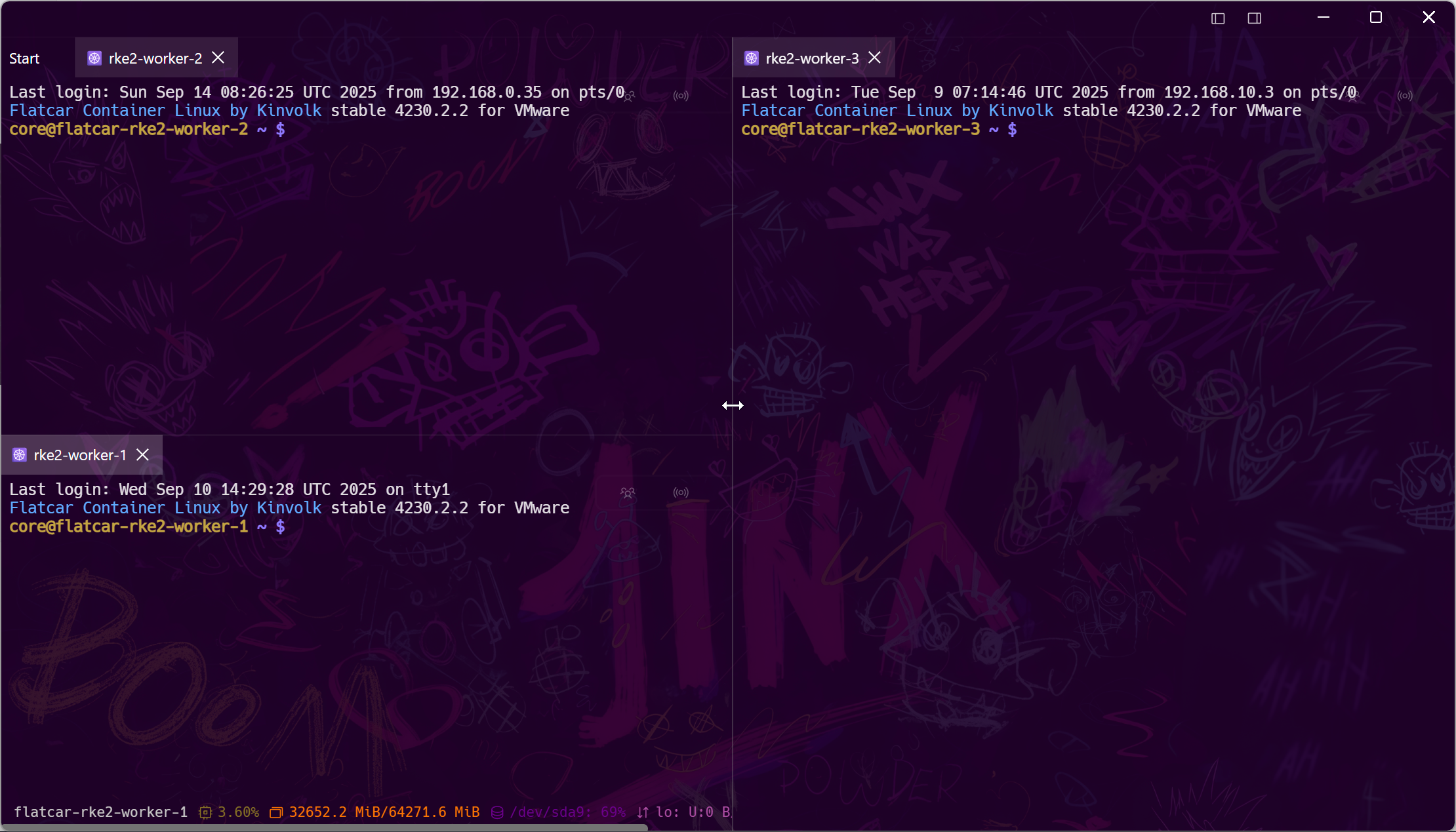
The honest part
What carries over, and what you type once
MobaXterm keeps credentials in its own encrypted store, and an exported session file does not contain them. Everything that identifies a host comes across; the secrets you re-enter once — and then never again on any device.
After the move
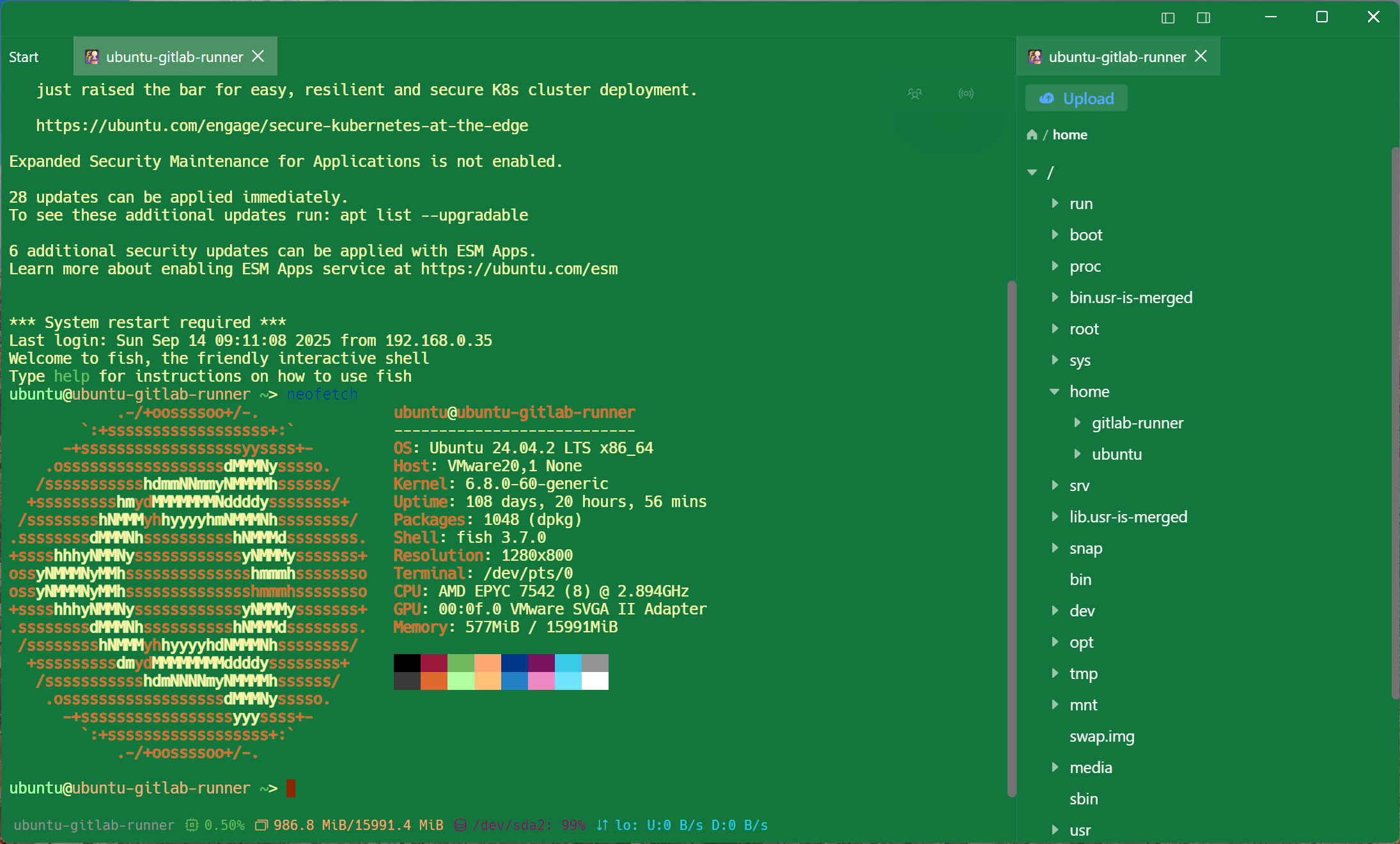
What changes once you are across
The reason to move is not the import — it is the week after it.
Frequently asked questions
- Where does MobaXterm keep its sessions file?
- You do not need to find it — export it. Right-click the Sessions root in MobaXterm's sidebar, choose Export sessions, and save the .mxtsessions file anywhere; that is the file Tempest reads.
- Do my saved passwords come across?
- No. MobaXterm's exported session file contains no credentials, so Tempest cannot read what is not there. You re-enter each one once, after which it syncs encrypted to all your devices.
- Can I import only some of the sessions?
- Yes — the import shows every host it parsed and lets you untick the ones you do not want before anything is saved.
- Does Tempest include an X server like MobaXterm?
- No, and we would rather say so plainly. Tempest does X11 forwarding to an X server you already run — XQuartz on macOS, VcXsrv or the WSLg server on Windows. If a bundled X server is the reason you use MobaXterm, keep it for that. X11 forwarding guide
- Can I keep MobaXterm installed while I try this?
- Yes. The import reads a copy of your exported file and changes nothing on the MobaXterm side — run both for a week and keep whichever you reach for.