
SSH client for Windows
The SSH client Windows should have shipped with
One Windows app for every remote session: SSH with a real SFTP file manager, RDP and VNC consoles, serial ports, Telnet, and Kubernetes — tied together by encrypted profile sync and an AI agent that fixes errors in place. Native builds for x64 and Windows-on-ARM.
Free plan available. Windows 10 & 11, x64 and ARM64.
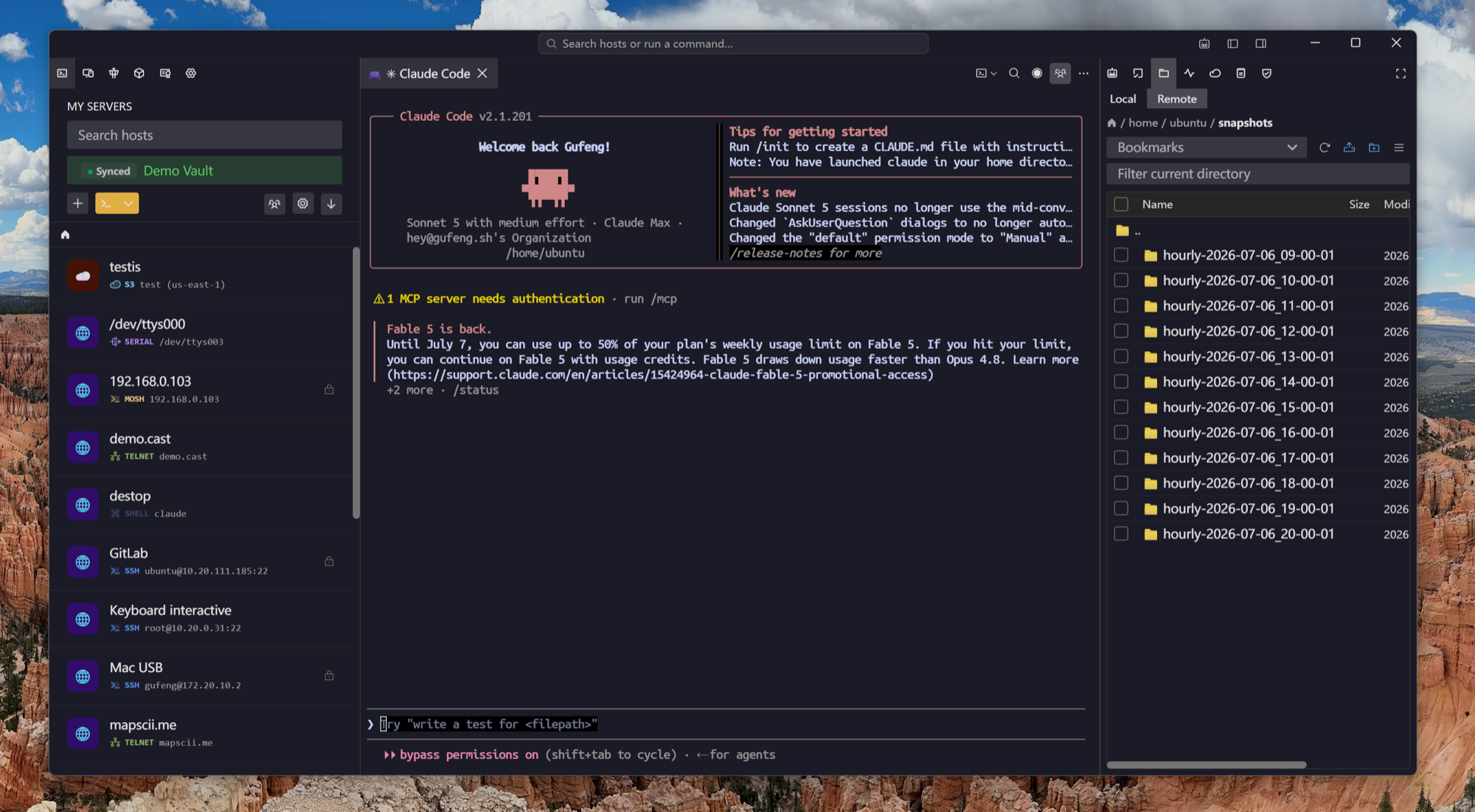
Replaces three apps
PuTTY + WinSCP + mRemoteNG, in one window
The classic Windows remote-work stack is a terminal here, a file transfer app there, and an RDP manager somewhere else. Tempest folds them into one keyboard-driven grid.
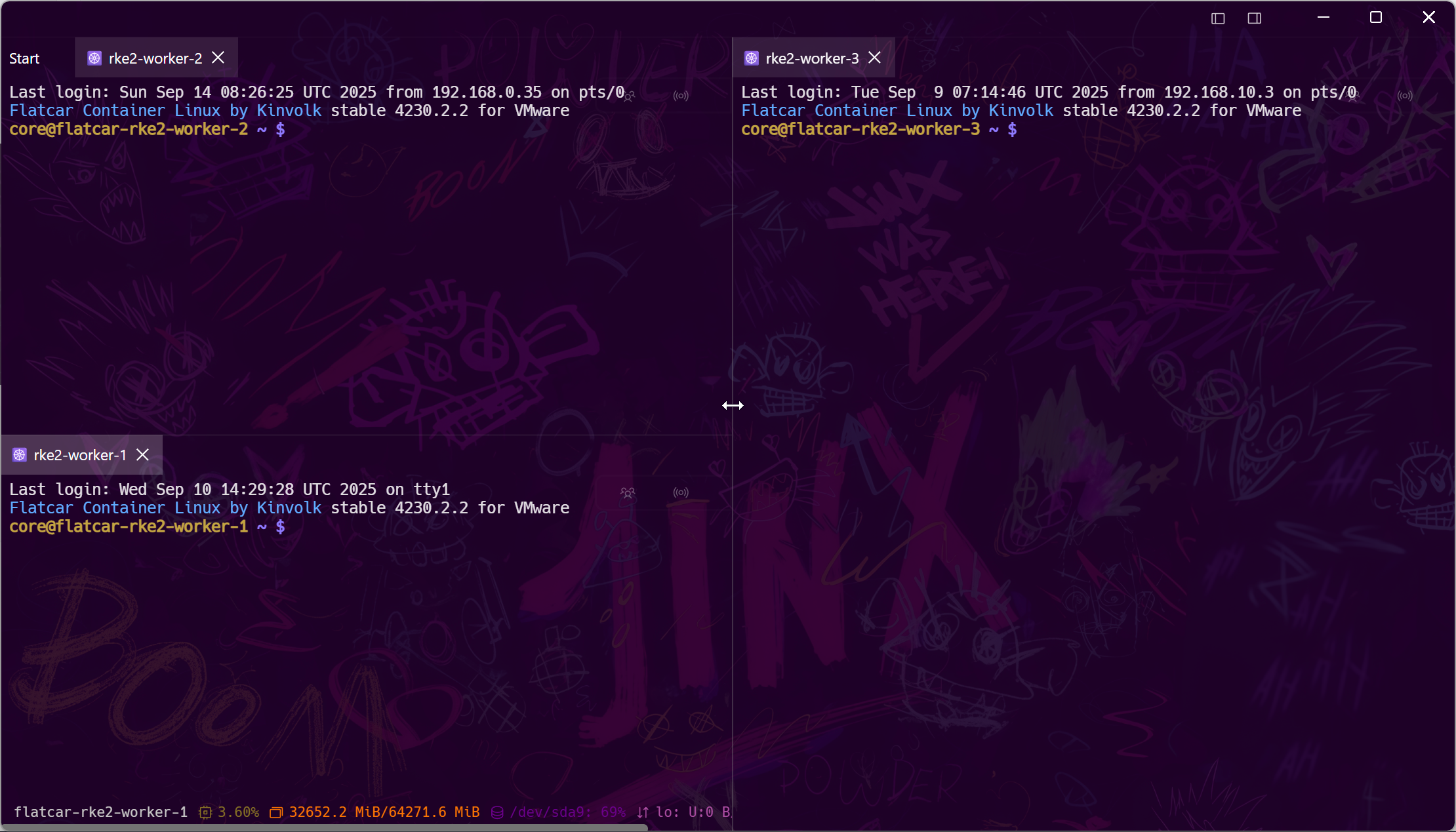
Set up once
Profiles that follow you off this PC
Hosts, keys, and settings sync with zero-knowledge end-to-end encryption to your laptop, your Mac, and your phone. Reinstalling Windows stops being a half-day of reconfiguring.
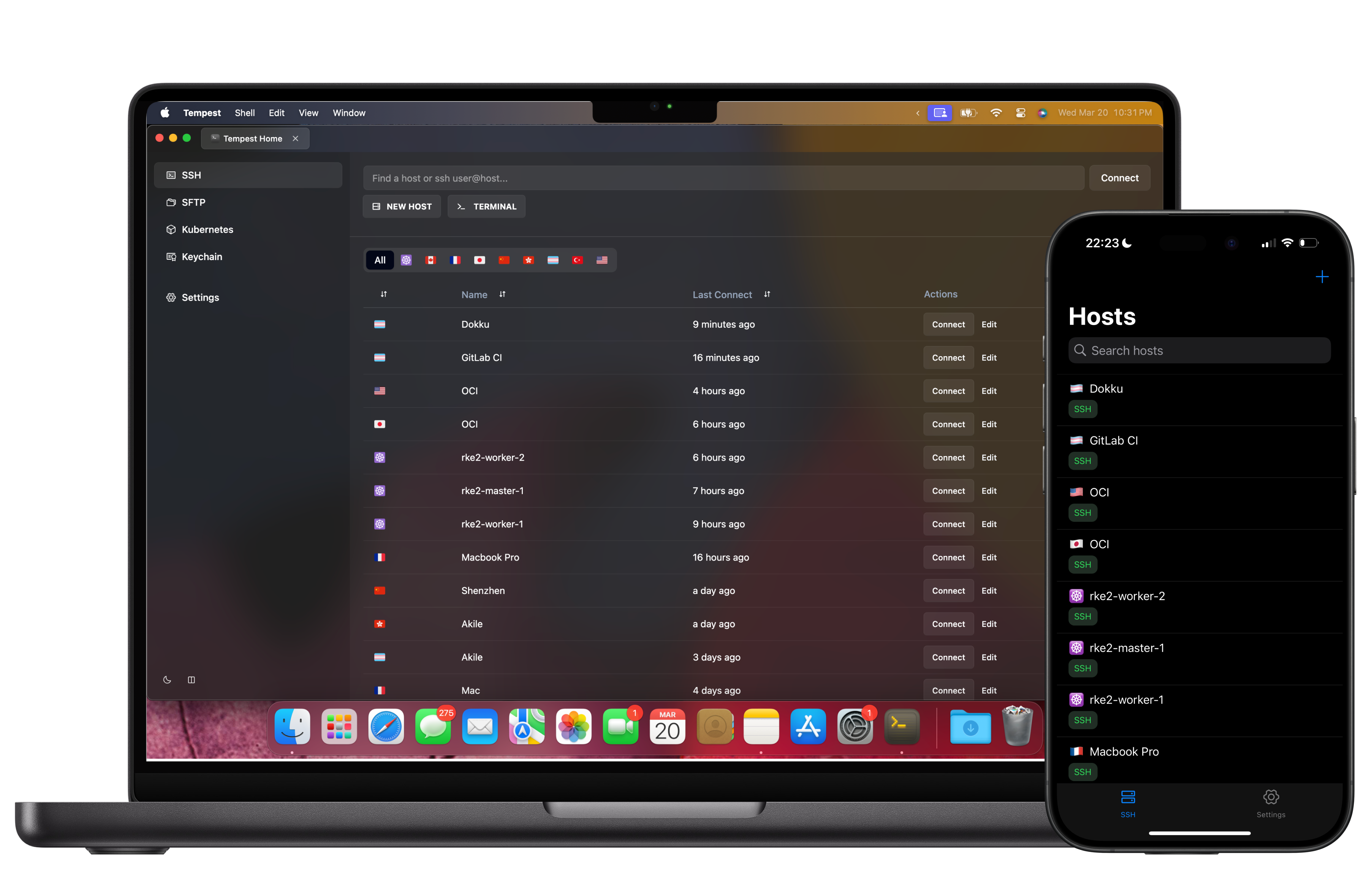
AI in the loop
Paste less into Google, fix more in place
The built-in AI agent reads the failing command's output, explains what went wrong, and proposes the fix — you review, it runs. It handles multi-step recoveries over SSH and Kubernetes.
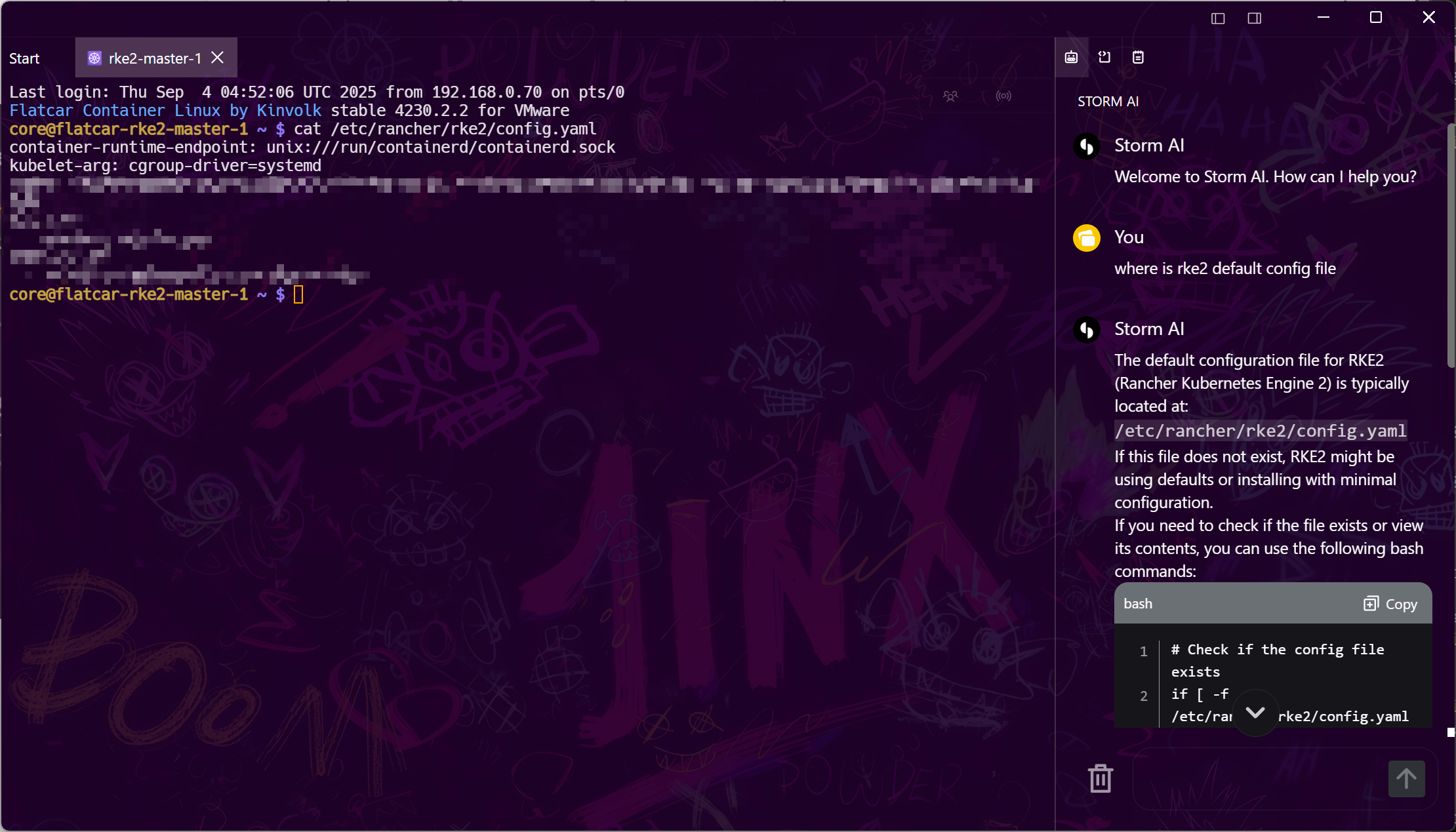
Modern Windows
ARM64-native, zero-trust ready
First-class builds for Windows on ARM (Snapdragon X and friends), plus native support for the access layers your company actually uses.
Frequently asked questions
- Does Tempest run on Windows 11 and Windows 10?
- Yes — Windows 10 and 11, with native installers for both x64 and ARM64. There are also builds for macOS, Linux, Android, and iOS with encrypted sync between them.
- Is there a free version?
- Yes, permanently: SSH, Mosh, SFTP, FTP, S3 and WebDAV on one synced device — enough to retire PuTTY and browse files without WinSCP. Pro adds unlimited synced devices, port forwarding, jump hosts, the SFTP editor, RDP, VNC, Kubernetes, serial and the AI agent.
- Can it replace PuTTY and WinSCP?
- That's the idea: one window with the terminal and the file manager together, plus synced profiles and jump-host chaining that PuTTY makes you script. PuTTY alternative
- Does it work with Windows OpenSSH keys and ssh-agent?
- You can import existing OpenSSH keys, generate new ones in the app, use agent forwarding, or authenticate with YubiKey/FIDO2 hardware keys.
- Does Tempest support RDP into Windows servers?
- Yes — RDP sessions open right next to your SSH tabs, so a mixed Linux + Windows Server estate lives in one workspace.