
FTP client
An FTP client for the servers that never stopped offering it
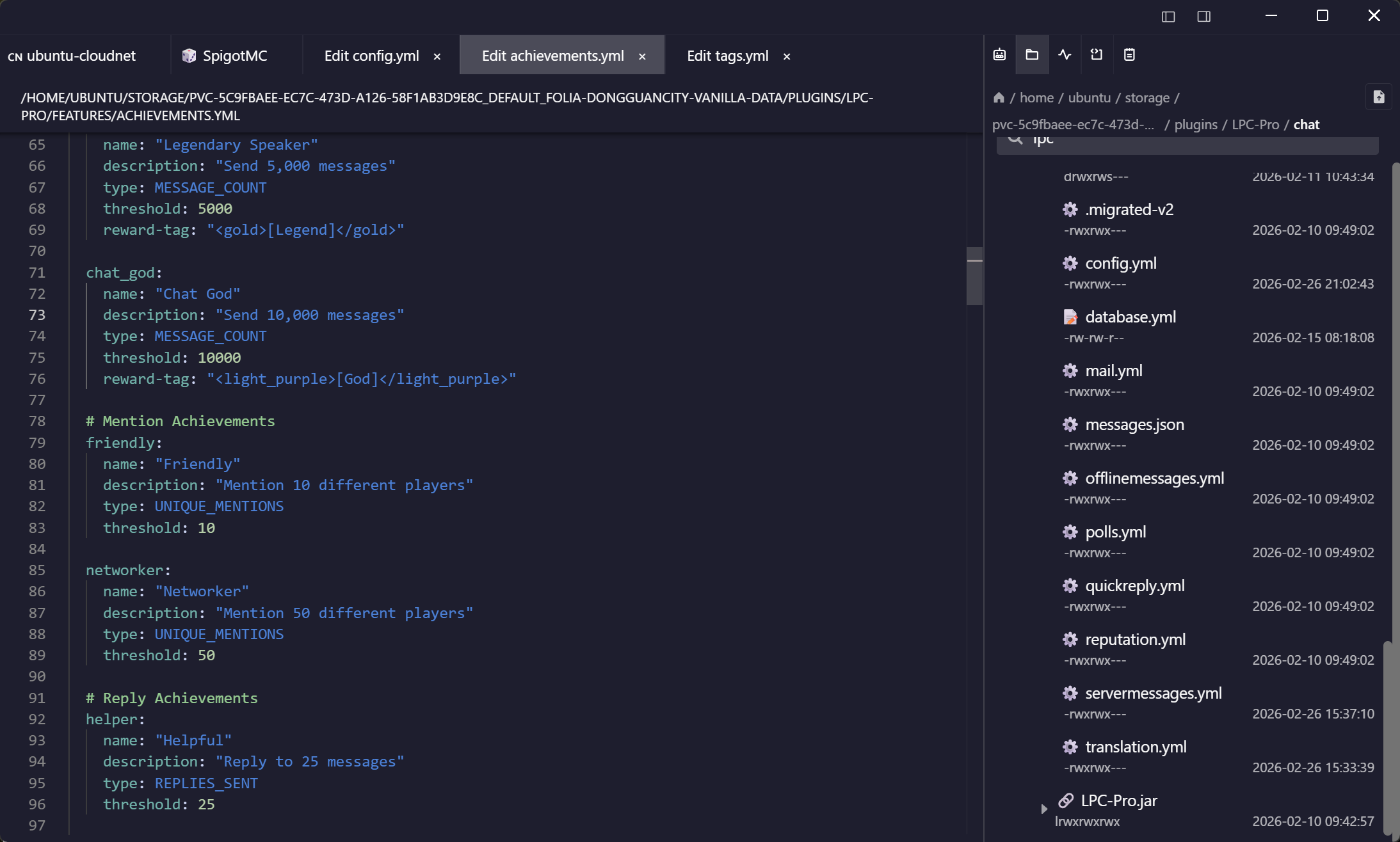
Plenty of hosting panels still hand you FTP credentials and nothing else. Tempest connects to them, defaults to the encrypted variant rather than the plaintext one, and keeps them in the same list as the machines you reach over SSH.
macOS, Windows, Linux, Android & iOS. Browsing and transfers are in the free plan.
Secure by default
FTPS unless you say otherwise
Plain FTP sends the password in the clear. An endpoint saved without a scheme is treated as ftps here, so the safe option is the one you get by accident.
One browser
FTP next to SFTP, S3 and WebDAV
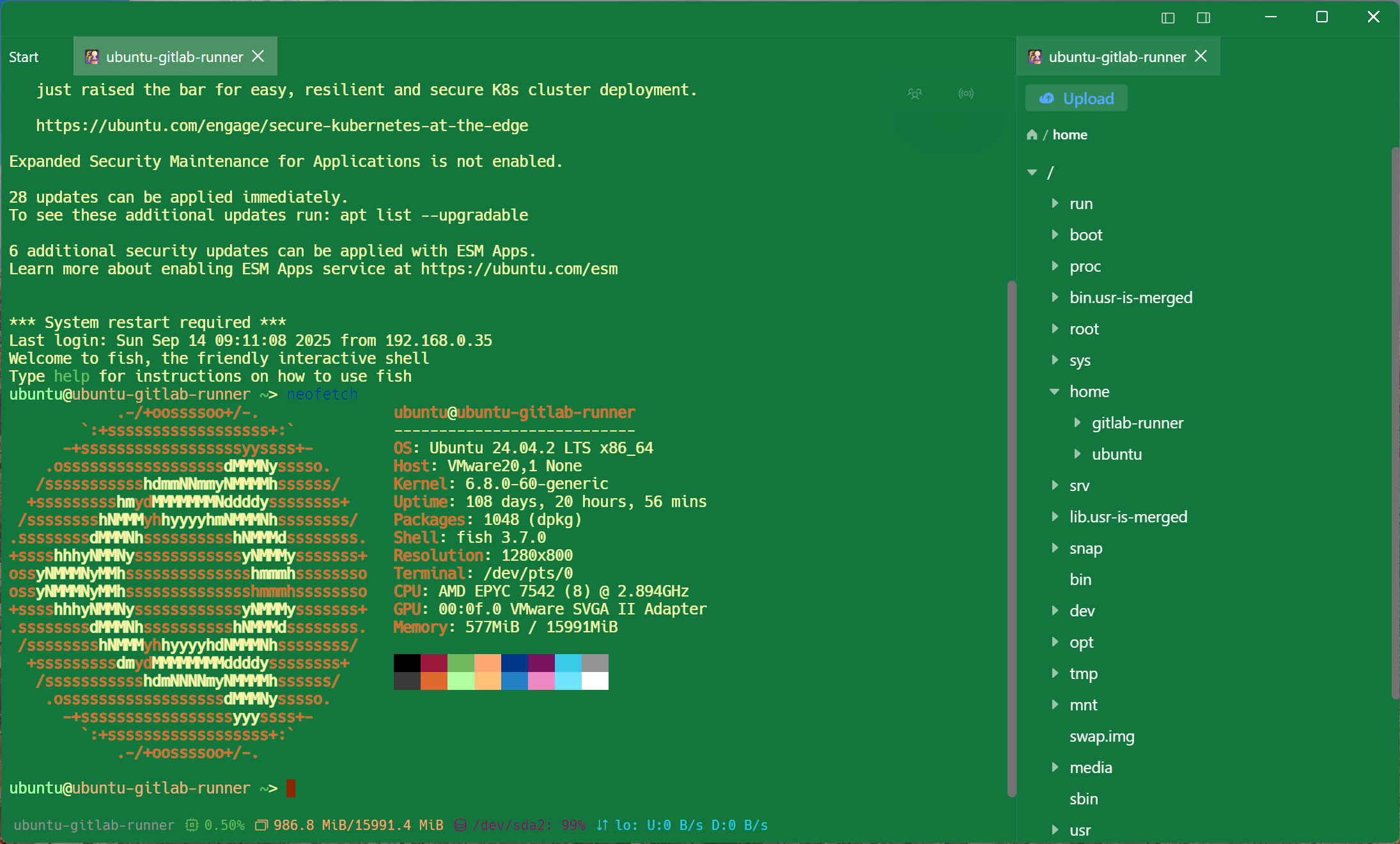
Most people who still use FTP use it for one or two hosts, alongside a lot of things that are not FTP. They belong in the same list.
When you can leave FTP behind
The upgrade path, honestly
FTP is supported because reality requires it, not because it is a good protocol.
Frequently asked questions
- Does Tempest support FTPS?
- Yes, and it is the default: an FTP endpoint saved without an explicit scheme is connected as ftps. Plain ftp is available when a server requires it.
- Is the FTP client free?
- The protocols are: FTP, SFTP, S3 and WebDAV are all in the free plan, on one synced device. Editing a file in place and saving bookmarks are Pro.
- Can I use it on a phone?
- Yes, the same endpoints sync to the Android and iOS apps.
- What about SFTP — is that the same thing?
- No. SFTP runs inside an SSH session and is unrelated to FTP despite the name. If your host offers SSH, SFTP is the better choice and it lives in the same file browser.
- Does it need active or passive mode configured?
- No — connections are passive, which is what works through NAT and what virtually every hosting FTP server expects. There is no mode switch to get wrong.