
FileZilla alternative
File transfer, minus the second window and the installer surprises
FileZilla has moved a lot of files for a lot of people. What it has never had is the shell on the other side of the transfer — and its cloud protocols sit behind the Pro edition. Tempest puts SFTP, FTP, S3 and WebDAV in one browser, with the terminal attached.
macOS, Windows, Linux, Android & iOS. Free plan available.
Tempest vs FileZilla
On the points that make people look for something else.
| Tempest | FileZilla | |
|---|---|---|
| SFTP, FTP & FTPS | Yes — a scheme-less FTP endpoint defaults to FTPS | Yes |
| S3 & WebDAV | Included | FileZilla Pro |
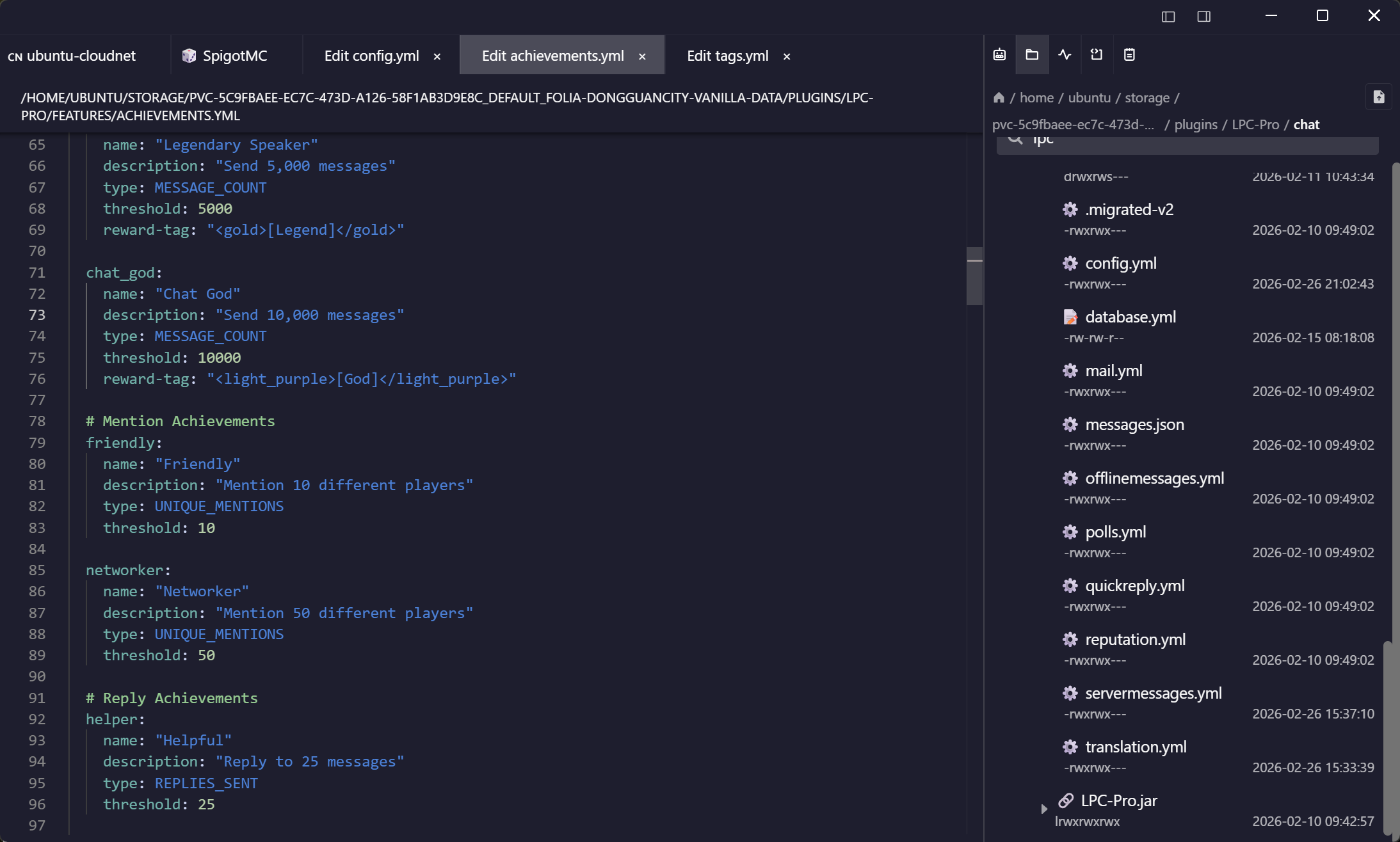
| Terminal on the same host | Full SSH client, same window | No |
| Remote file editing | Built-in editor, saves back over the session | Opens a local editor, re-uploads |
| Credential storage | Zero-knowledge encrypted, synced | Local site manager |
| Mobile | Android & iOS | None |
| Price | Free plan; Pro subscription or lifetime | Free; Pro edition for cloud protocols |
FileZilla is free, open source, and has moved more files than anything else on this list. This is a comparison of what sits around the transfer, not of the transfer itself.
The missing half
The shell that belongs with the file
Almost every transfer is followed by a command — reload the service, fix the permissions, check the log. In FileZilla that means a second application and a second authentication.
Everything in one list
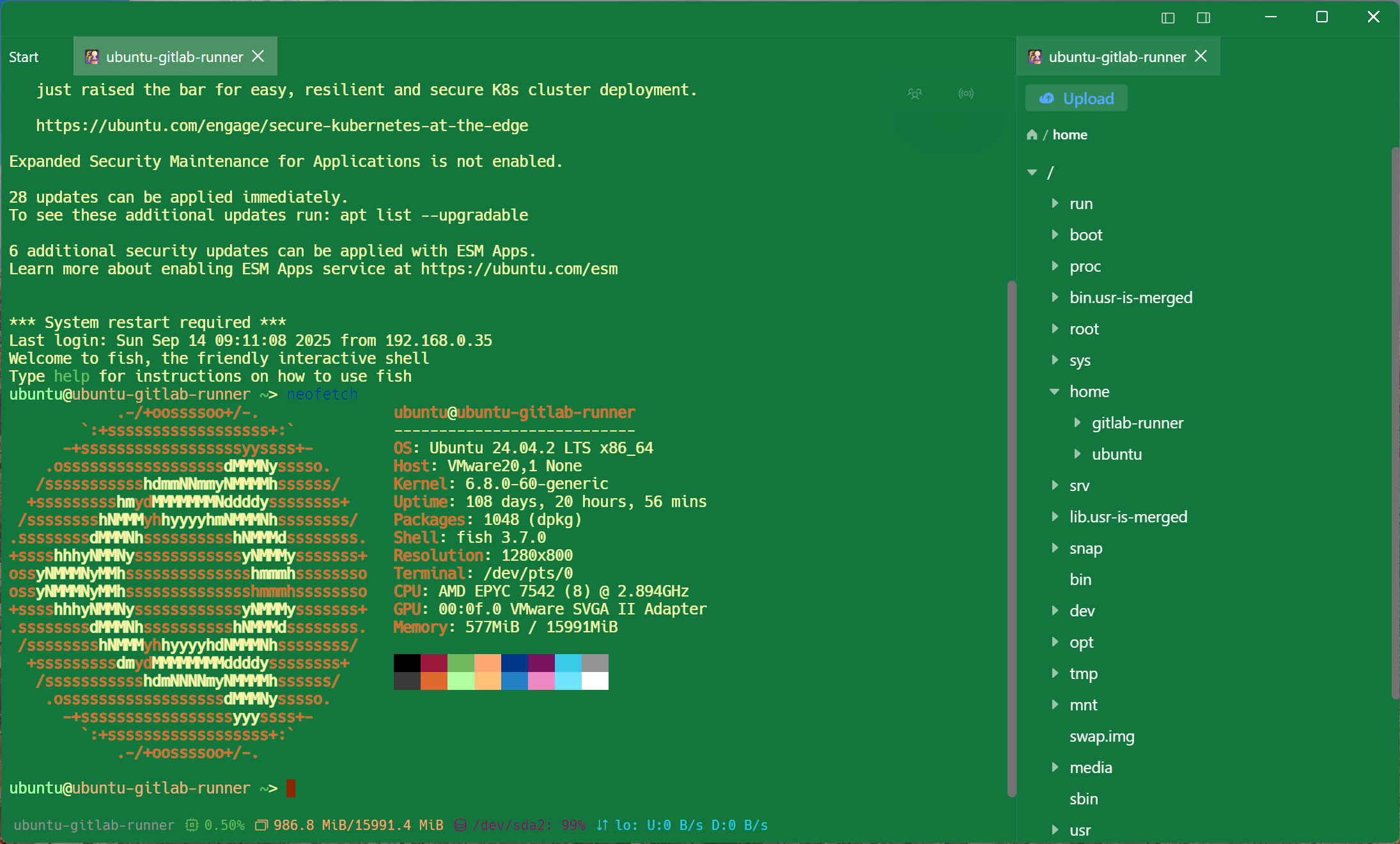
S3 and WebDAV without a Pro edition
Backups on S3, a Nextcloud share over WebDAV, an FTP hosting panel and a dozen SSH boxes — one host list, one search field.
On your phone too
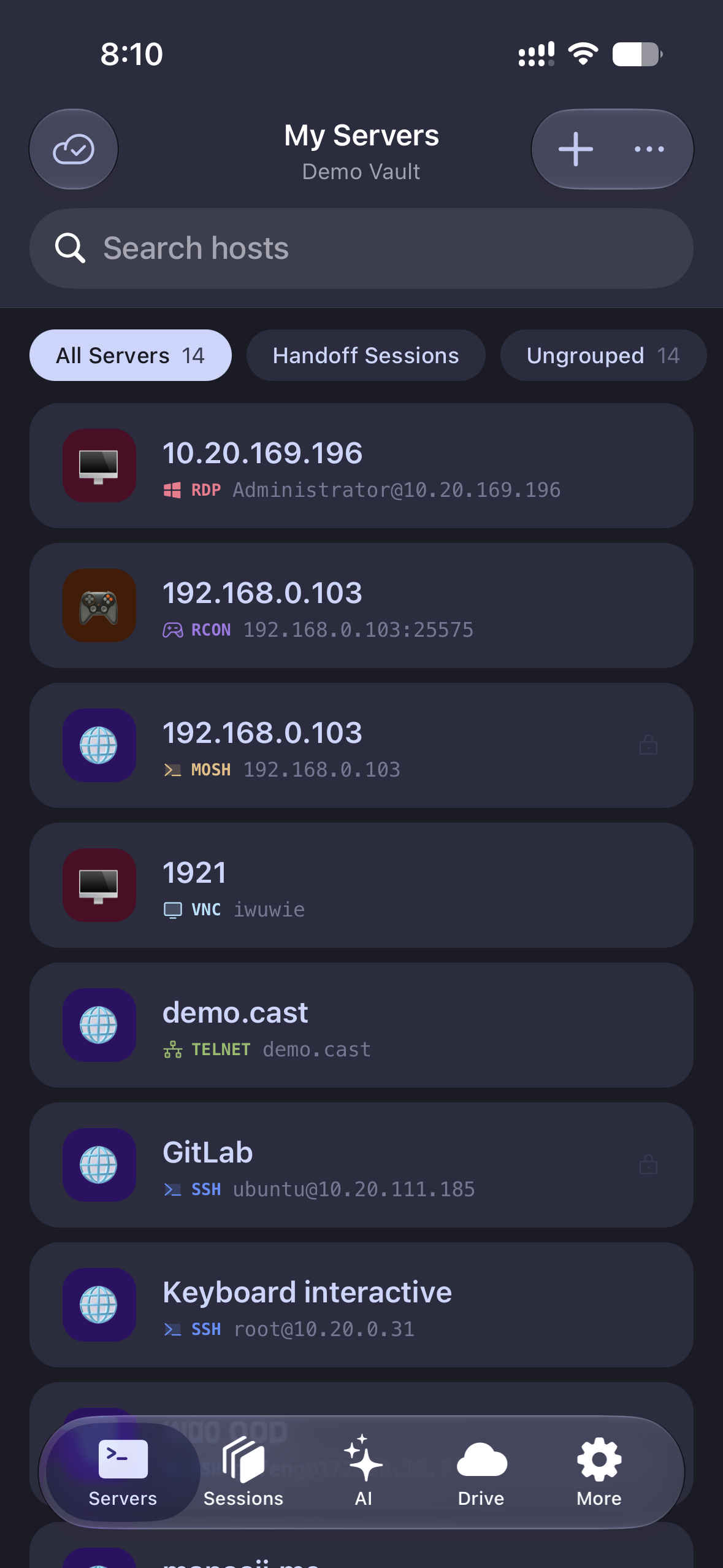
The transfer you need while you are out
A file manager on the desktop only is a file manager you cannot use during an incident.
Frequently asked questions
- Is Tempest free like FileZilla?
- There is a permanent free plan covering SSH, Mosh, SFTP, FTP, S3 and WebDAV on one synced device — the transfer protocols themselves are not the paid part. The in-place editor, bookmarks and unlimited synced devices are Pro, along with RDP, VNC, Kubernetes, serial and RCON.
- Does it support FTPS?
- Yes — an FTP endpoint takes an ftp or ftps scheme, and an endpoint saved without one is treated as ftps rather than falling back to plaintext. SFTP is still the one to prefer where the server offers both.
- Can I import my FileZilla site manager?
- There is no direct importer. Export your sites to a spreadsheet and use the bulk importer for SSH and SFTP hosts. Bulk import from Excel
- Where are passwords kept?
- Encrypted with a key only your devices hold — the sync server stores ciphertext it cannot read, and nothing is written to a plaintext site file. Where credentials are stored
- Does it handle large transfers and resume?
- Yes — transfers run in the background with progress, and the file browser stays usable while they do.