
S3 browser
Your buckets, in the same window as your servers
Object storage is where the backups, the artefacts and the logs end up — and it is almost always one hop from a server you also administer. Tempest treats a bucket as another endpoint in the same host list, not a reason to open a different application.
macOS, Windows, Linux, Android & iOS. Browsing and transfers are in the free plan.
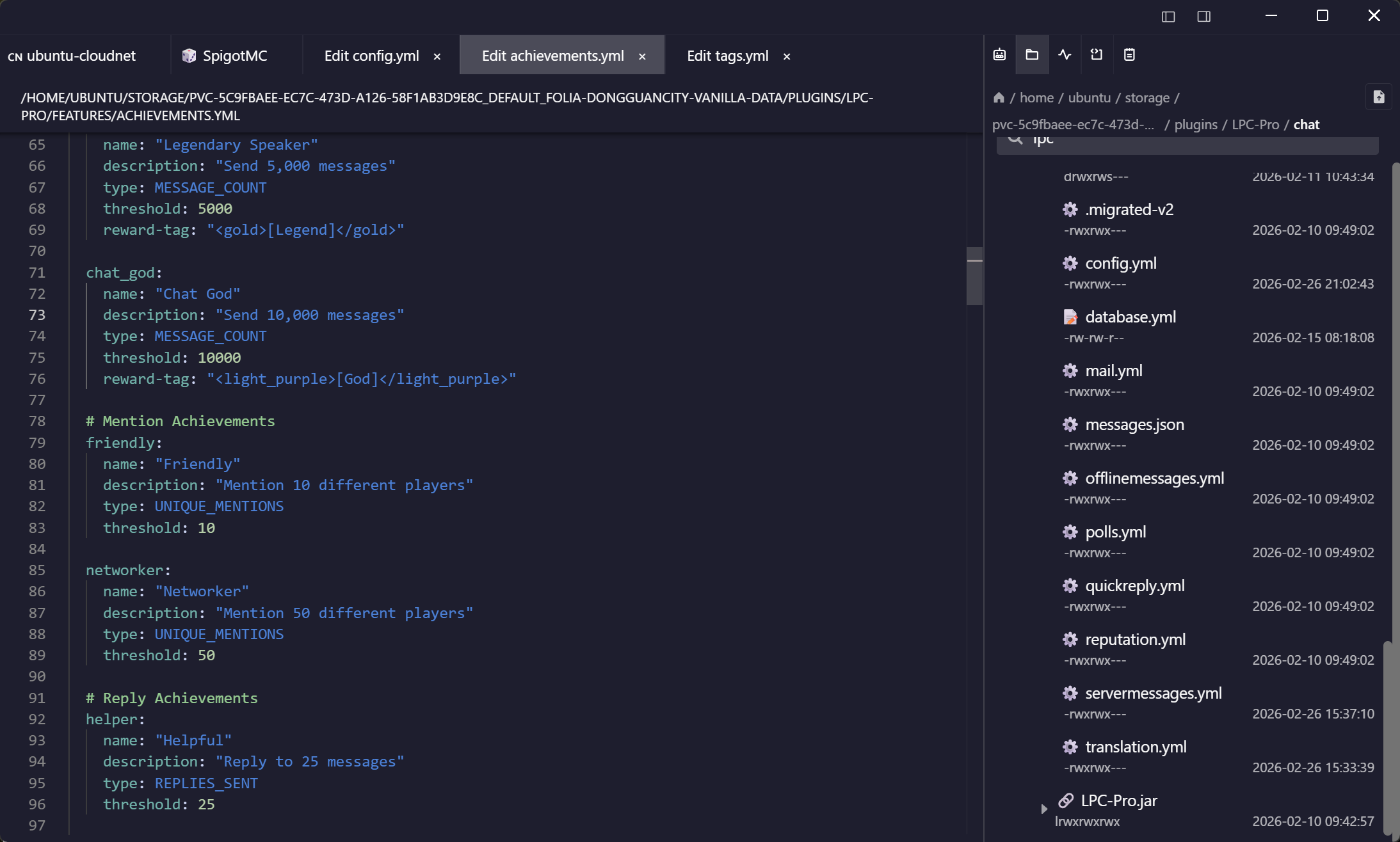
Any S3, not just AWS
The compatible endpoints, configured properly
Most S3 browsers assume Amazon and then make you fight the settings. The two that actually matter are first-class fields here.
Because it is one app
Pull it off the server, push it to the bucket
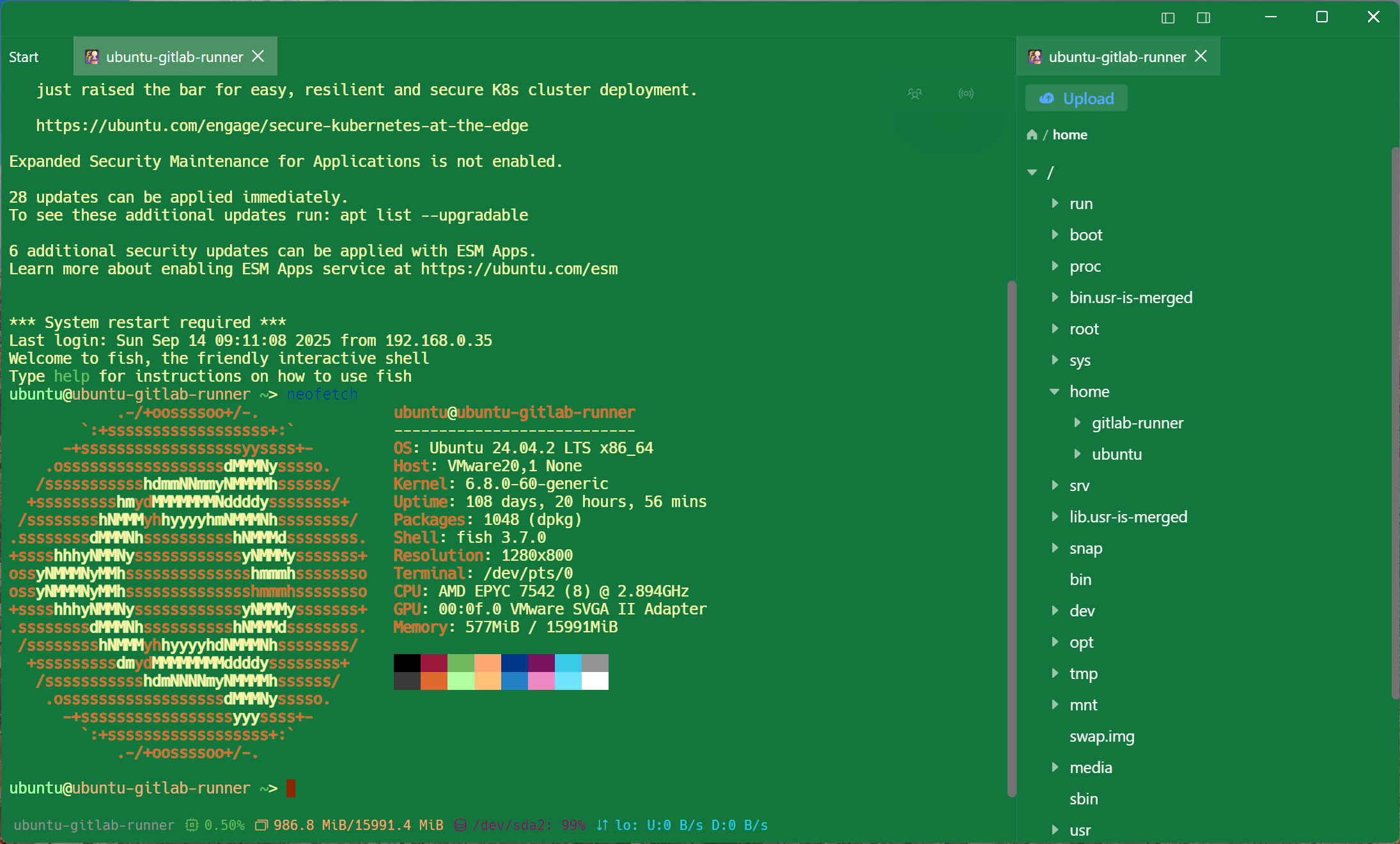
The reason to have both in one place is the job that crosses between them — which is most jobs involving object storage.
The keys
Access keys that are not in a plaintext profile file
An S3 access key in a dotfile is the most commonly leaked credential there is. These are sealed with a key only your devices hold.
Frequently asked questions
- Which S3 services work?
- Amazon S3 and anything speaking the same API: MinIO, Ceph RADOS Gateway, Cloudflare R2, Backblaze B2's S3 endpoint, Wasabi, DigitalOcean Spaces and the rest. Point the endpoint at the right host and set path-style if the service needs it.
- What is path-style addressing and do I need it?
- It puts the bucket in the URL path instead of the hostname. Self-hosted MinIO and Ceph deployments usually need it; AWS does not. It is a switch on the connection rather than something to work around.
- Is the S3 browser part of the free plan?
- Browsing and transferring are — S3, WebDAV, FTP and SFTP are all in the free plan, on one synced device. Editing an object in place and bookmarking prefixes are Pro, as are RDP, VNC, Kubernetes, serial, RCON and the AI agent.
- Can I edit an object in place?
- Text objects open in the built-in editor and are written back on save. Binary objects download and upload as files.
- Does it work on mobile?
- Yes — the same endpoints appear in the Android and iOS apps with the same synced credentials.