
WinSCP on macOS
There is no WinSCP for Mac. This is the closest thing.
WinSCP is a genuinely great piece of free Windows software, and it has never been ported. If you have landed on a Mac and miss the two-pane transfer window with an editor attached, this covers the same ground — plus the terminal WinSCP had to hand to PuTTY.
macOS, Linux, Windows, Android & iOS. Free plan available.
Tempest vs WinSCP
What carries over, and what does not.
| Tempest | WinSCP | |
|---|---|---|
| Platforms | macOS, Linux, Windows, Android, iOS | Windows only |
| Transfer protocols | SFTP, FTP and FTPS | SFTP, SCP, FTP, FTPS |
| S3 & WebDAV | Yes | Yes |
| Built-in editor | Yes, with syntax highlighting | Yes |
| Terminal | Full SSH client in the same window | Opens PuTTY |
| Scripted automation | Snippets and scheduled runs | Powerful scripting and .NET assembly |
| Price | Free plan; Pro subscription or lifetime | Free, open source |
WinSCP is free and open source with an automation story this does not match. If you are on Windows and happy, there is no reason to move.
The bit people miss most
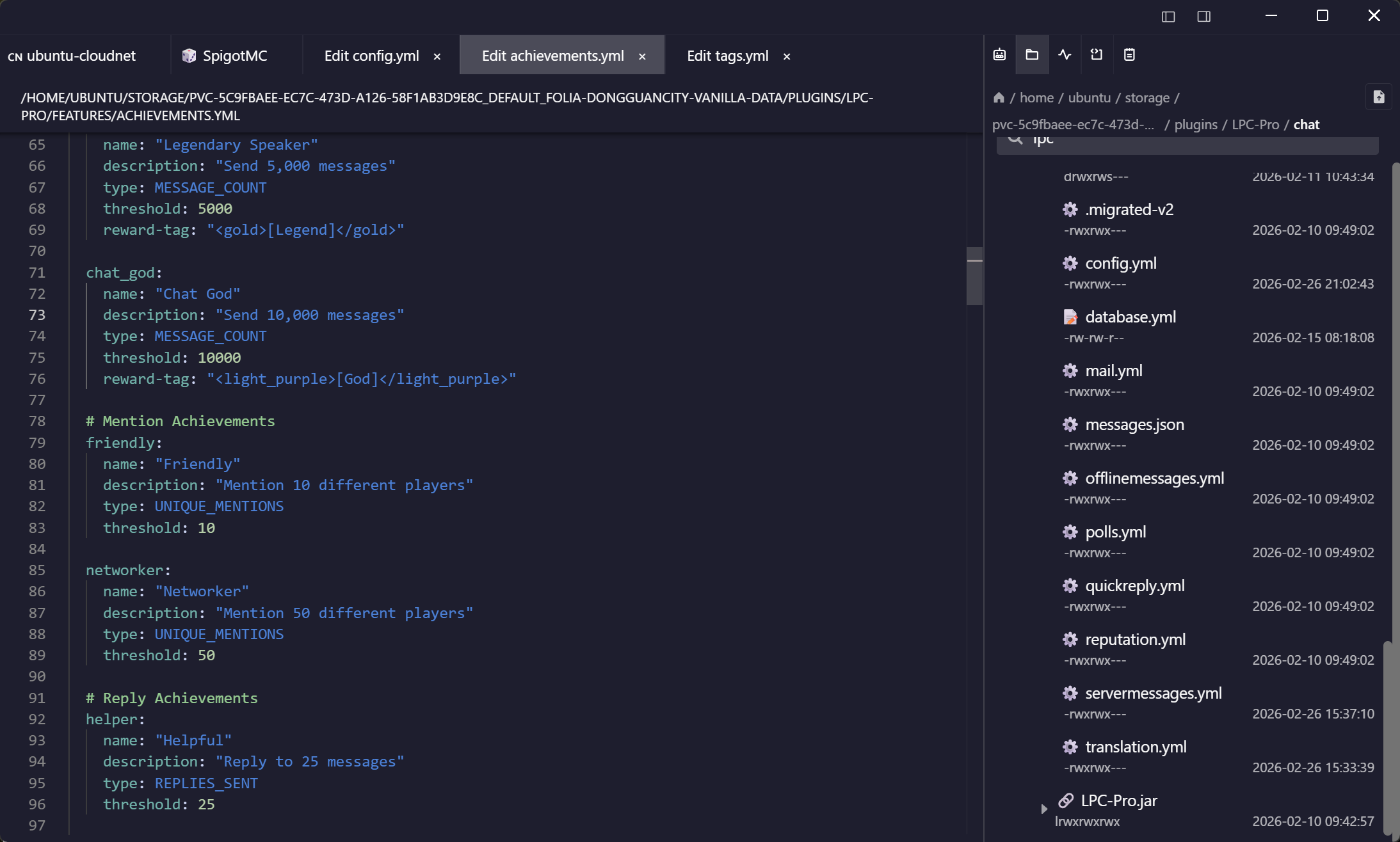
Edit on the server, save, done
The WinSCP habit is double-clicking a config file, changing a line, and saving it back without thinking about it. That habit transfers intact.
One window, not two
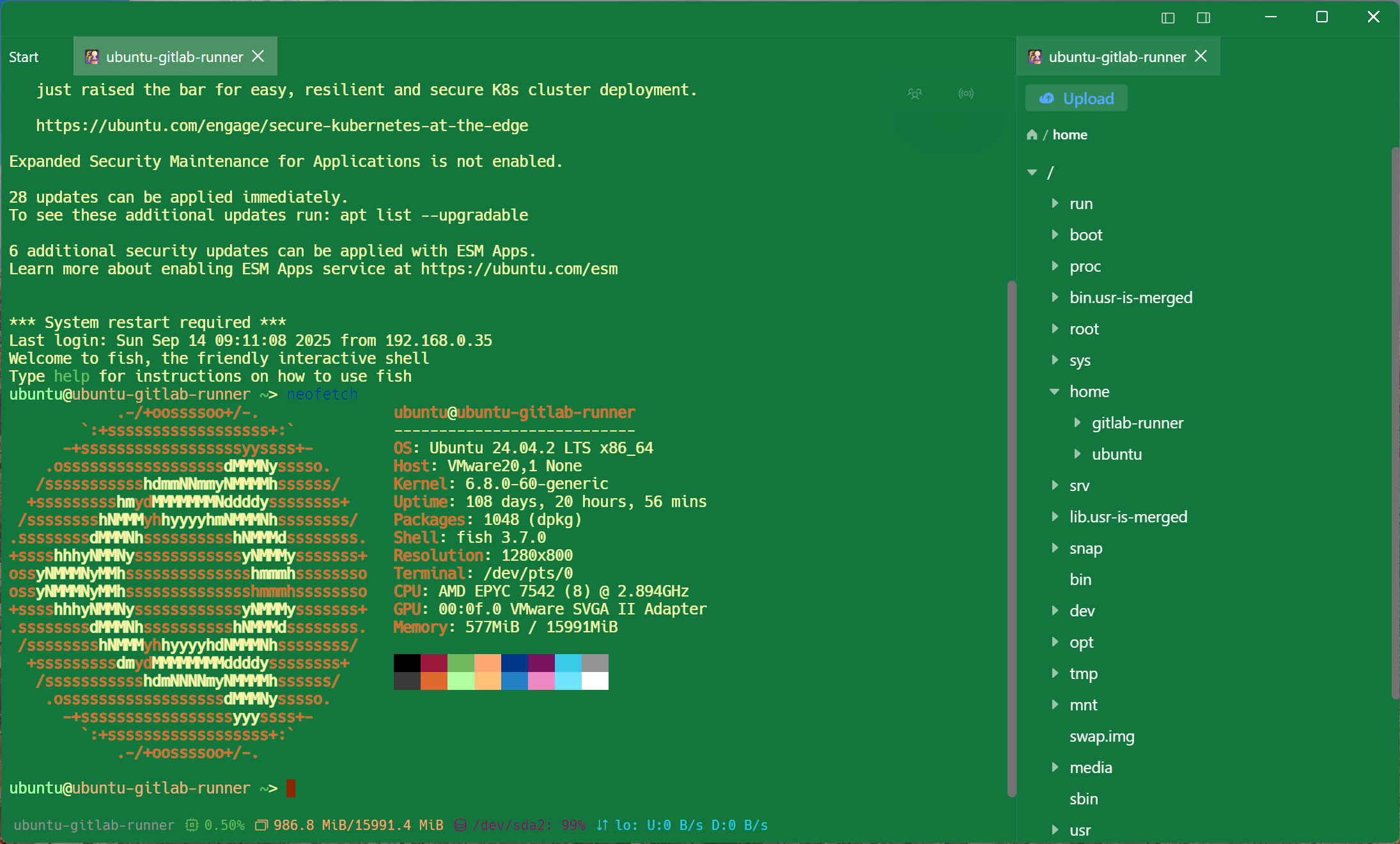
The terminal is not a separate program
WinSCP's own answer to the shell is to launch PuTTY. Here the session you are browsing is the session you are typing in.
The rest of the storage
S3 buckets and WebDAV shares, same browser
The endpoints that are not servers still hold your files. They live in the same list.
Frequently asked questions
- Is it free?
- SFTP, FTP, S3, WebDAV, SSH and Mosh are free permanently, on one synced device. The in-place editor and bookmarks — the two things that make this feel like WinSCP — are Pro, which is the honest version of the comparison above.
- Is there an official WinSCP for macOS?
- No. WinSCP is a Windows application and its authors have said a port is not planned. Running it under Wine is possible and not pleasant.
- What do most people use instead on a Mac?
- Cyberduck, ForkLift, or the terminal. The gap those leave is the terminal-plus-files-in-one-window workflow, which is what this is built around.
- Can I keep using WinSCP on my work PC?
- Of course. Nothing here changes the Windows machine, and the same host list syncs to both.
- Does it do WinSCP-style scripting?
- No — WinSCP's scripting and .NET assembly are ahead here. Snippets and scheduled runs cover recurring command work, not scripted transfer pipelines. Snippets & scheduled runs
- Is SCP supported?
- Transfers go over SFTP, which every modern OpenSSH server provides and which OpenSSH itself now uses for scp. Legacy SCP-only devices are the exception rather than the rule.