
Migrate from Xshell
From Xshell to Tempest, without retyping the list
Tempest reads Xshell's own .xsh session files. For a handful of hosts that is the whole migration; for the server list that has grown for years, the spreadsheet importer moves everything — folders and passwords included — in one pass.
Windows, macOS, Linux, Android & iOS. Free plan available.
Path one
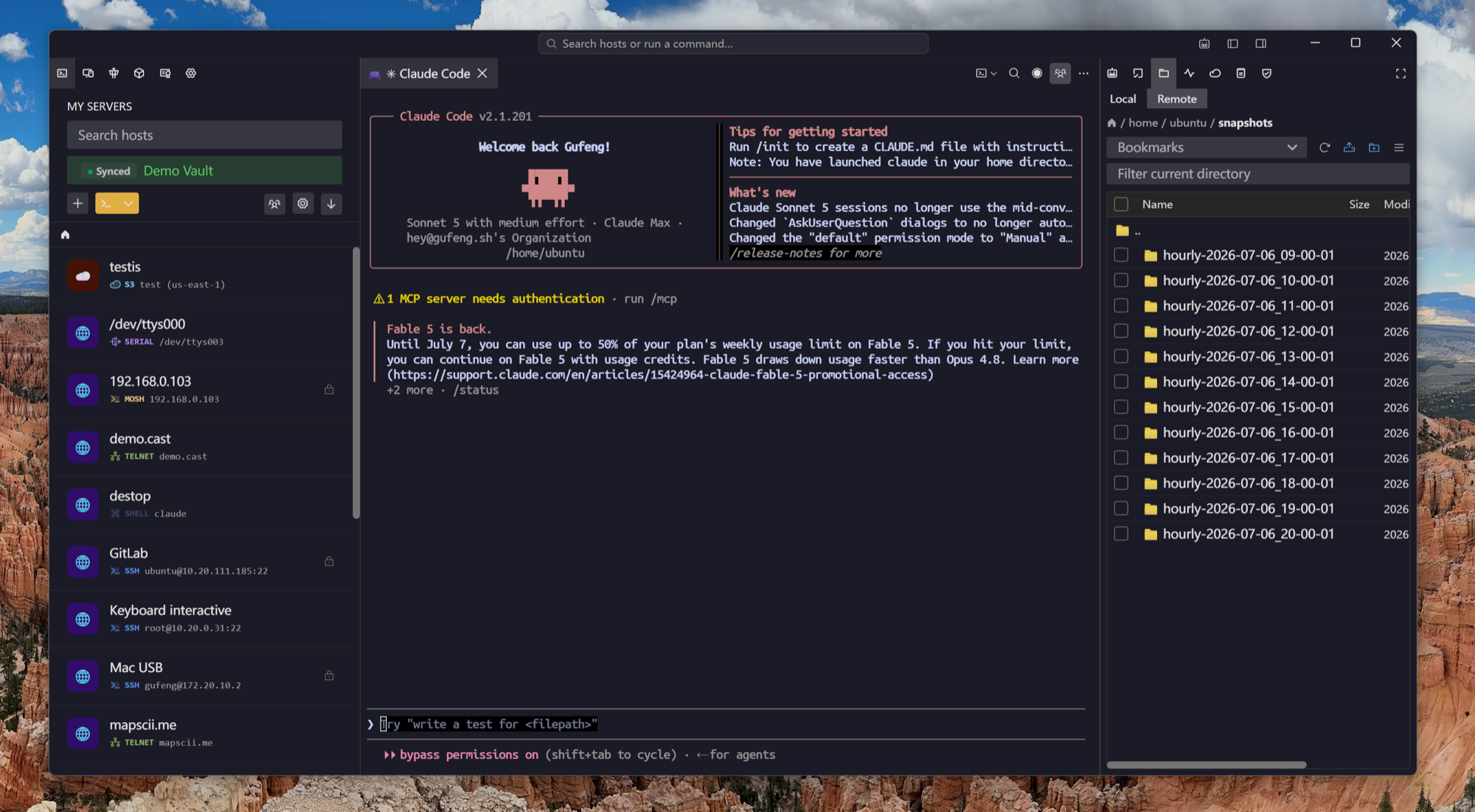
Import .xsh files directly
Xshell stores each session as its own .xsh file, usually under Documents, NetSarang Computer, then the version folder and Sessions.
Path two
Two hundred hosts, one spreadsheet
For a real Xshell library, go through Excel instead. It is the only route that carries credentials and folder structure, and it is faster than any per-file importer could be.
The honest part
Xshell passwords cannot be exported
Xshell encrypts saved passwords inside the .xsh file with a key tied to the installation, so no importer — ours or anyone else's — can read them out. That is a property of Xshell, not a gap in the import.
After the move
What Xshell users notice first
Xshell is a solid Windows terminal. The differences show up the moment your work stops being on one Windows machine.
Frequently asked questions
- Where does Xshell keep .xsh session files?
- By default under Documents, NetSarang Computer, the version number, then Sessions — one .xsh per saved session. Xshell can also be pointed at a custom session folder in its options.
- Can I import every .xsh at once?
- The .xsh importer takes one file at a time. For a whole library, use the spreadsheet importer — one row per host, and it carries folders and passwords too.
- Do saved passwords transfer?
- Not from .xsh files: Xshell encrypts them with a key bound to the install, so they cannot be read outside it. Passwords typed into the import spreadsheet do transfer.
- Does Tempest handle GBK and Big5 sessions?
- Yes. Encoding is a per-host setting, and a column in the import sheet, so mixed fleets keep displaying correctly.
- Is Tempest cheaper than Xshell plus Xftp?
- There is a free plan that already includes SSH, Mosh and SFTP together. Pro is a subscription or a one-time lifetime purchase and adds RDP, VNC, Kubernetes, serial, RCON and the AI agent.