
SSH on ChromeOS
A Chromebook is a perfectly good terminal
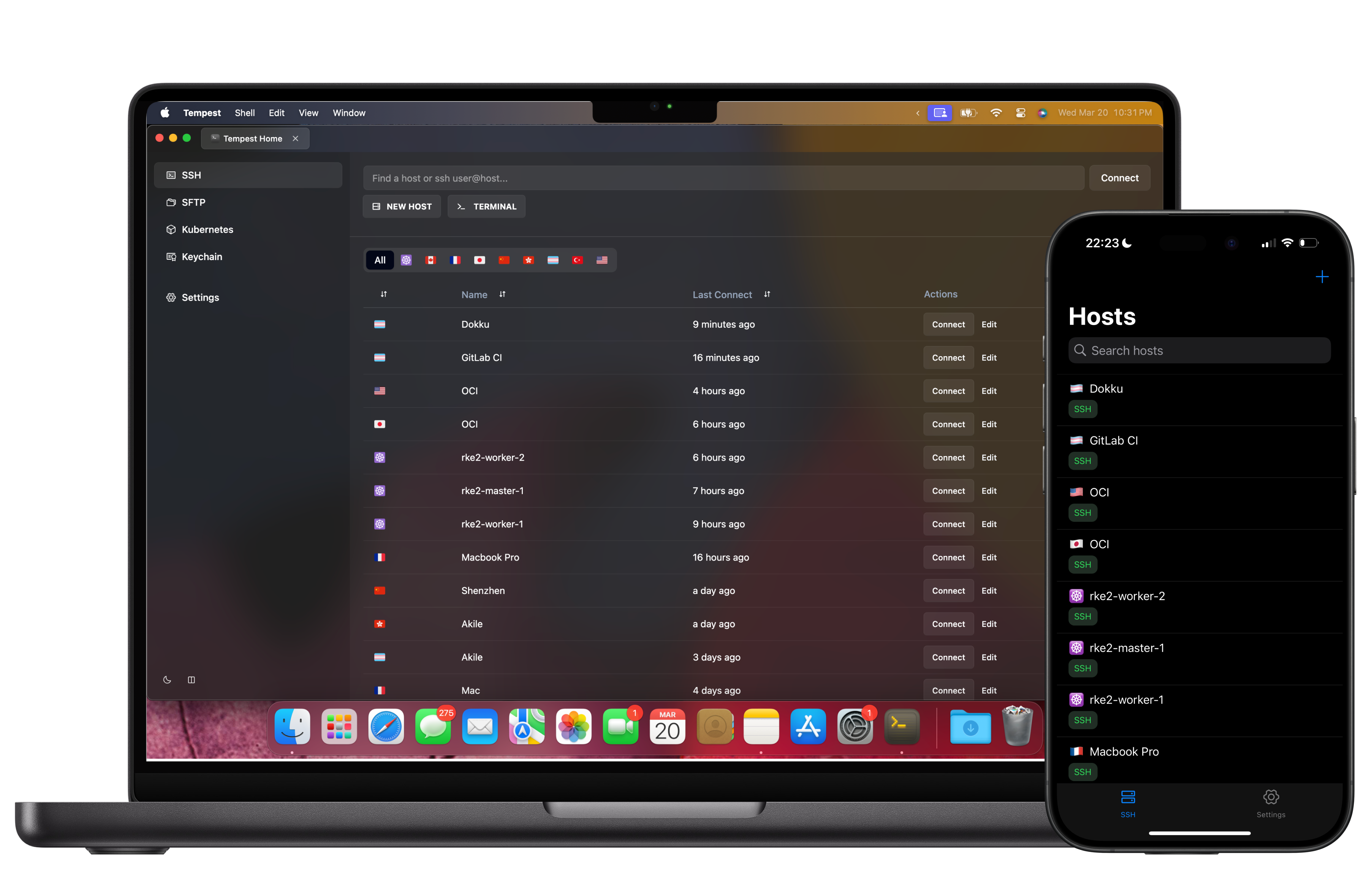
ChromeOS gives you three different runtimes, and Tempest ships for all three: the Android app, the Linux desktop build inside the Crostini container, and the browser client. They share one encrypted host list, so it does not matter which one you open.
Play Store, Crostini (.deb), or browser. Free plan available.
Option one
The Android app, from the Play Store
The simplest route, and the one that works on every Chromebook including the locked-down school and work fleets where Linux is switched off.
Option two
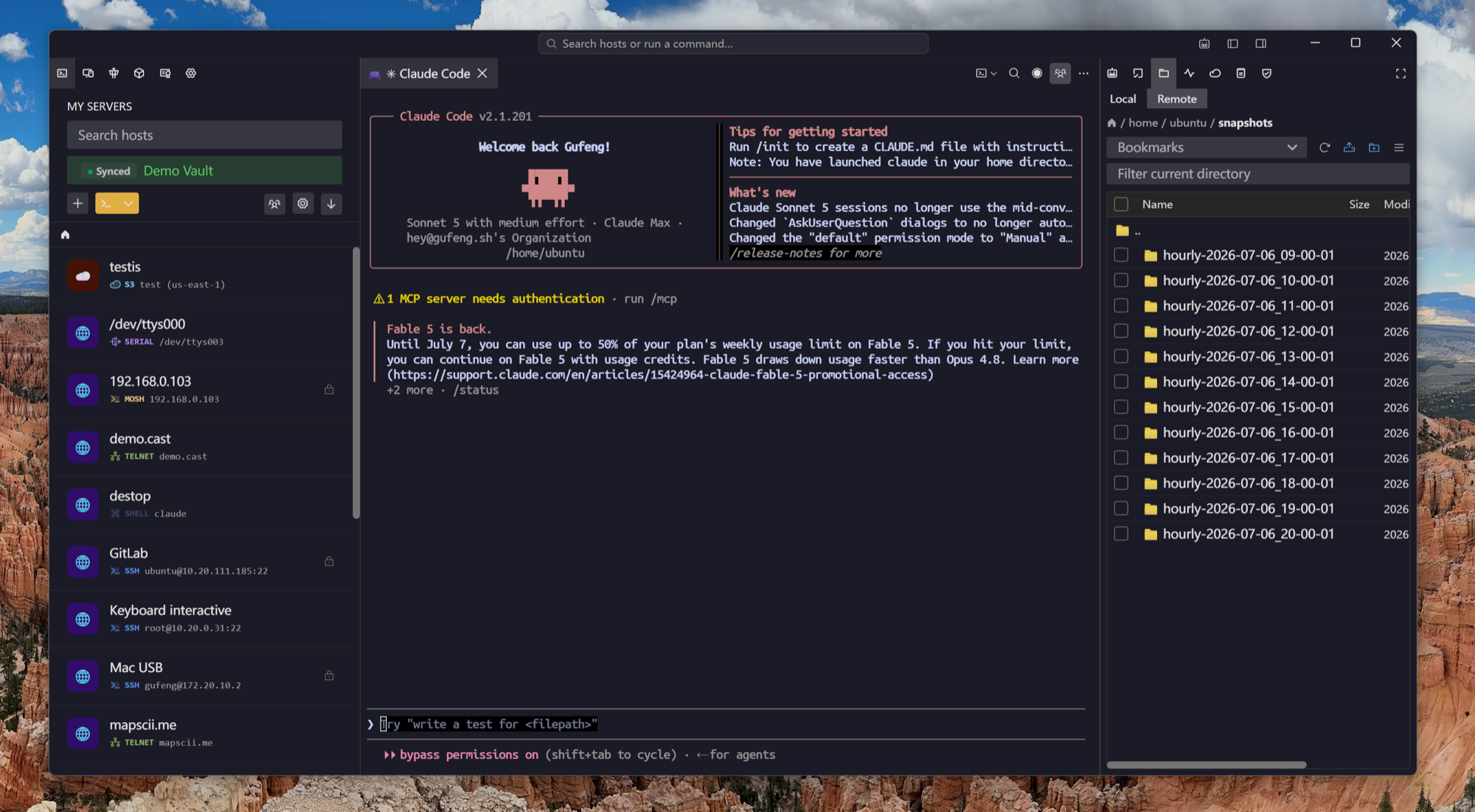
The Linux build, inside Crostini
If your Chromebook has the Linux development environment enabled, the container is Debian — so the same .deb everyone else installs works here.
Option three
Nothing installed at all
If your organisation runs a Tempest server, the browser client is a URL — which is often the only thing a managed Chromebook will allow.
Frequently asked questions
- Is it free?
- SSH, Mosh, SFTP, FTP, S3 and WebDAV cost nothing, permanently, on one synced device — which covers a Chromebook used on its own. Running the Android app and the Crostini build against one host list means two synced devices, which is Pro.
- Which option should I pick?
- If Linux is available on your Chromebook, install the .deb — it is the full desktop client. If it is not, or the device is managed, use the Android app from Play.
- Does the Android app work with a hardware keyboard?
- Yes, including the control and escape keys. That is the normal way to use it on a Chromebook.
- Will Crostini work on an ARM Chromebook?
- Yes — there are aarch64 builds of the deb, rpm and AppImage.
- Can I use the same host list on all three?
- That is the point of the account: hosts and credentials sync end-to-end encrypted, so the Android app and the Linux build show the same list.
- Is there a Chrome extension?
- No, and there will not be — an extension cannot give you a correct terminal or real file transfer. The three routes above all run the actual client.