
SSH client for Linux
A GUI SSH client Linux users do not have to apologise for
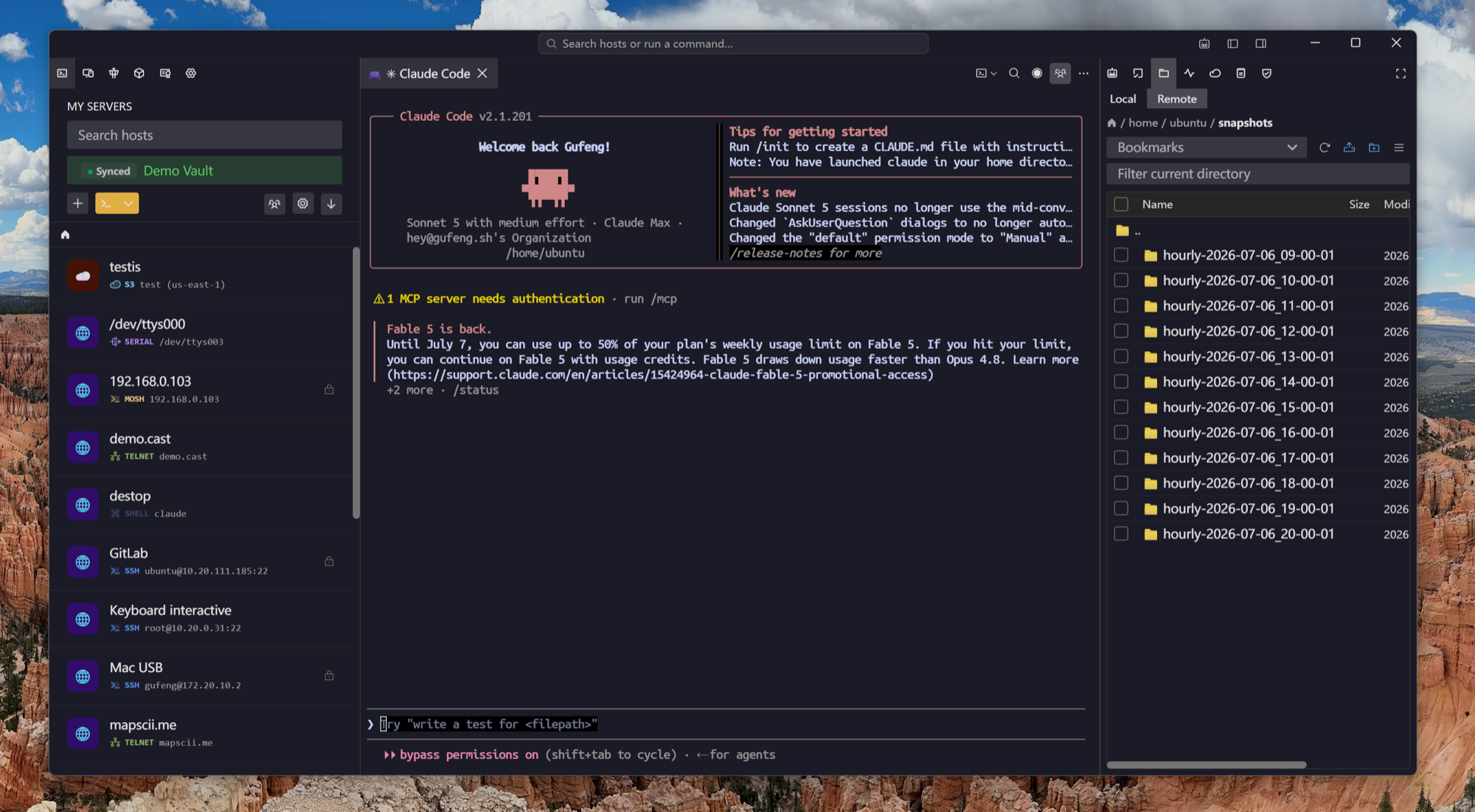
You already have OpenSSH, and it is excellent. What it does not have is a host list you can search, a file manager attached to the session, tunnels you can toggle without reconnecting, and the same profiles on your laptop, your desktop and your phone.
deb, rpm and AppImage for x86_64 and aarch64. Free plan available.
Install
Packaged the way your distro expects
No curl-pipe-to-shell, no Electron tarball to babysit.
The terminal itself
VT-correct, and fast enough for a full screen of logs
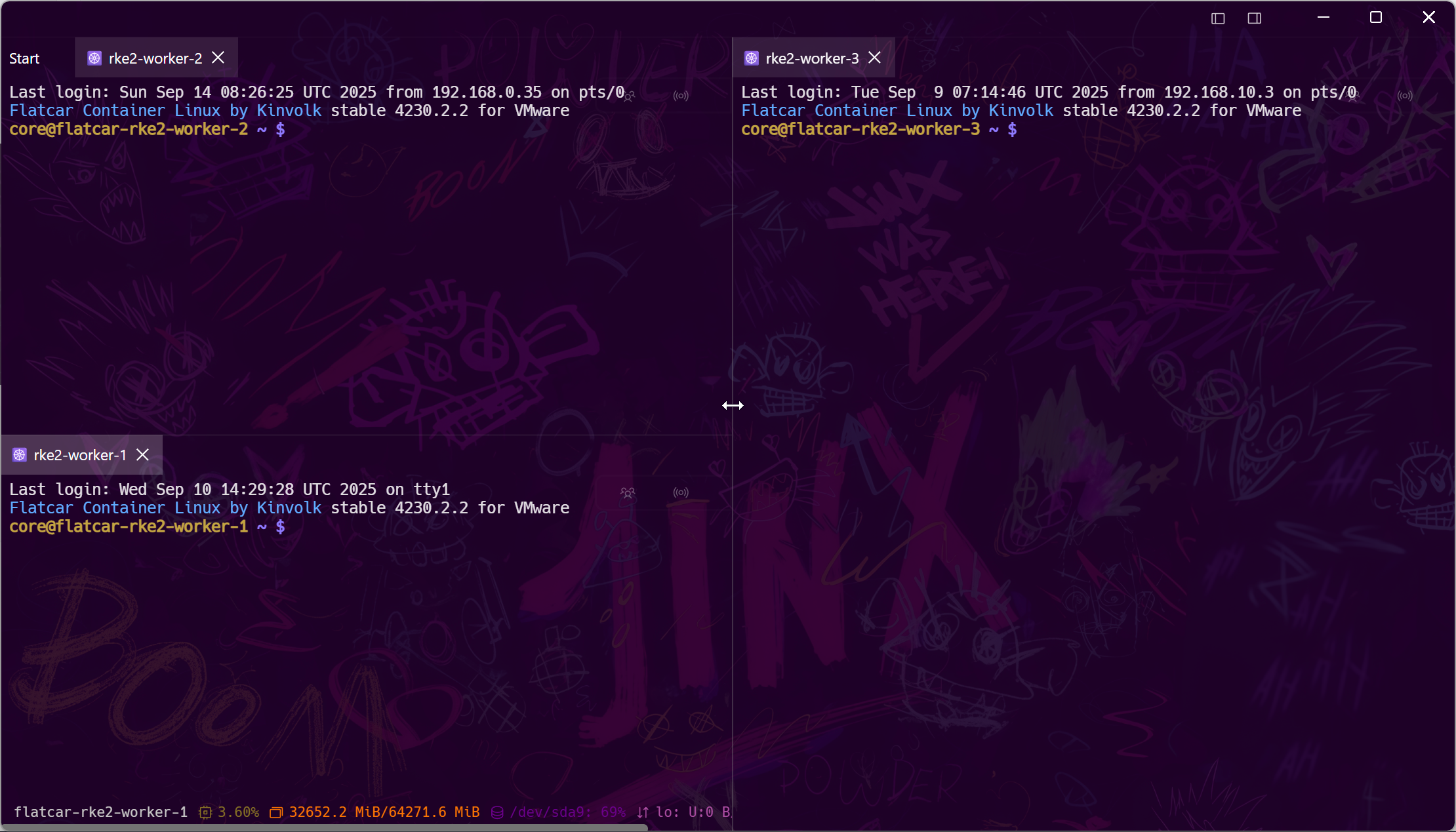
The terminal is the product, so it is not an afterthought around a websocket. vim, htop, tmux and mosh behave the way they do in your native terminal.
Things ssh makes you retype
Your config file, but clickable
Everything here maps onto something you already know from ssh_config — it just stops being a file you edit at 2am.
Frequently asked questions
- Is it free?
- SSH, Mosh, SFTP, FTP, S3 and WebDAV are free permanently, on one synced device, with no card and no trial clock. The tunnels, jump hosts, multiplexing, agent and X11 forwarding described above are Pro, as are Kubernetes, RDP, VNC, serial and the AI agent.
- Which Linux packages are available?
- deb, rpm and AppImage, built for x86_64 and aarch64, plus an APT repository for Debian and Ubuntu family distributions. Fedora and RHEL users take the rpm.
- Does it work on Wayland?
- Yes. It is an Electron application, so it runs under both Wayland and X11 sessions like the rest of your desktop.
- Why would I use this instead of the terminal I already have?
- For a handful of servers, you should not — plain ssh is fine. This is for the list that has grown past what you can remember: searchable hosts, attached file manager, saved tunnels, and the same list on every machine.
- Can I use it without an account?
- Yes. Direct connections need nothing but the target host; an account only enables encrypted sync, mobile handoff and team features. Where credentials are stored
- Is there a self-hosted server?
- Yes — you can run the sync backend and the browser client on your own infrastructure with Docker or Kubernetes. Self-hosted Tempest