
Web SSH client
A full SSH client in the browser tab
Locked-down workstation, borrowed laptop, or a fleet of machines you'd rather not install software on — Tempest Web brings the complete client to the browser: real terminal, SFTP file manager, and your end-to-end encrypted host list. Deploy it yourself with Docker or Kubernetes, or get it managed with Tempest Enterprise.
Included with self-hosted deployments and Tempest Enterprise.
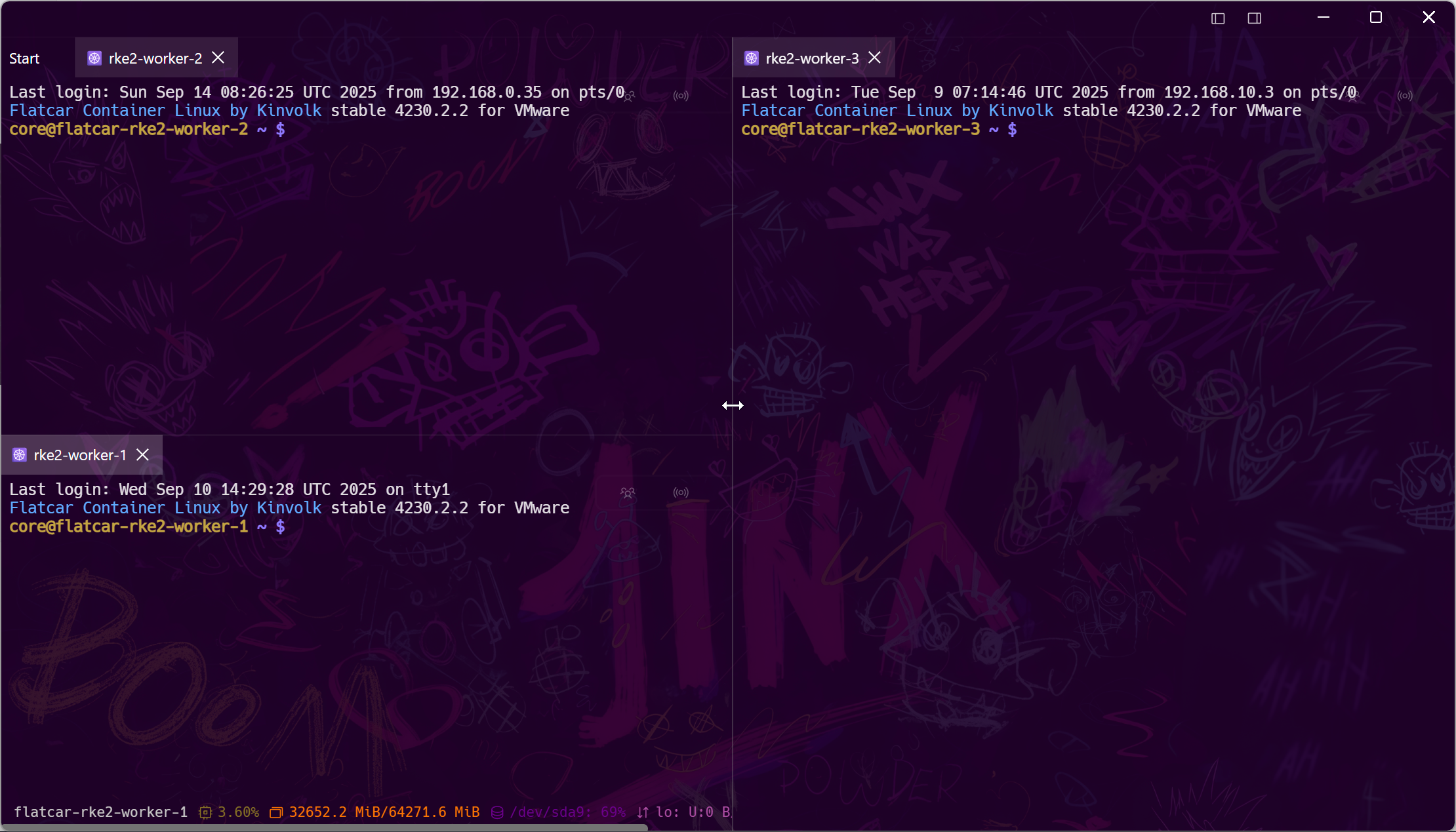
Nothing to install
The same client, served as a URL
Tempest Web isn't a cut-down gateway page — it's the Tempest workspace in a tab: tabs, split screens, file transfers, and the same zero-knowledge encrypted profiles.
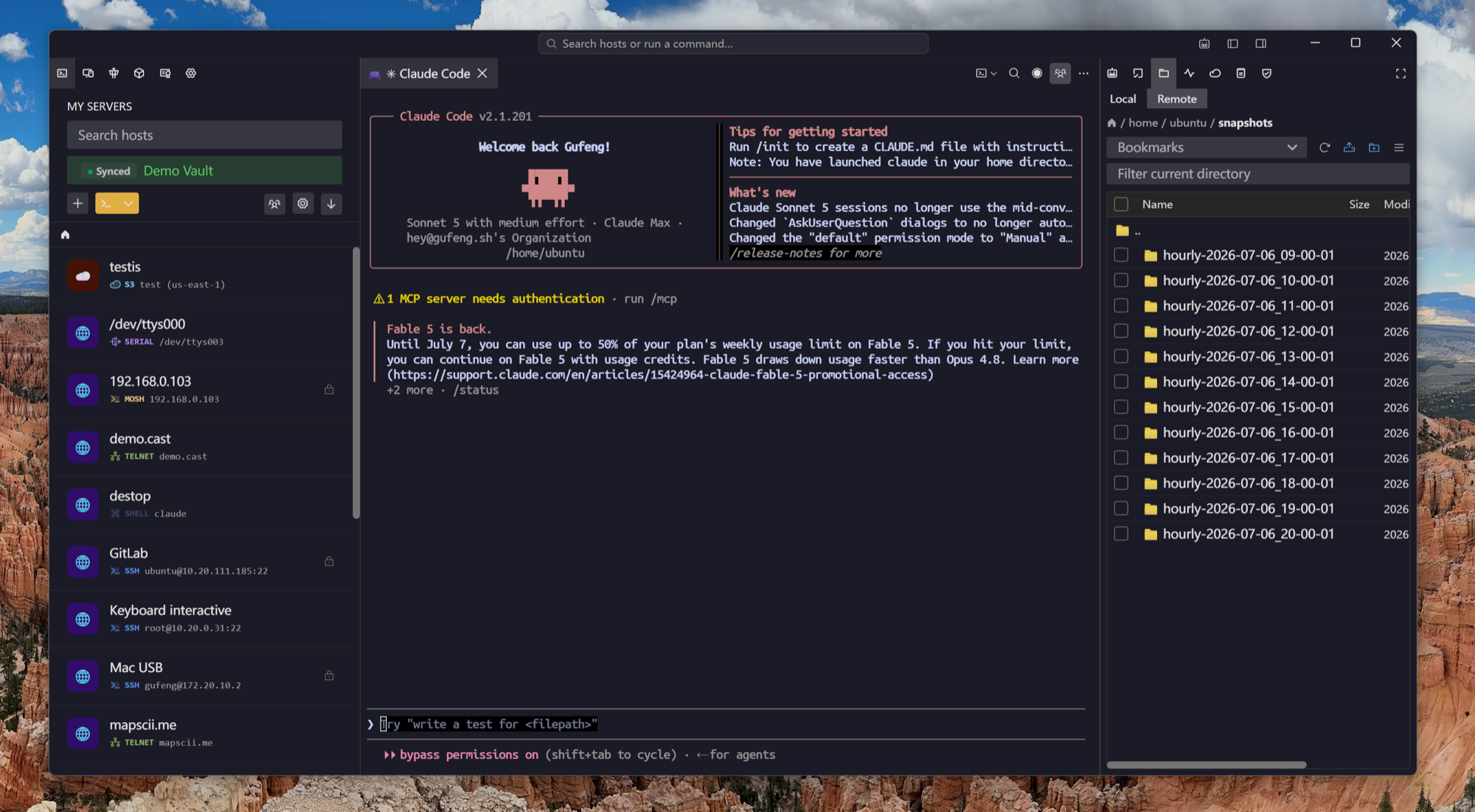
Your servers, your rules
Self-host the whole thing
For teams whose credentials must never touch third-party infrastructure, the entire Tempest backend — sync, relay, web client — deploys on your hardware.
For the whole team
Onboard an engineer with a link
New teammate, new contractor, incident bridge with someone who has nothing installed — send the URL, they're in the right server with the right access, and every session can be recorded.
Frequently asked questions
- Is the web SSH client free?
- The browser edition ships with self-hosted deployments and Tempest Enterprise. The desktop and mobile apps have a permanent free plan — if you don't specifically need browser access, start there. Free SSH client
- How do my SSH keys work in a browser, securely?
- Profiles stay end-to-end encrypted with keys derived from your login on the client side. In relay-brokered team setups, host credentials are injected by the relay and never reach the browser at all.
- Can I try it without self-hosting?
- Yes — Tempest Enterprise includes the managed web edition. Contact sales from the pricing page, or spin up the self-hosted stack with Docker in a few minutes. Self-hosting guide
- Does it support SFTP and file editing like the desktop app?
- Yes — browse, upload, download, and edit remote files over SFTP from the browser, plus S3, WebDAV, and FTP storage.
- What browsers are supported?
- Current Chrome, Edge, Firefox, and Safari. There's nothing to install and no extensions required.