
SSH tunneling
Tunnels you save once instead of retyping at 2am
Every forward you have ever set up is a command you typed, lost, and reconstructed from memory a month later. Here they are rows on the host: local, remote and dynamic, toggled without dropping the session, with a live count of what is flowing through each one.
Windows, macOS, Linux, Android, iOS & Web.
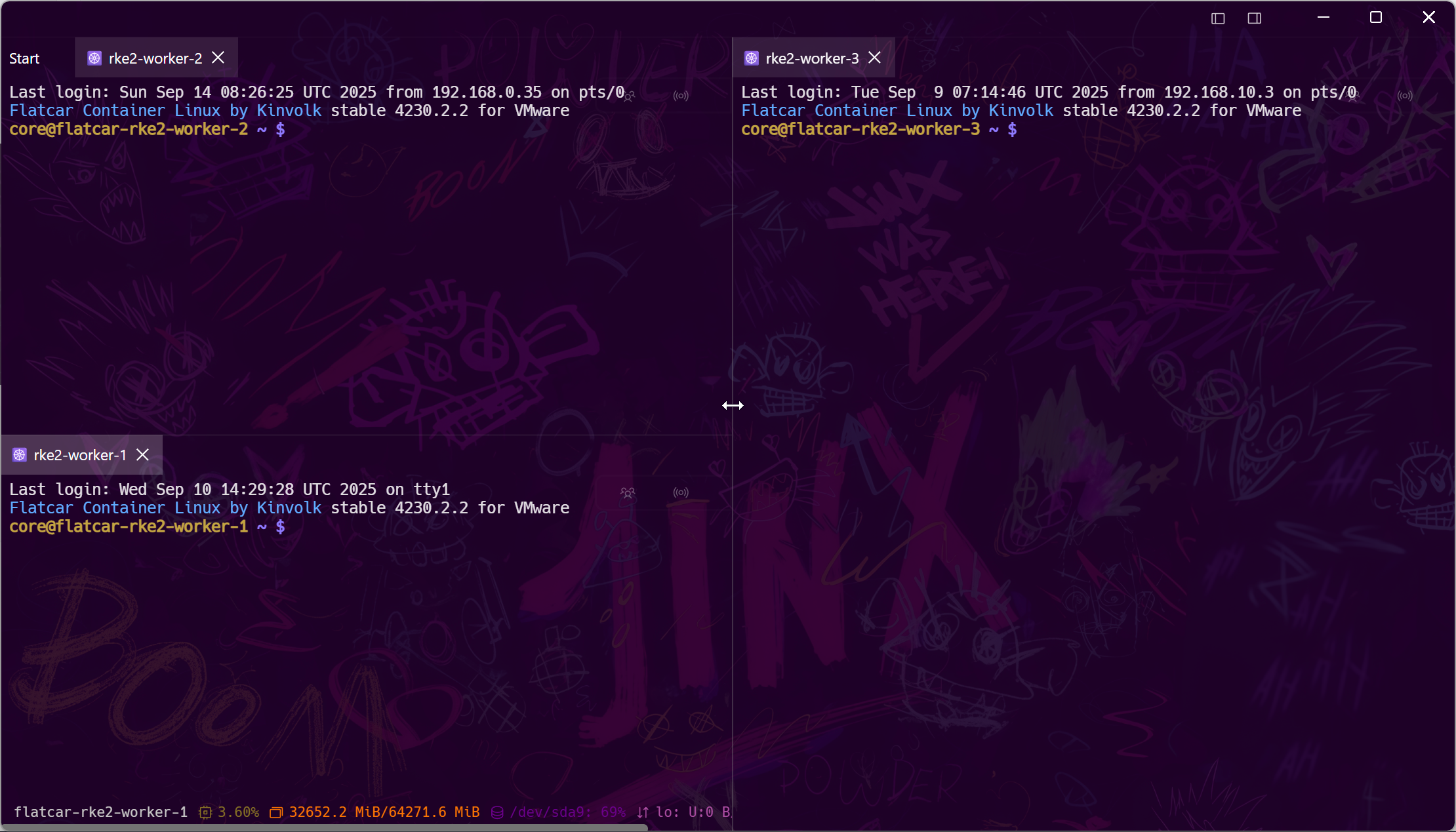
The three forwards
Local, remote, dynamic — as fields, not flags
The same three things ssh does with -L, -R and -D, with the arguments in labelled boxes so the order cannot be wrong.
Getting there
Bastions, proxies, and the networks in between
A tunnel is only as good as the path to the host, and that path is rarely direct.
Zero trust
The platforms that replaced the bastion
Teleport, Cloudflare Access, AWS SSM, GCP IAP and Tailscale each have their own front door, and each of them still terminates in an SSH session.
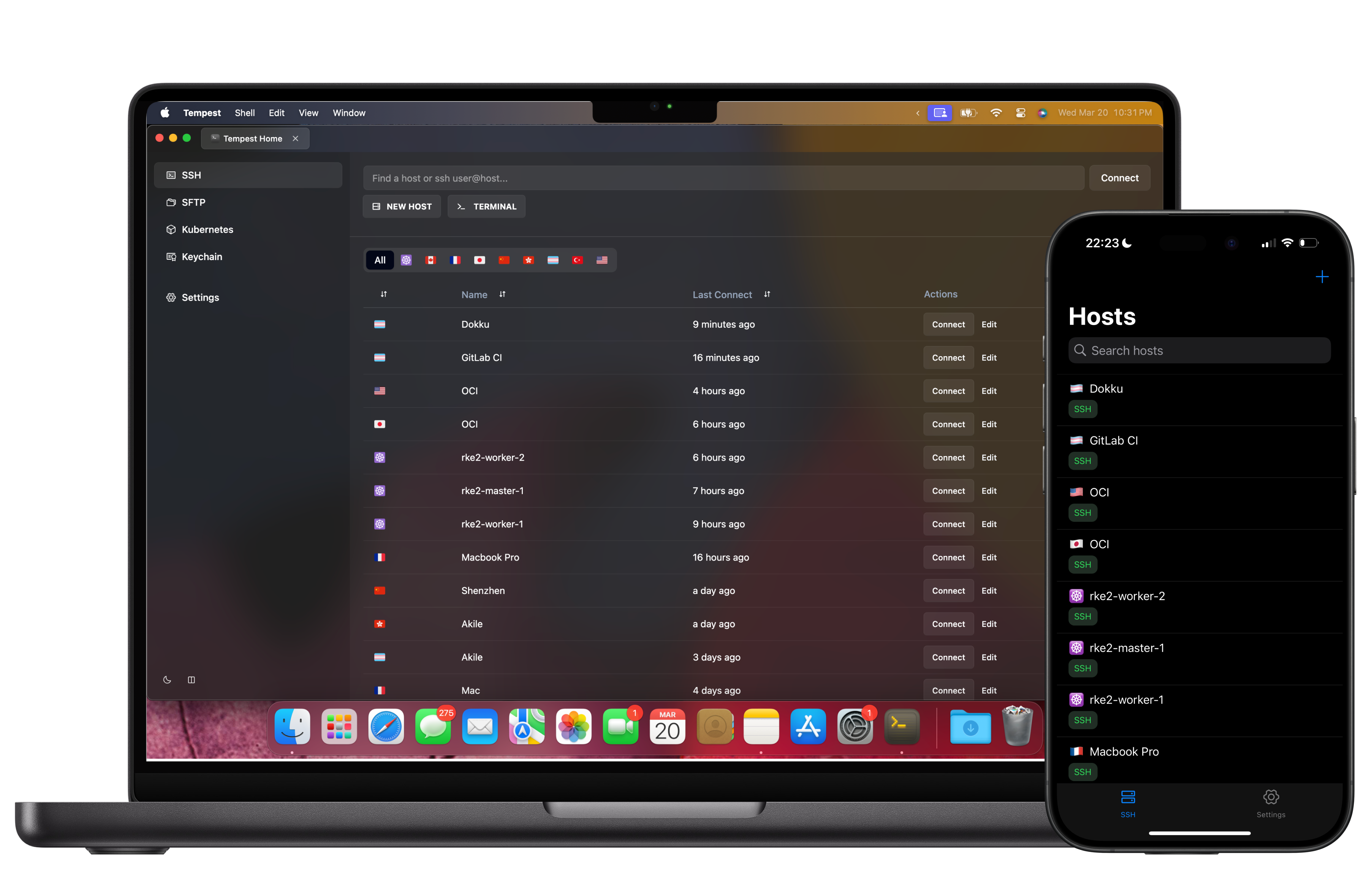
Everywhere
The same tunnels on the phone
A forward saved on the desktop is a forward on mobile, because the host document is the same document.
Frequently asked questions
- What is the difference between local, remote and dynamic forwarding?
- Local brings a remote service to a port on your machine. Remote does the opposite, publishing one of your local services on the remote host. Dynamic turns the SSH session into a SOCKS5 proxy so anything that can use a proxy routes through the remote network. Port forwarding guide
- Can I turn a tunnel off without disconnecting?
- Yes. Forwards are toggled individually from the host's port forwarding view, with counters showing how many connections are open through each.
- Do forwards work through a jump host?
- Yes. The rule belongs to the final host in the chain, and the traffic returns through every hop transparently.
- Is port forwarding a paid feature?
- Port forwarding is part of Pro. The free plan covers SSH, Mosh, SFTP, FTP, S3 and WebDAV.
- Can I tunnel a database client through this?
- That is the most common use: a local forward to the database port, then point DBeaver, psql or TablePlus at localhost. The rule stays saved for next time.