
MCP server
Your AI assistant needs a terminal, not a subprocess
Most agent setups shell out and read stdout, which is why they cannot use vim, cannot answer a password prompt, and lose the session between calls. Tempest exposes its real sessions over MCP: a VT-compliant screen an agent can read, drive and come back to.
Built into the desktop app. Pro feature.
What it exposes
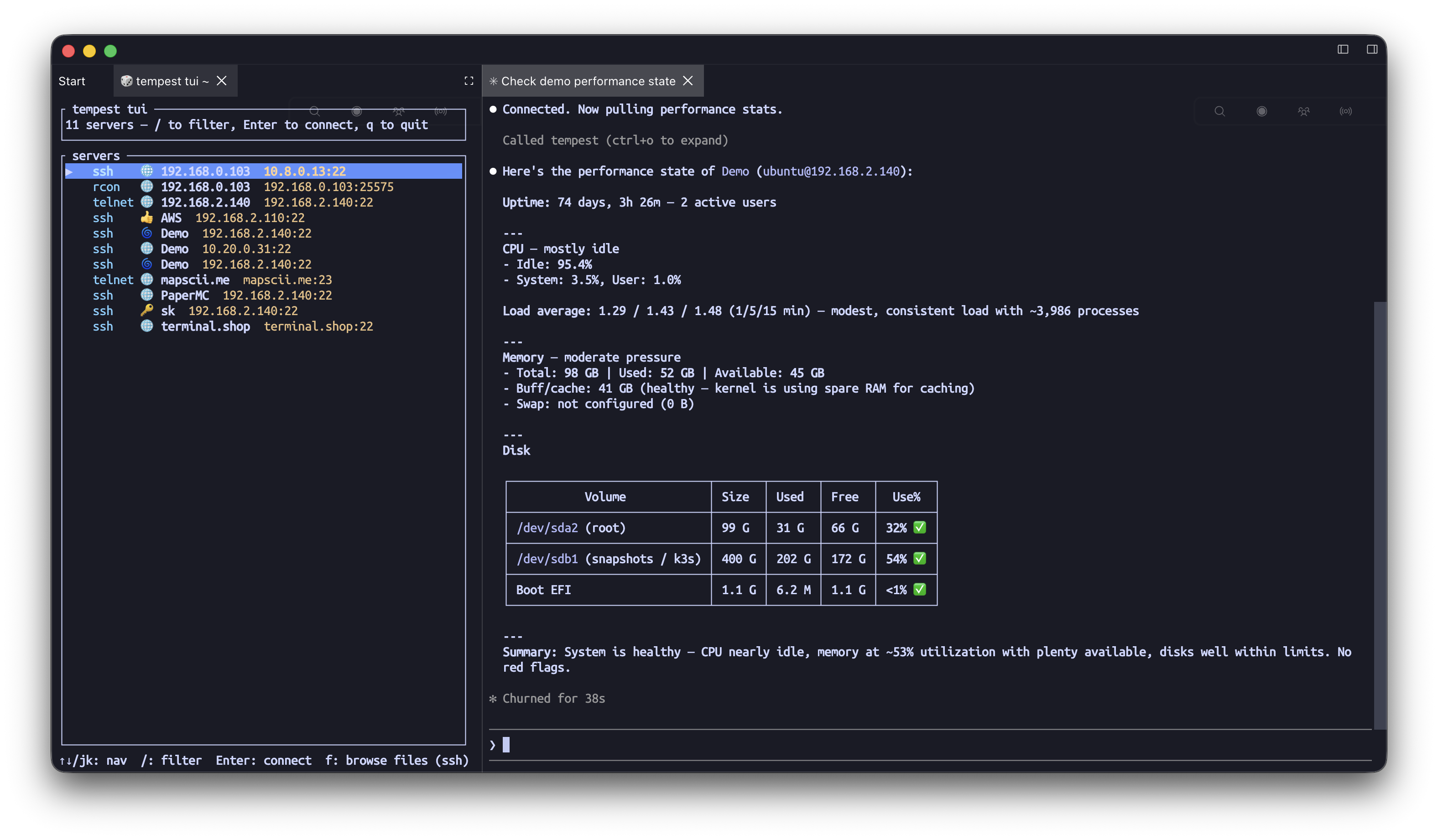
Sessions, not string commands
The server runs inside the app you already have connected, so the agent inherits everything you have set up rather than reinventing it.
Your saved SSH hosts, local shells, serial consoles, Telnet and Kubernetes pods — connected with the credentials already in your vault.
A rendered terminal screen the agent can read, so interactive programs and TUIs work instead of hanging.
Sessions persist between tool calls: a REPL or a build stays alive across the conversation.
Remote file reads and writes over SFTP without inventing a cat-and-heredoc protocol.
MCP setup guide
Setup
A port, a token, and a line in the client config
It is an HTTP MCP server on localhost, with a token, and an activity log you can watch.
Turn it on in settings, take the port and token, and paste the entry into Claude Code, Codex, Cursor or any MCP-capable client.
The token can be rotated, and the activity view shows what has been calling in.
It is off until you switch it on — nothing is listening by default.
Safety
An agent on your servers is a real decision
We would rather hand you the controls than pretend this is risk-free.
Tool calls are shown rather than hidden; the built-in agent asks before it acts on something consequential.
AI security model
The credentials stay in the vault — the agent drives a session, it is not handed your private keys.
Reusable skills let you write down the safe way to do a recurring operation, rather than re-explaining it each time.
Designing AI skills
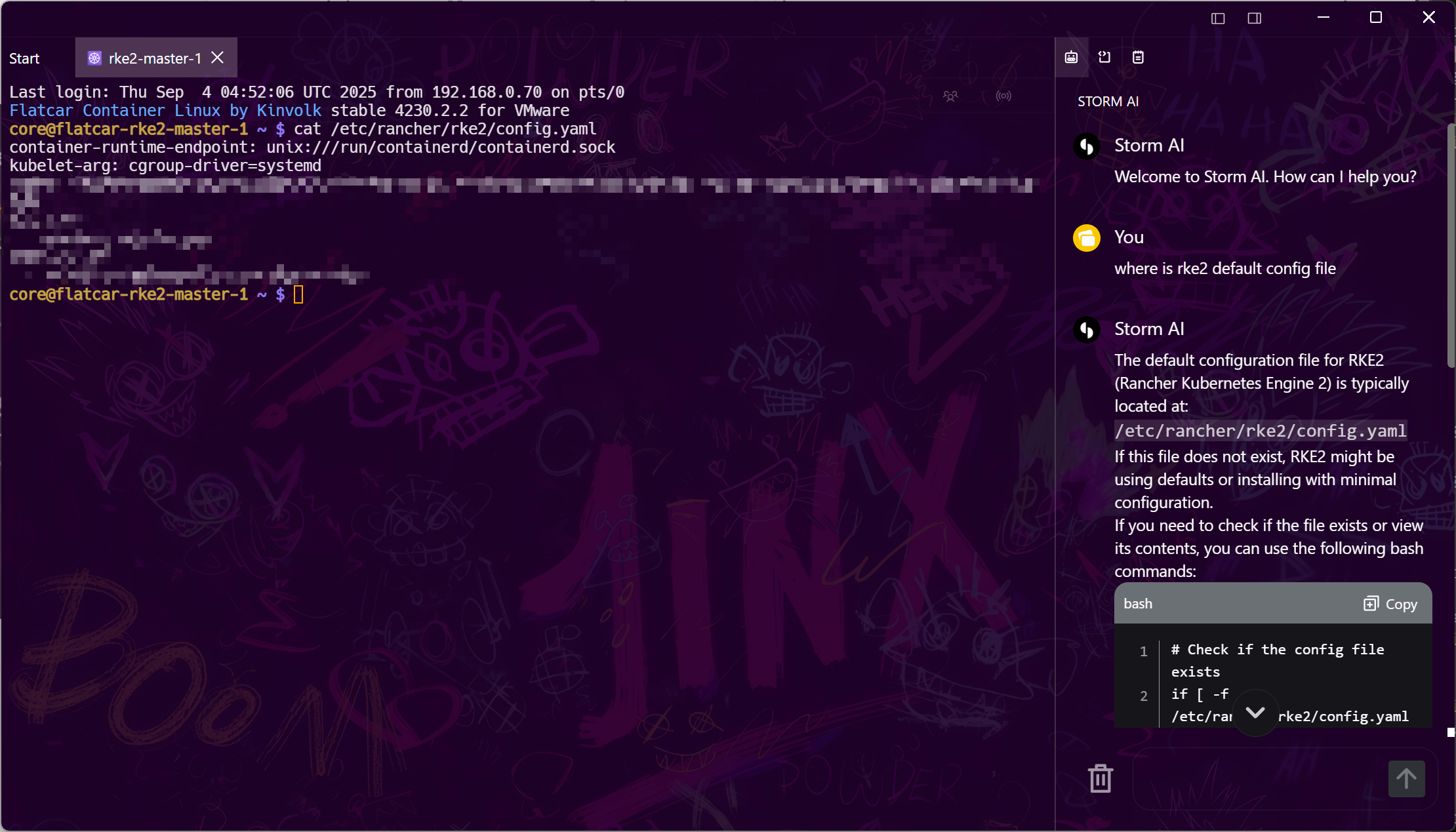
Or use the assistant built into Tempest instead, with the same session access and no external client.
Tempest AI assistant
Frequently asked questions
- Which AI clients work with it?
- Anything that speaks MCP — Claude Code, Codex, Cursor and the rest. The setup guide has the config snippets for the common ones. MCP setup guide
- Why not just let the agent run ssh itself?
- Because stdout is not a terminal. An agent shelling out cannot drive an interactive program, cannot answer a prompt, and gets a fresh shell every call. A real session with a readable screen fixes all three.
- Is it exposed to the network?
- It listens locally with a token, and it is disabled until you enable it. Rotate the token whenever you like.
- Does the agent see my passwords and keys?
- No. It asks Tempest to open or use a session; the credentials are resolved inside the app and never handed over. AI security model
- Do I need the Tempest AI subscription to use this?
- The MCP server is a Pro feature, but the model is whatever your own client is using — you are bringing your own agent.