
AI terminal
The terminal with an AI agent that sees your session
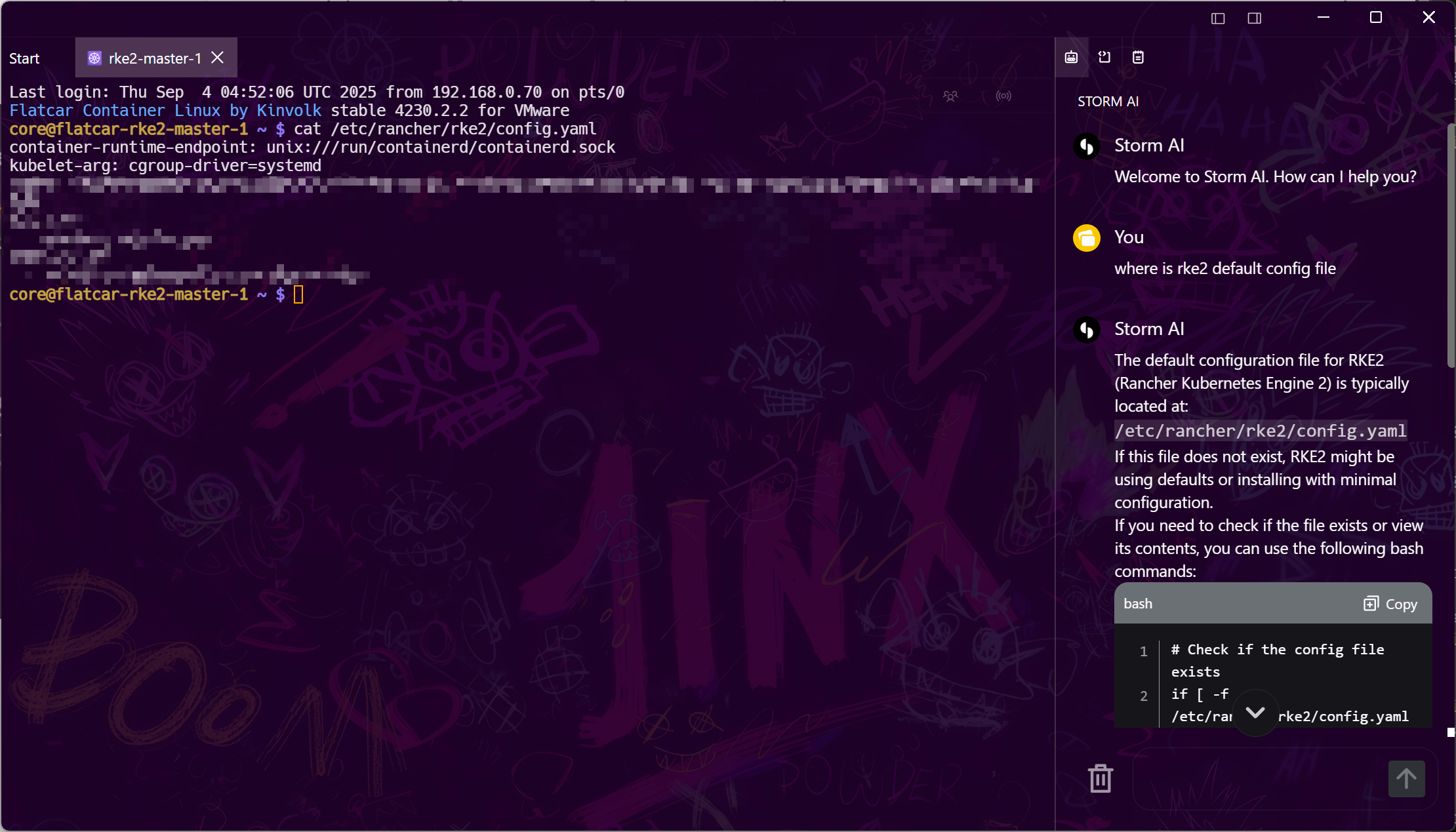
Stop copy-pasting stack traces into a chatbot in another window. Tempest's AI assistant lives inside the terminal: highlight an error, ask what happened, get the fix, and run it — in the same tab, with Claude, GPT, Gemini, or a model you host yourself.
AI is part of Tempest Pro. Windows, macOS, Linux, Android, iOS & Web.
In the loop
Explain, generate, run — without leaving the tab
The assistant works on what you give it: highlight command output, attach a file, ask a question. Answers come back as runnable commands, not prose to retype.
Your model, your keys
Claude, GPT, Gemini — or a model on your own hardware
Tempest doesn't lock you into one provider or resell tokens. Configure your API key once and requests go directly from your device to the provider — they never pass through Tempest's servers.
For agent workflows
Built for Claude Code, Codex & MCP too
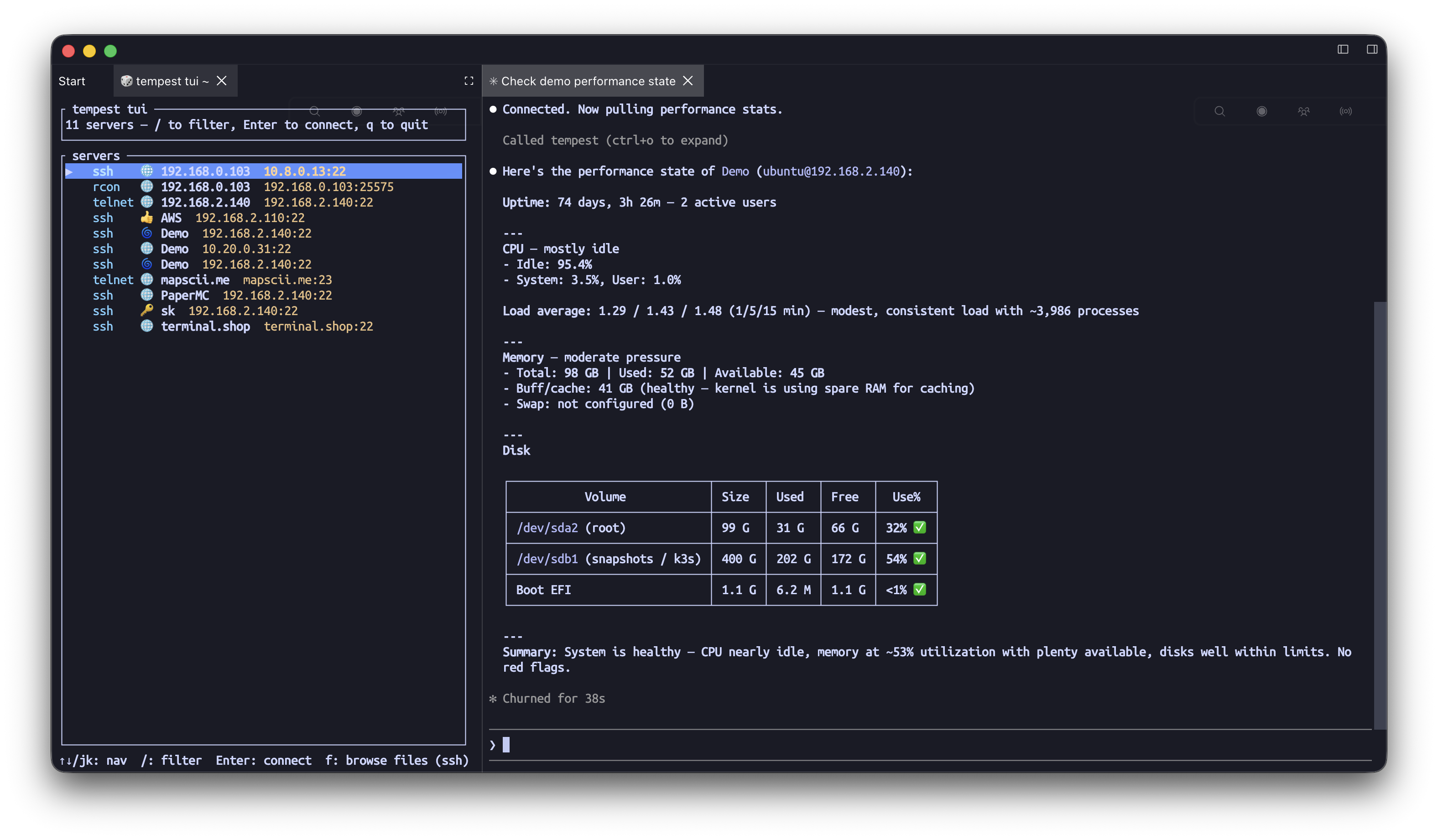
If your AI does the typing, Tempest is still the terminal it types into. Connection presets drop you straight into a coding agent on the remote host, and the Tempest MCP server lets AI clients open SSH sessions themselves.
Frequently asked questions
- What is Tempest AI?
- Tempest AI is the assistant built into the Tempest terminal. It reads the command output you highlight, explains errors, generates commands, runs them with one click, and follows up on the results — inside your SSH session instead of a separate chat window.
- Which AI models can I use?
- Anthropic Claude, OpenAI GPT, and Google Gemini — or any self-hosted OpenAI-compatible endpoint such as Ollama, vLLM, or llama.cpp. You bring your own API key and switch providers in Settings → AI.
- Does Tempest see my prompts or terminal data?
- No. AI requests go directly from your device to the provider you configured — Tempest never proxies them. The assistant only receives what you explicitly highlight, attach, or type, and with a self-hosted model nothing leaves your network at all.
- Is the AI included in the free plan?
- The AI assistant is part of Tempest Pro. The free plan covers SSH, Mosh, SFTP, FTP, S3, and WebDAV; Pro adds the AI agent, RDP, VNC, Kubernetes, Telnet, RCON, serial, and unlimited sync.
- Can I run Claude Code or Codex on a remote server with it?
- Yes — every SSH host has a Use AI Agents preset that launches Claude Code, Gemini CLI, Codex CLI, or OpenCode in a chosen directory the moment you connect. There's also a Tempest MCP server so AI clients can drive SSH sessions themselves.