X11 forwarding
X11 forwarding across desktop, mobile and tablets
Launch graphical Linux applications remotely over SSH and interact with them seamlessly on any device. From your Mac, Windows PC, or Linux laptop to your iPad and Android phone, Tempest brings remote X11 windows directly to your fingertips.
Windows, macOS, Linux, Android & iOS/iPadOS.
Truly cross-platform
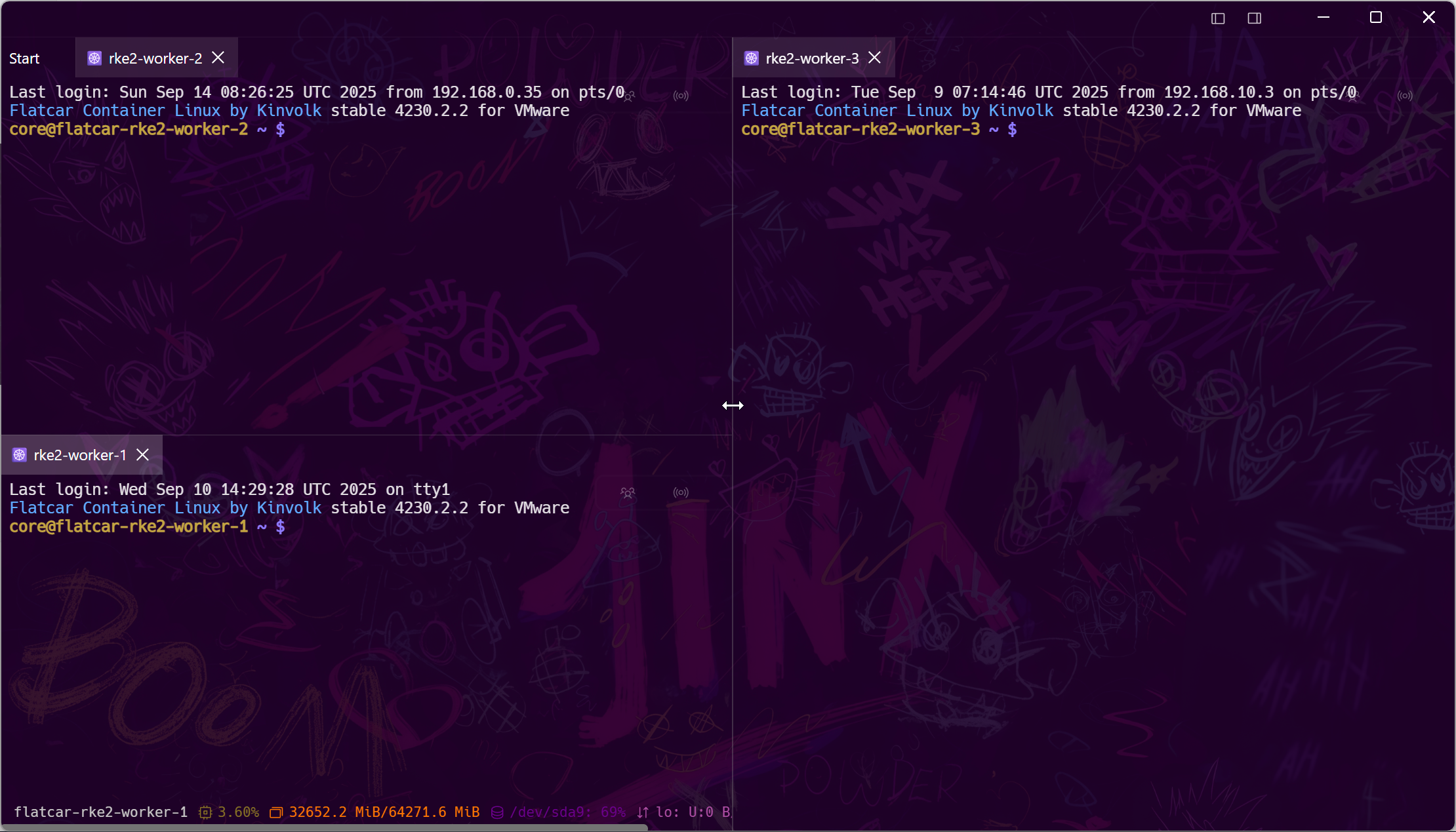
X11 on your phone and tablet, not just your PC
Unlike traditional Windows-only terminal tools, Tempest brings native X11 forwarding capabilities to all platforms. Monitor graphical tools, inspect graphs, or trigger administrative GUI dialogs on the go.
Secure networking
Encrypted tunnels, jump hosts and zero-trust bastions
Never expose raw X11 ports to untrusted networks. Tempest routes all graphical traffic through authenticated, encrypted SSH channels with full support for recursive jump hosts.
Unified workspace
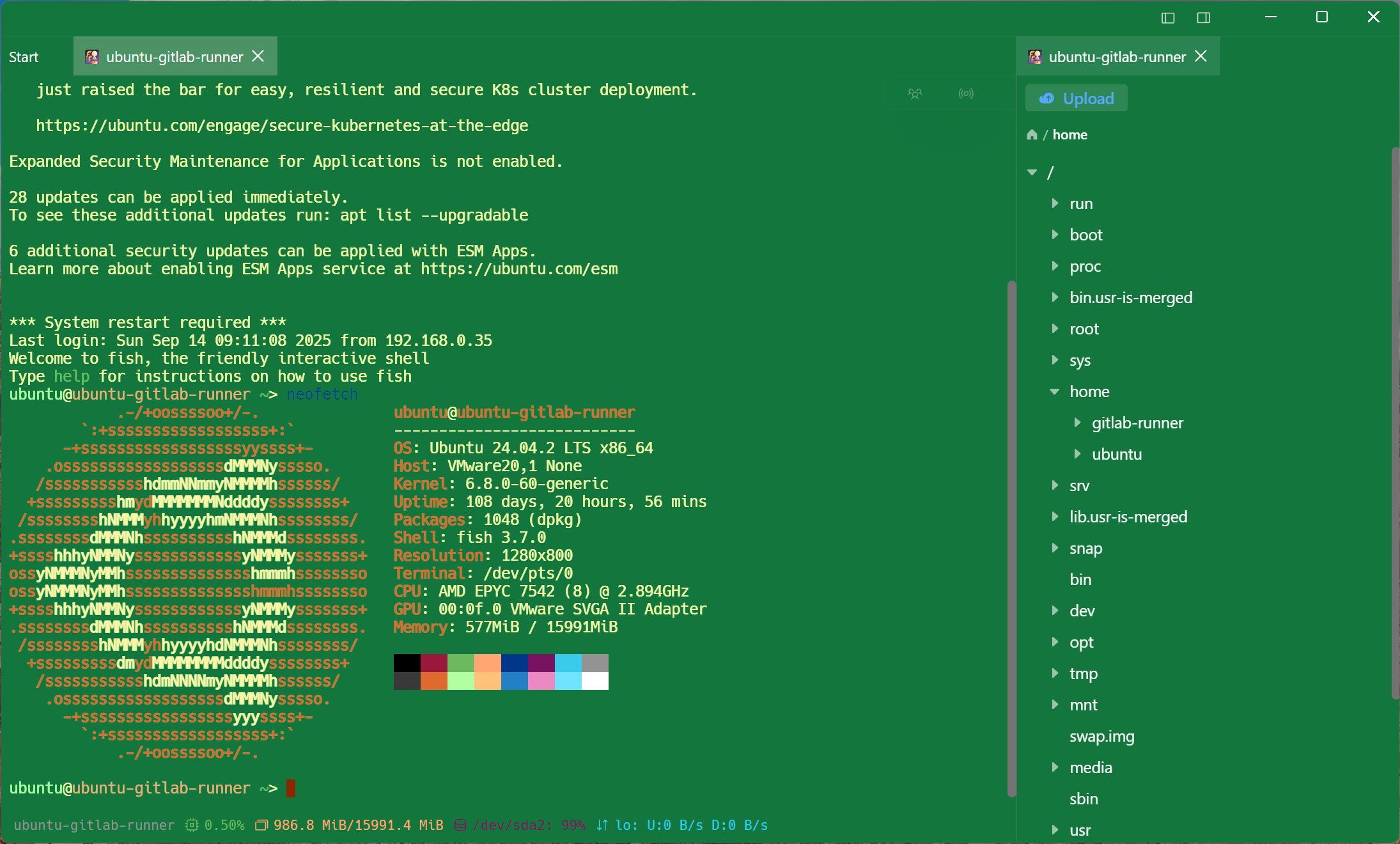
Run remote GUI tools right alongside your terminal
Launch Wireshark, virt-manager, GIMP, or custom diagnostic tools directly from your shell without configuring heavy VNC or remote desktop services.
Frequently asked questions
- Can I use X11 forwarding on mobile phones and tablets?
- Yes. Tempest supports X11 forwarding on Android, iOS, and iPadOS as well as Windows, macOS, and Linux, allowing you to access remote GUI applications from any device.
- How do I enable X11 forwarding in Tempest?
- Edit your saved SSH host, toggle 'X11 Forwarding' to ON, optionally specify an X11 socket or display if required, and connect. Remote GUI programs will forward to your local display. Step-by-step X11 forwarding guide
- Does Tempest require a separate VNC server to display remote GUI apps?
- No. X11 forwarding tunnels individual application windows over your SSH connection, avoiding the need to install or configure a separate VNC server on the remote machine.
- Can X11 forwarding route through an SSH bastion or jump host?
- Yes. Tempest's jump host chaining transparently tunnels the SSH session and X11 forwarding through any number of intermediate bastions.