
RDP client for Mac
RDP on the Mac, in the same app as everything else
Windows Server via RDP, the Linux fleet via SSH, the switch via serial — a real estate is mixed, and juggling Microsoft's Windows App plus a terminal plus an SFTP client is friction you feel daily. Tempest puts RDP consoles in the same grid as your terminals and file managers, with every profile synced and end-to-end encrypted.
Native on Apple Silicon and Intel. Also on Windows, Linux & mobile.
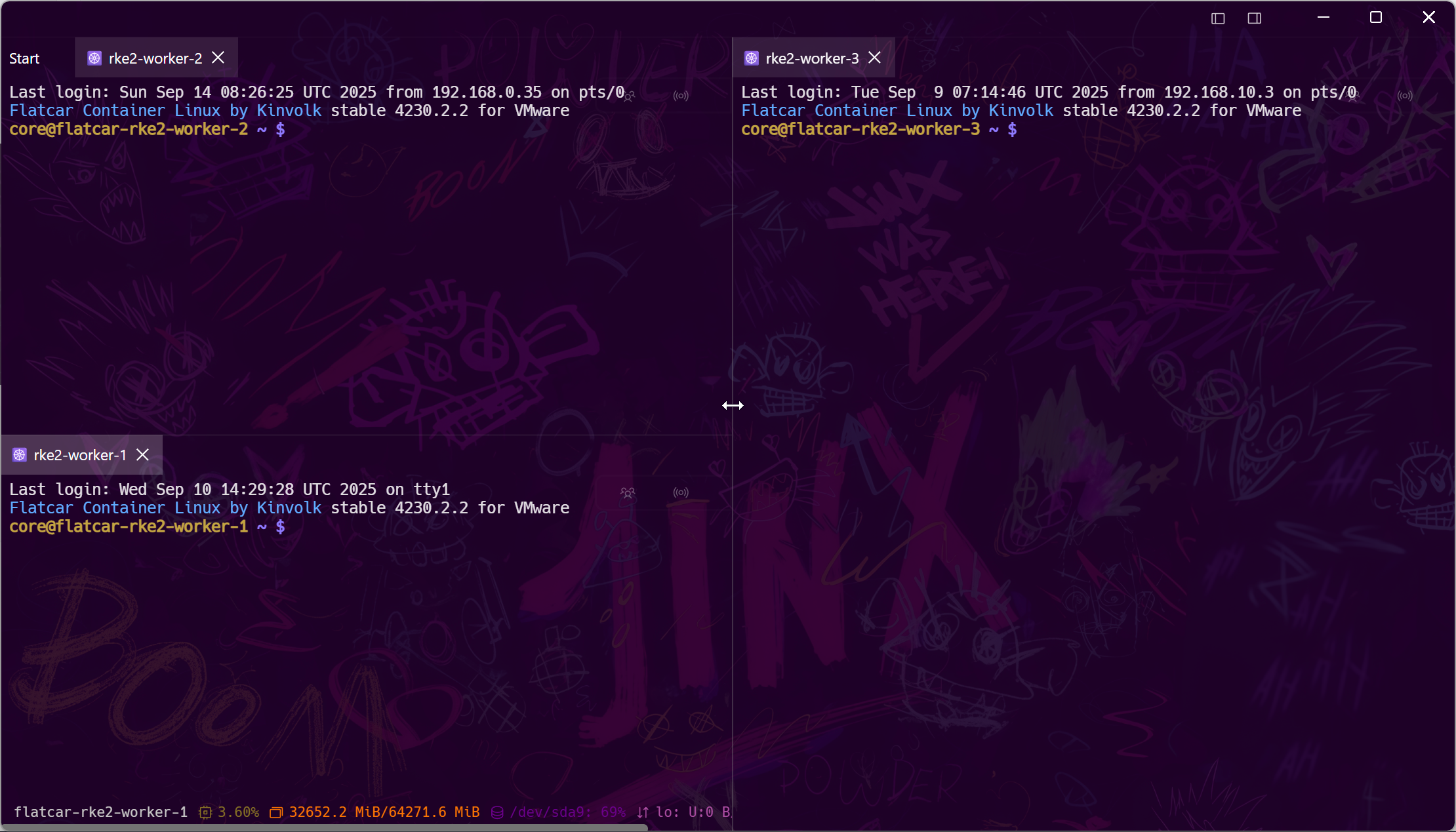
One grid
RDP, VNC, SSH, and files — one window
Like a Dell iDRAC view for your whole infrastructure: the Windows desktop, the Linux shell, and the file transfer all visible at once.
Profiles, not prompts
Saved, synced, encrypted connections
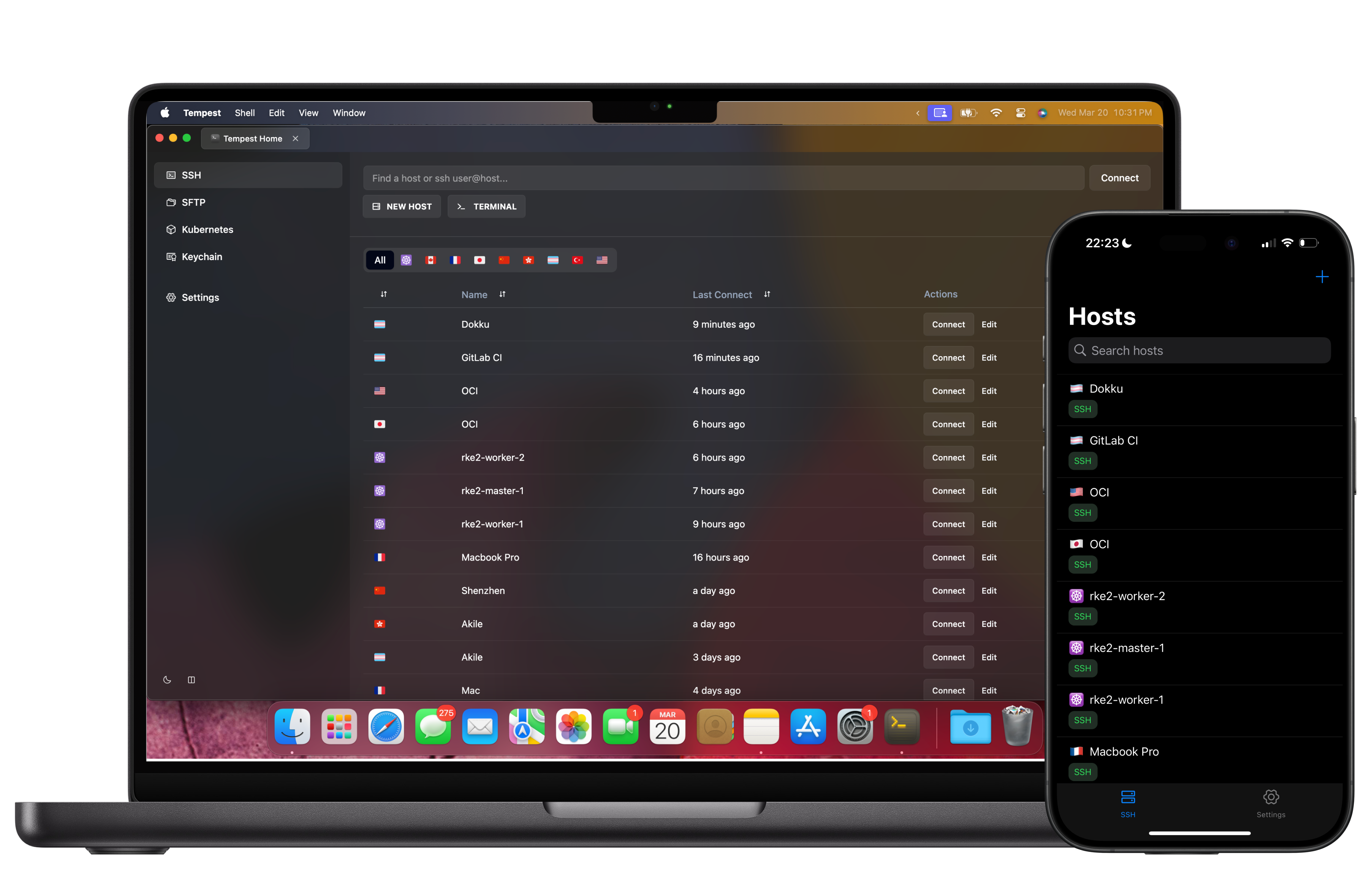
Every RDP host lives in the same zero-knowledge encrypted profile store as your SSH hosts — synced to your other Macs, your PC, and your phone.
Reach private hosts
Tunnel RDP through SSH without a second tool
The Windows box is behind a bastion? Port-forward through the jump host and open the RDP session — all inside Tempest.
Frequently asked questions
- Does Tempest support RDP on Apple Silicon Macs?
- Yes — the macOS app is native on M-series chips and Intel, and RDP sessions run in the same window as SSH, VNC, SFTP, and serial sessions.
- How does this compare to Microsoft's Windows App (Remote Desktop)?
- Microsoft's client does RDP only. Tempest does RDP plus everything around it — SSH, SFTP, VNC, serial, Kubernetes — with encrypted profile sync across devices, so mixed Windows/Linux management stays in one app.
- Is RDP in the free plan?
- RDP is a Pro feature. The free plan covers SSH, Mosh, SFTP, FTP, S3, and WebDAV; Pro adds RDP, VNC, Kubernetes, Telnet, RCON, serial, unlimited sync, and the AI agent.
- Can I RDP to a machine that's not exposed to the internet?
- Yes — tunnel through an SSH jump host or port forward inside Tempest, or ride a zero-trust path like Tailscale or Cloudflare Access.
- Does it work on Windows and Linux too?
- Yes — the same RDP support ships on every desktop platform, so your profiles work wherever you sit down.