
VNC client
One VNC client for every screen you manage
Linux desktops, macOS Screen Sharing, KVM-over-IP consoles — VNC is still how half the datacenter shows you its screen. Tempest opens those sessions in the same grid as your SSH terminals, SFTP panes, and RDP desktops, with every connection profile synced under zero-knowledge encryption.
Part of Tempest Pro. Windows, macOS, Linux, Android, iOS & Web.
One grid
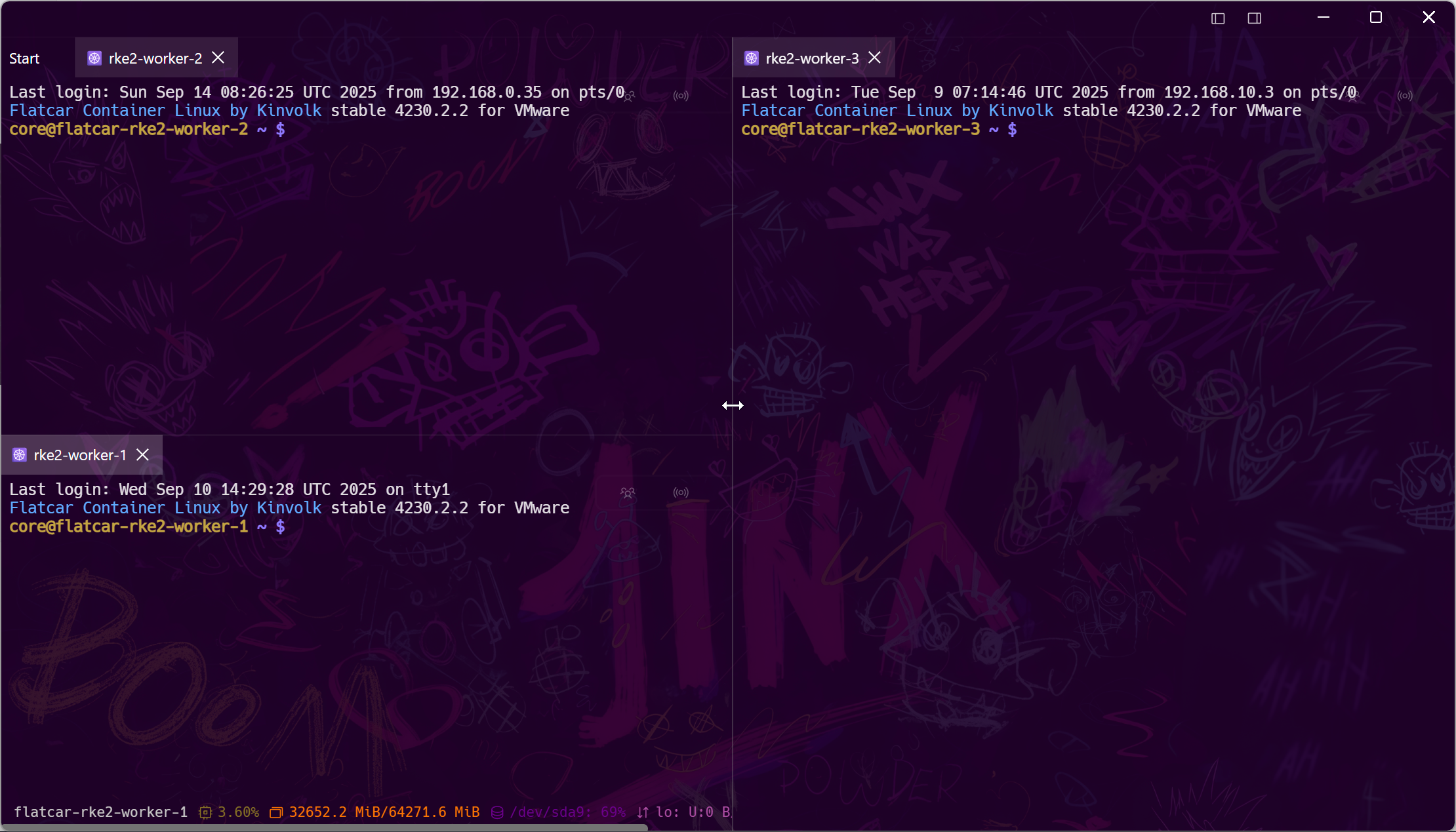
VNC next to the shell that fixes it
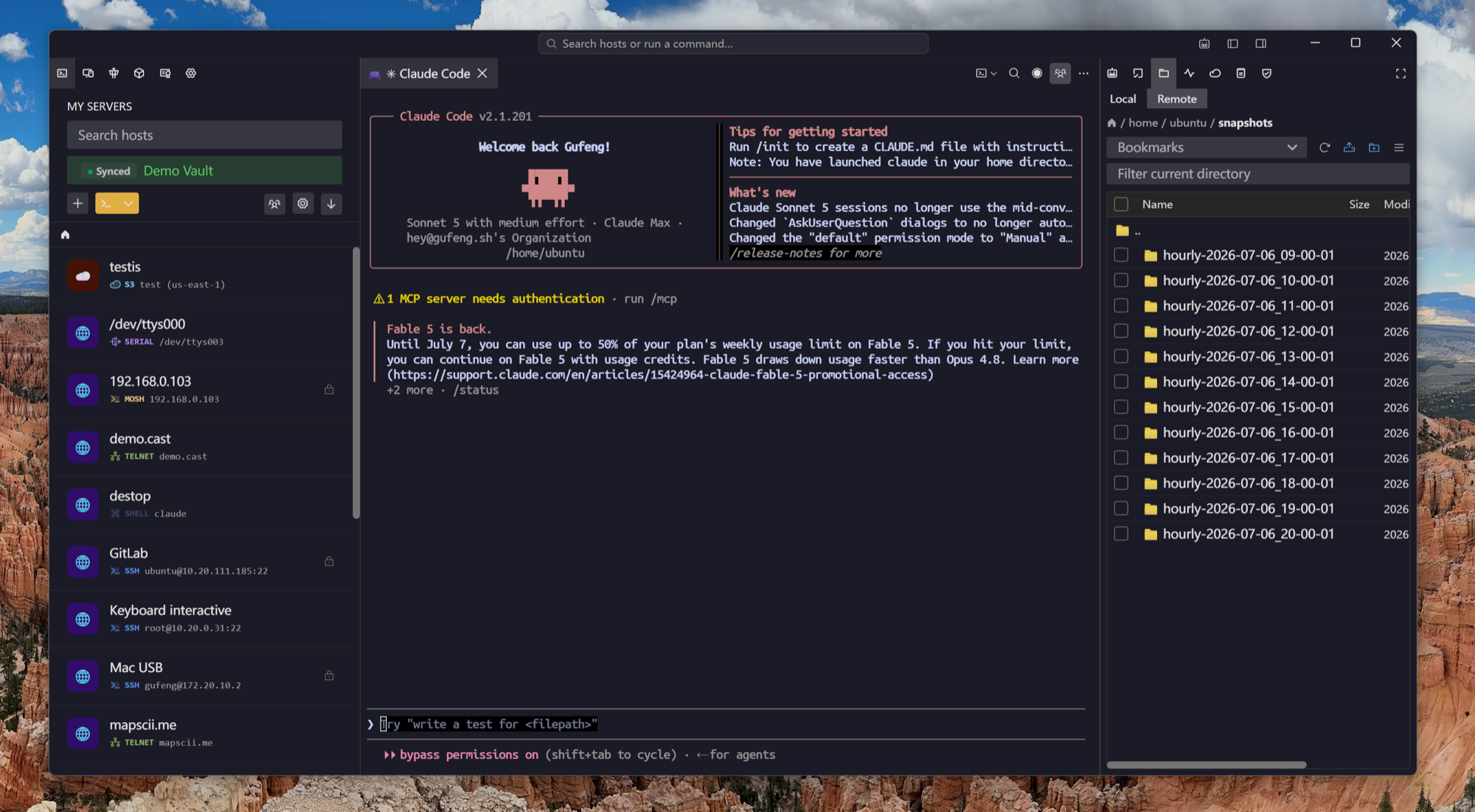
A frozen desktop usually gets diagnosed from a terminal beside it. Tempest splits them side by side — VNC console, SSH session, file manager — one window, one host list.
Every platform
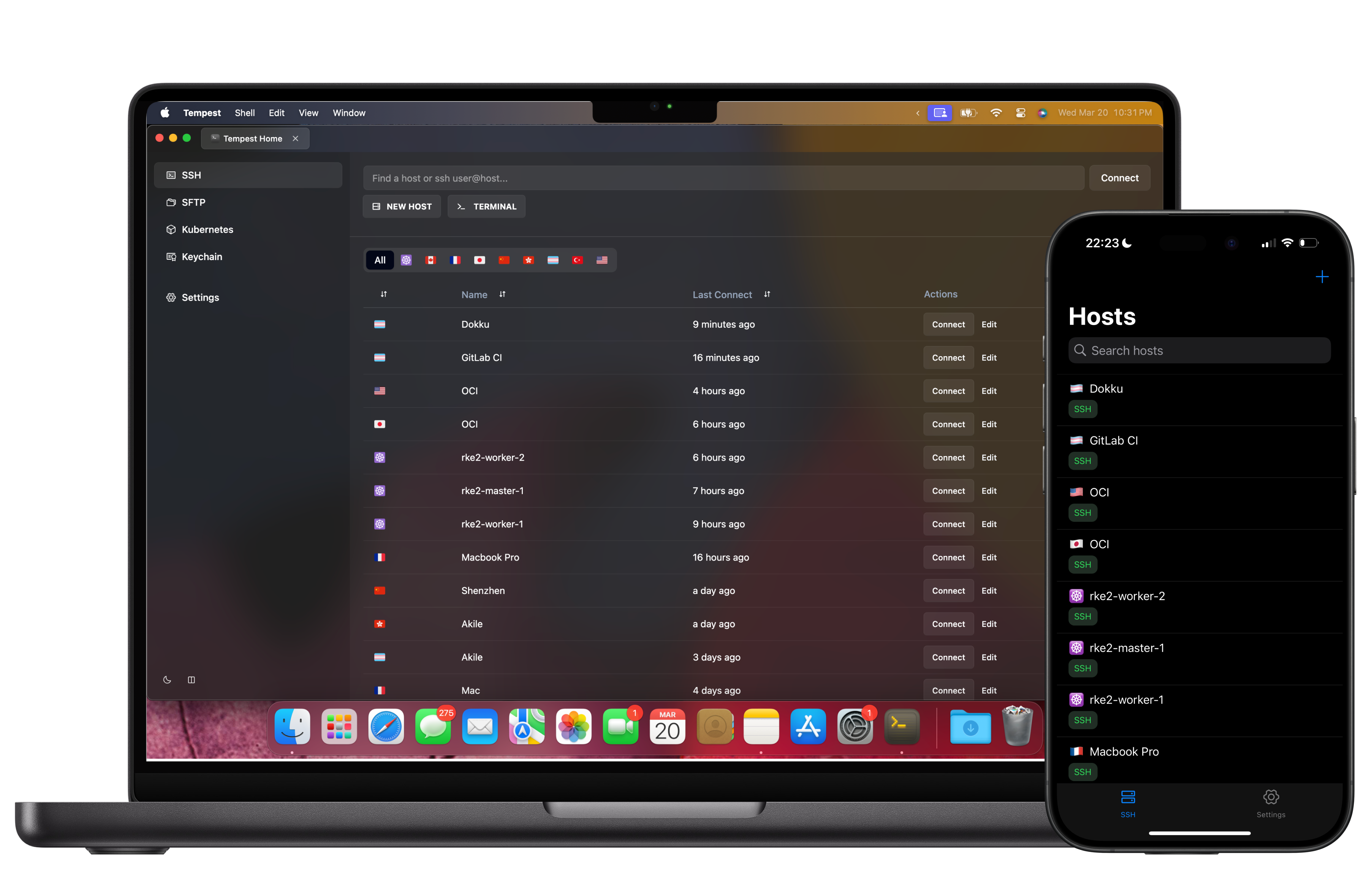
The same viewer on your desk and in your pocket
One host list on Windows, macOS, Linux, Android, and iOS — plus the browser edition on self-hosted and Enterprise deployments. Add a VNC host once and it's already on your phone when a screen needs checking from the train.
Private hosts
VNC is cleartext by default — tunnel it
Classic VNC ships with weak or no encryption, which is why it usually hides behind SSH. Tempest wraps VNC in the same tunneling your terminals already use, so the insecure segment never touches the open network.
Frequently asked questions
- Which platforms can I run Tempest's VNC client on?
- Windows, macOS (Apple Silicon and Intel), Linux, Android, and iOS — plus the browser edition on self-hosted and Enterprise deployments. Profiles sync between all of them.
- VNC or RDP — which should I use?
- RDP is Windows' native protocol and generally faster for full Windows desktops; VNC is the lingua franca everywhere else — Linux desktops, macOS Screen Sharing, KVM/IPMI consoles, embedded devices. Tempest speaks both, in the same grid, so you don't have to choose an app per protocol.
- Can I connect to a Mac with it?
- Yes — macOS's built-in Screen Sharing is VNC-based. Enable Screen Sharing in System Settings on the Mac, then add it in Tempest as a VNC host.
- Is VNC included in the free plan?
- VNC is a Pro feature. The free plan covers SSH, Mosh, SFTP, FTP, S3, and WebDAV; Pro adds VNC, RDP, Kubernetes, Telnet, RCON, serial, unlimited sync, and the AI agent.
- Can I reach a VNC server behind a firewall or VPN?
- Yes — tunnel through an SSH bastion with saved port-forwarding rules, or ride zero-trust networks like Tailscale and Cloudflare Access, all inside Tempest. That also fixes VNC's missing encryption.